Getly
E-books
FREE Demo: Windows Network Diagnostics (one PowerShell script)
Este anuncio se muestra en su idioma original (inglés).
Free working sample of the paid toolkit. Run one command, get adapters, Wi-Fi state, routes and DNS. No admin rights needed.
Qué recibes: 1 archivo · 1.68 KB · ZIP
Consíguelo gratisDescripción del producto
This is the free demo of the paid Windows Automation Toolkit. It is the network diagnostics script, working, complete, no strings attached.
WHAT IT DOES
Run one command and it prints the four things you actually check when the internet misbehaves: network adapters with their real chipset names, the current Wi-Fi profile, the default route, and the DNS servers.
WHAT YOU NEED
Windows 10 or 11. PowerShell 5.1, which is bundled with Windows. No administrator rights. No installation.
HOW TO RUN
powershell -ExecutionPolicy Bypass -File .\diagnostika-seti.ps1
To keep the output to a file you can attach to a support ticket:
powershell -ExecutionPolicy Bypass -File .\diagnostika-seti.ps1 *> otchet.txt
WHAT IT IS A SAMPLE OF
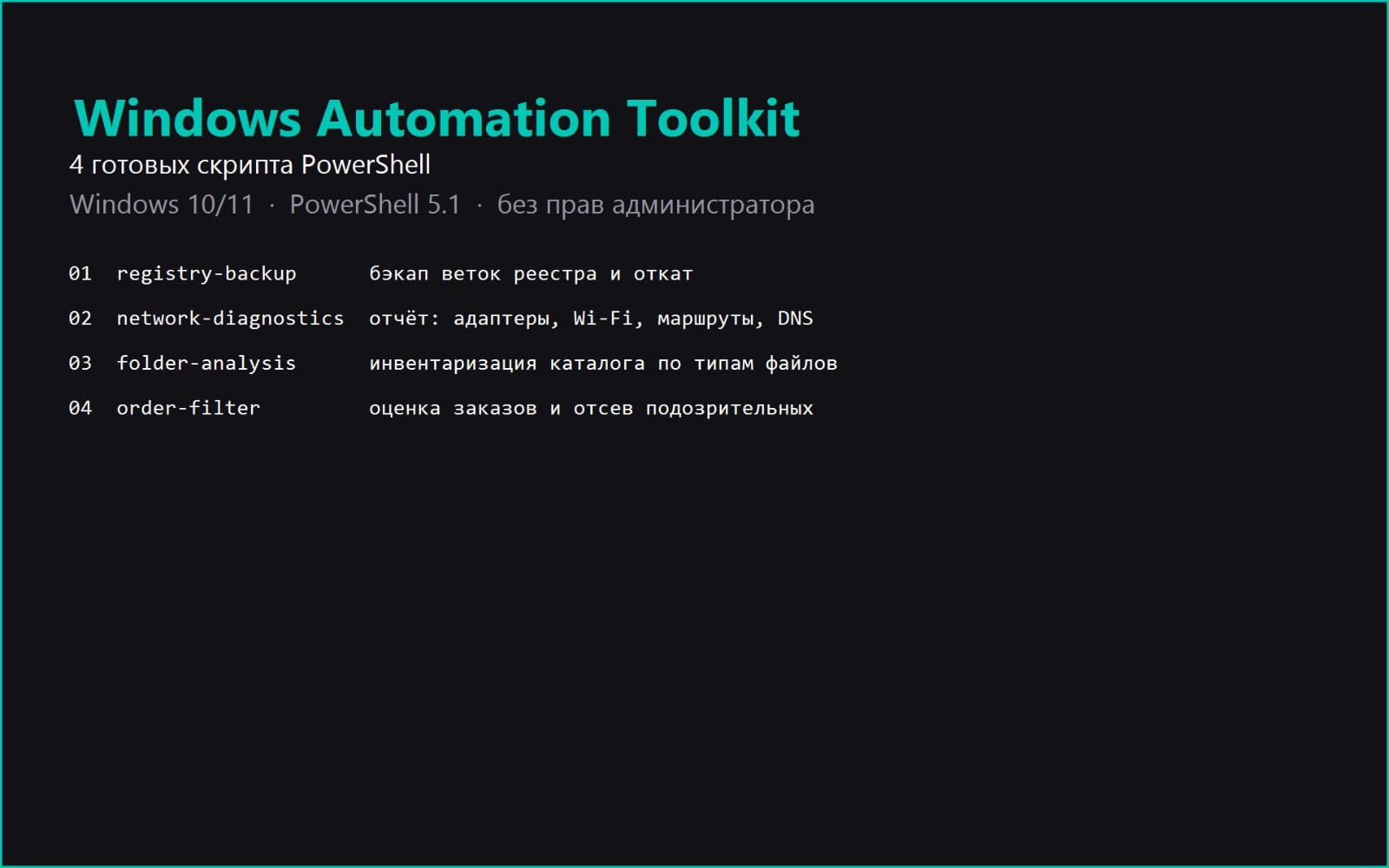
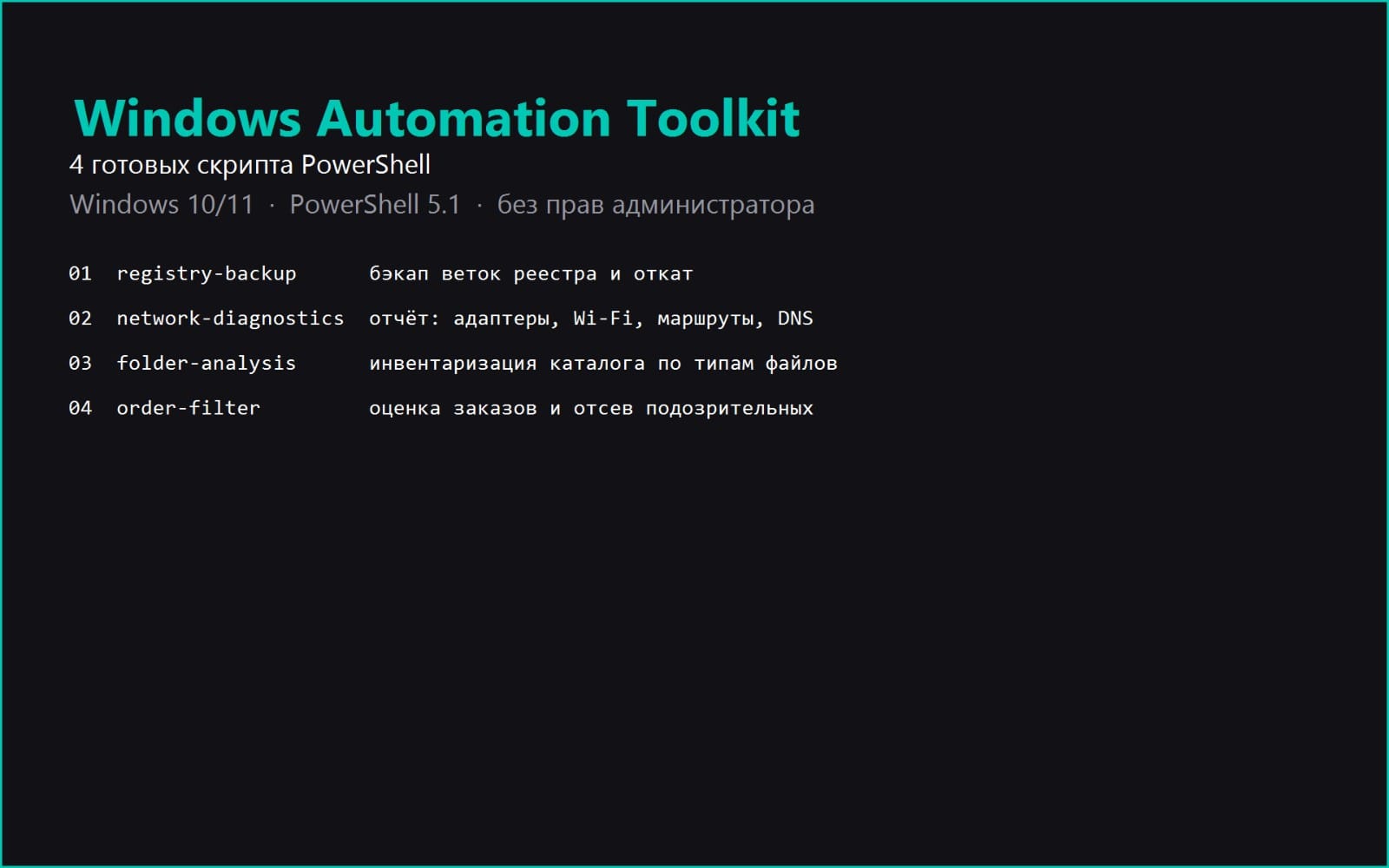
The paid toolkit bundles four tested scripts: registry backup with rollback, this network diagnostics script, folder analysis, and a freelance order filter. Each one in the full version also ships with an instruction file covering how to read the output, a table of common errors, and a sample output from a real run.
ONE THING WORTH KNOWING IF YOU RUN IT
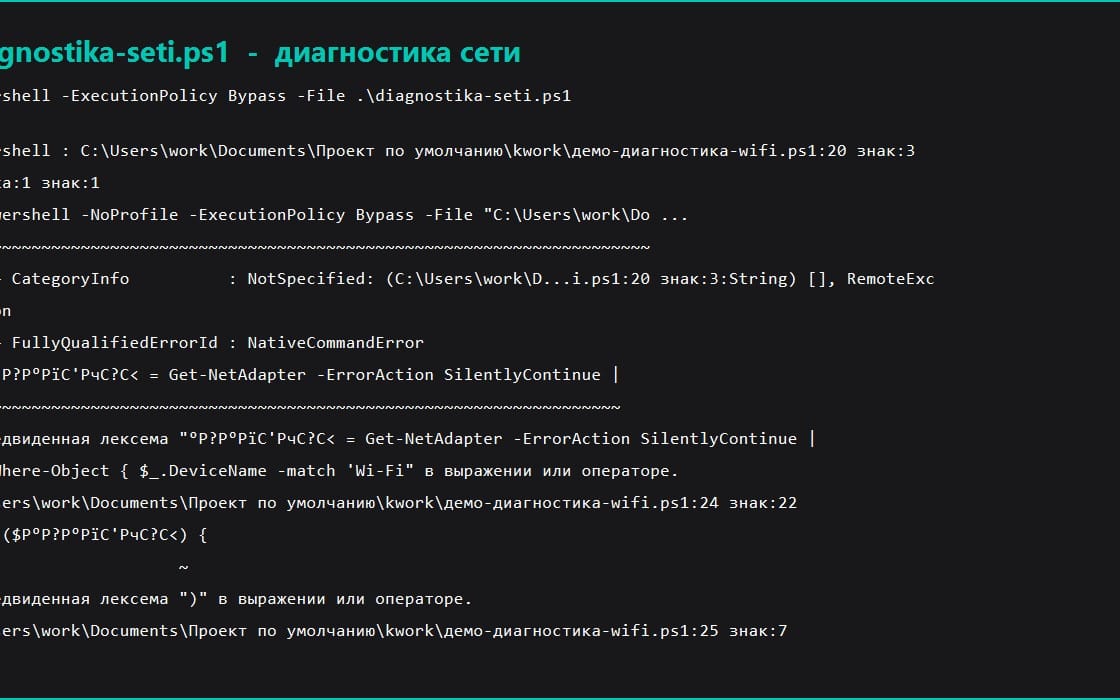
The first version of this script searched for your Wi-Fi adapter by the connection name looking for the word Wi-Fi. On a Russian Windows that field reads 'Wireless Network', so the script reported no adapters on a perfectly working network. It now searches the chipset name instead, which is not translated. This is mentioned because you will see the same class of problem in plenty of scripts sold online.
It only reads state and never changes anything, so it is safe to run on a machine that is not yours.
Qué recibes
1 archivo · 1.68 KB
- FREE-DEMO-network-diagnosis.zipZIP · 1.68 KB
E-books
FREE Demo: Windows Network Diagnostics (one PowerShell script)
Este anuncio se muestra en su idioma original (inglés).
Free working sample of the paid toolkit. Run one command, get adapters, Wi-Fi state, routes and DNS. No admin rights needed.
Al continuar aceptas los Términos del servicio.
Descarga inmediata
Etiquetas
Preguntas frecuentes
¿Tengo acceso al instante?
Sí. Es un producto digital: puedes descargarlo justo después del pago, directamente desde tu biblioteca.
¿Puedo usarlo en proyectos comerciales?
Sí. Se permite el uso comercial: úsalo en tu propio negocio y en cosas que vendas. No puedes revender ni redistribuir el archivo en sí.
¿Cuál es vuestra política de reembolso?
Puedes pedir un reembolso dentro de 30 días. Si algo no va bien, solicítalo desde tu pedido y el equipo de Getly lo revisa.
¿Qué formatos y tamaños de archivo recibiré?
Descargarás 1 archivo - ZIP - 1.68 KB en total.
¿Recibo actualizaciones gratis?
Sí: cuando el vendedor publica una versión nueva, puedes volver a descargar los archivos más recientes desde tu biblioteca sin coste extra. Mira el registro de cambios para ver las últimas actualizaciones.
Precio
Gratis