 Getly
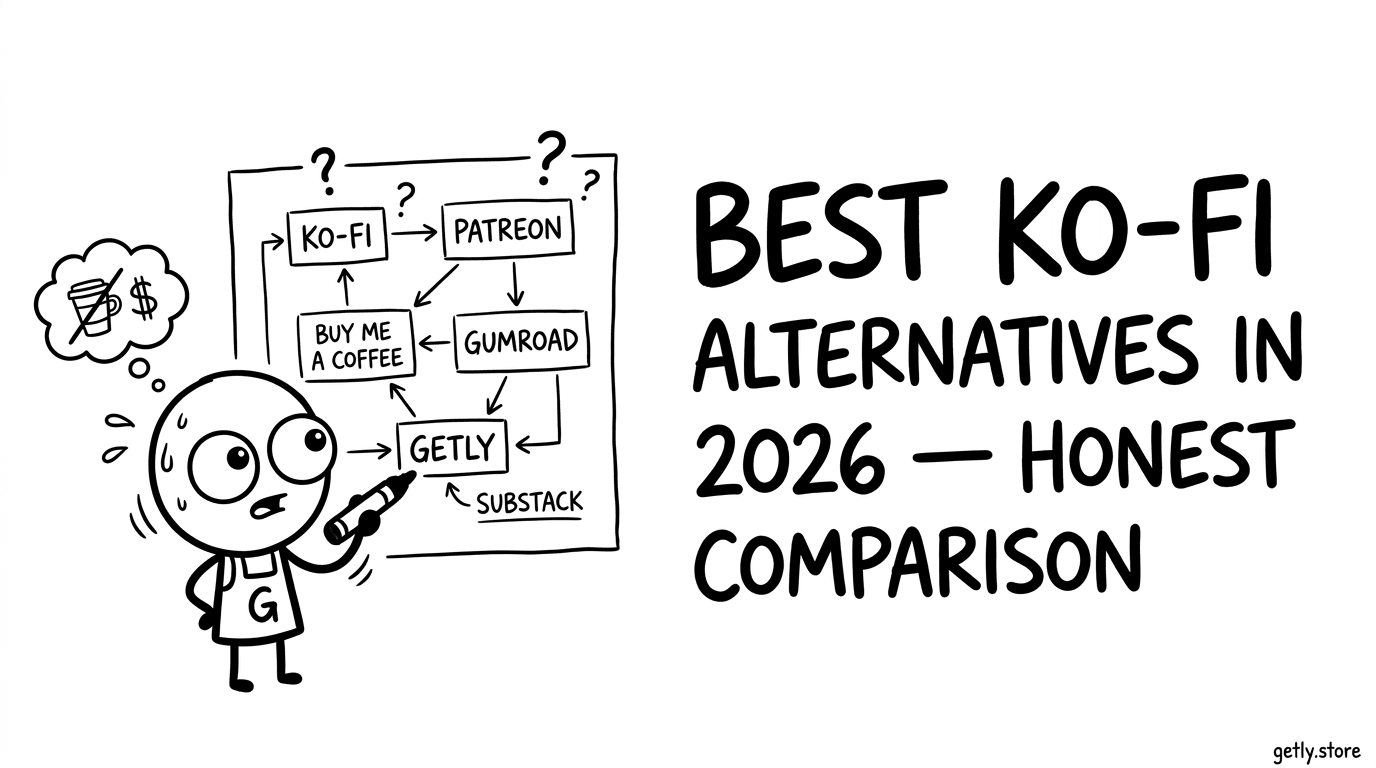
Short answer: Ko-fi is hard to beat for one-off tips, because it takes nothing from them. It stops being the obvious choice when you sell a catalogue of files, when you want buyers who have never heard of you, or when the payout services Ko-fi relies on do not reach your country. This page compares Ko-fi with Buy Me a Coffee, Gumroad, Payhip, Beacons, Stan Store and Getly on those three points, with the fee math worked out at $10, $50 and $200. Fees checked in November 2026; plans change, so confirm on each platform's own pricing page before you move.
What Ko-fi charges in 2026
Ko-fi splits its pricing by what is being paid for. One-off donations, the "buy me a coffee" style tip, carry no Ko-fi fee on the free plan. Shop sales, commissions and memberships on the free plan carry a 5% platform fee. Ko-fi Gold is a monthly subscription that removes that 5% and adds customisation; its price has changed over the years, so check ko-fi.com/gold for today's figure rather than a number quoted in a blog post.
On top of Ko-fi's own fee, the payment processor takes its cut. Ko-fi pays you through Stripe or PayPal, and a typical US card payment through Stripe costs 2.9% plus 30 cents. That processing fee is the part most comparisons forget, and on a small sale it is bigger than the platform fee.
The alternatives, ranked by what you sell
| Platform | Platform fee per sale | Monthly price | Buyers find you there | Payout rails | Best for |
|---|---|---|---|---|---|
| Ko-fi | 0% on tips; 5% on shop, commissions and memberships (free plan) | Free, Gold optional | Mostly your own audience | Stripe, PayPal | Tips and a small shop for an existing audience |
| Buy Me a Coffee | 5% on everything | None | Mostly your own audience | Stripe | Supporters and memberships with one simple fee |
| Gumroad | 10% + 50 cents on your own sales | None | Some, through Discover (higher fee) | Bank, PayPal | Creators already used to Gumroad's checkout |
| Payhip | 5% on the free plan, lower on paid plans | Free, or paid plans | Mostly your own audience | Stripe, PayPal | Ebooks and courses sold from your own site |
| Beacons | 9% on the free and $10 plans, 0% from the $30 plan | $0 / $10 / $30 / $100 | Mostly your own audience | Stripe, PayPal | A link-in-bio page with a store attached |
| Stan Store | 0% | $29 or $99 | Mostly your own audience | Stripe, PayPal | Steady sellers who prefer a fixed monthly cost |
| Getly | You keep 80-90% (see below); card processing is included | None | Yes, a marketplace with search and categories | USDT or USDC on BNB Smart Chain or Tron | A catalogue of files, buyers beyond your audience, sellers outside Stripe and PayPal countries |
Getly's rate is tiered rather than flat. A new store keeps 90% of every sale for its first 90 days. After that the base is 80%, and it rises with last month's sales: 83% from $500, 85% from $2,000 and 88% from $10,000. A sale that comes from your own link, your own website button or your Telegram store keeps 90% regardless. Getly is the merchant of record, so card processing and sales tax on the buyer's side are inside that split rather than added on top.
The fee math at $10, $50 and $200
What you keep from one sale, after the platform fee and a typical US card processing fee of 2.9% plus 30 cents where the creator pays it. Payout transfer fees are left out because they depend on your country and method.
| Platform | $10 sale | $50 sale | $200 sale |
|---|---|---|---|
| Ko-fi, one-off tip (free plan) | $9.41 | $48.25 | $193.90 |
| Ko-fi, shop sale (free plan, 5%) | $8.91 | $45.75 | $183.90 |
| Buy Me a Coffee (5%) | $8.91 | $45.75 | $183.90 |
| Beacons free plan (9%) | $8.51 | $43.75 | $175.90 |
| Getly, base rate (80%) | $8.00 | $40.00 | $160.00 |
| Getly, first 90 days or your own traffic (90%) | $9.00 | $45.00 | $180.00 |
Read it honestly: on tips from people who already follow you, Ko-fi leaves you the most money, and Getly's base rate is lower than Ko-fi's shop fee. Getly's 90% on your own traffic lands close to Ko-fi's shop sale. The difference Getly is built for is not the percentage on a sale you would have made anyway. It is the sale you would not have made, from a buyer who found the product in a marketplace, and the payout you could not have received at all.
If Stripe and PayPal do not pay out where you live
Ko-fi, Buy Me a Coffee, Beacons and Stan Store all pay creators through Stripe or PayPal. Neither service pays out in every country; creators in Pakistan and Bangladesh, for example, regularly find that neither is available to them. For them the comparison above is academic: the fee does not matter if the money cannot arrive.
Getly pays sellers in stablecoins, USDT or USDC, on BNB Smart Chain (from $5) or Tron (from $15), on the 1st and 15th of every month. No KYC is needed to receive a crypto payout. Buyers still pay normally, by card or crypto, so your customers do not need a wallet.
Choose Ko-fi if
- Most of your income is one-off tips from people who already follow you. A 0% fee on tips is the best deal in this table.
- Your shop is a handful of items for that same audience and you do not need anyone new to find them.
- Stripe or PayPal pays out in your country without trouble.
Choose Getly if
- You sell many files (templates, presets, brushes, assets, ebooks) and want them in a marketplace with search and categories, not only behind your own link.
- You live where Stripe or PayPal does not pay creators and want USDT or USDC instead.
- You want no monthly fee and a rate that improves as you sell, with 90% on everything you bring yourself.
How to move from Ko-fi to Getly
- Create a store and list your files. Each product needs a cover image, a description and the file itself; the listing goes live after a short review.
- Add your payout wallet in Settings, Payments. Pick BNB Smart Chain if your sales are small: the minimum is lower and transfers cost about ten cents.
- Share your store link, or your personal link, in the places your Ko-fi link lived. Sales from that link keep 90%.
- Keep Ko-fi for tips if they work for you. Nothing stops you running both.
Frequently asked questions
Is Ko-fi really free?
For one-off tips on the free plan, Ko-fi takes no platform fee; the payment processor still takes its share. Shop sales, commissions and memberships on the free plan pay 5% unless you subscribe to Ko-fi Gold.
What is a free alternative to Ko-fi?
None of these platforms is free per sale once you count processing. Getly has no monthly fee and no listing fee; it earns only a share of each sale, and card processing is included in that share.
Can I sell digital downloads without Stripe or PayPal?
Yes. On Getly your buyers pay by card or crypto. Your own payout arrives as USDT or USDC in your wallet, which needs no Stripe or PayPal account where you live.
Do I have to leave Ko-fi to use Getly?
No. Many creators keep a tip page on Ko-fi and sell their files where buyers browse. The two do not conflict.
Preguntas frecuentes
Why are creators leaving Ko-fi?
What is the cheapest Ko-fi alternative?
Can I import my Ko-fi products to Getly?
Does Ko-fi pay out in cryptocurrency?
Is Getly better for discovery than Ko-fi?
Condiciones de pago de un vistazo
La columna de Getly se deriva del código de pagos: las cifras no pueden desviarse de lo que el pago realmente envía.
| Condición | Getly | Ko-fi |
|---|---|---|
| Mínimo de pago | $5 en BNB Smart Chain · $15 en Tron | - |
| Velocidad del pago | Dos veces al mes (1 y 15); la transferencia en cadena llega en segundos en BNB Smart Chain y en cerca de un minuto en Tron | - |
| Métodos de pago | USDT/USDC a tu propia billetera | Stripe Connect, PayPal |
| Redes de pago en cripto | USDT o USDC en BNB Smart Chain; USDT en Tron | Sin pagos en cripto |
| KYC en la plataforma | Ninguno: solo dirección de billetera y red | - |
Un guion significa que no hemos verificado ese dato en la otra plataforma: consulta sus condiciones actuales en vez de darlo por supuesto.