Getly
Getly
Hiring managers don’t just “check your GitHub” anymore—they look for a fast, coherent code portfolio showcase that proves you can ship. In 2026, the best developer portfolios combine performance, clarity, and thoughtful UX with a clean React/Next.js build.
This guide picks the strongest developer portfolio template directions for React, Next.js, and plain HTML, plus concrete tips to turn any template into a high-converting programmer resume website.
- A great developer portfolio template in 2026 prioritizes speed (Core Web Vitals), real project storytelling, and accessible UI.
- The best React portfolio template pairs MDX/Markdown content with a clean projects layout and strong filtering.
- A free developer portfolio works if you focus on content quality, not visuals—deploy fast and keep the stack simple.
- For most developers, a code portfolio showcase beats a “gallery” by adding outcomes, metrics, and links to live demos.
What makes a developer portfolio template “top” in 2026?
The best developer portfolio template picks for 2026 have one trait in common: they reduce friction for busy reviewers. Your site should answer “Can this developer build and communicate?” within seconds, not minutes.
That means your template must support real-world needs: fast page loads, responsive design, clear project navigation, and a structure that makes updates easy. In practice, the “top” templates also make it simple to publish new work, write case studies, and keep your stack current.
Position Zero checklist: what reviewers scan first
To win featured-snippet style answers from both humans and search engines, your portfolio should surface the same essentials on the first screen and in predictable sections. Most hiring decisions are made from quick scans, so templates should include these anchors:
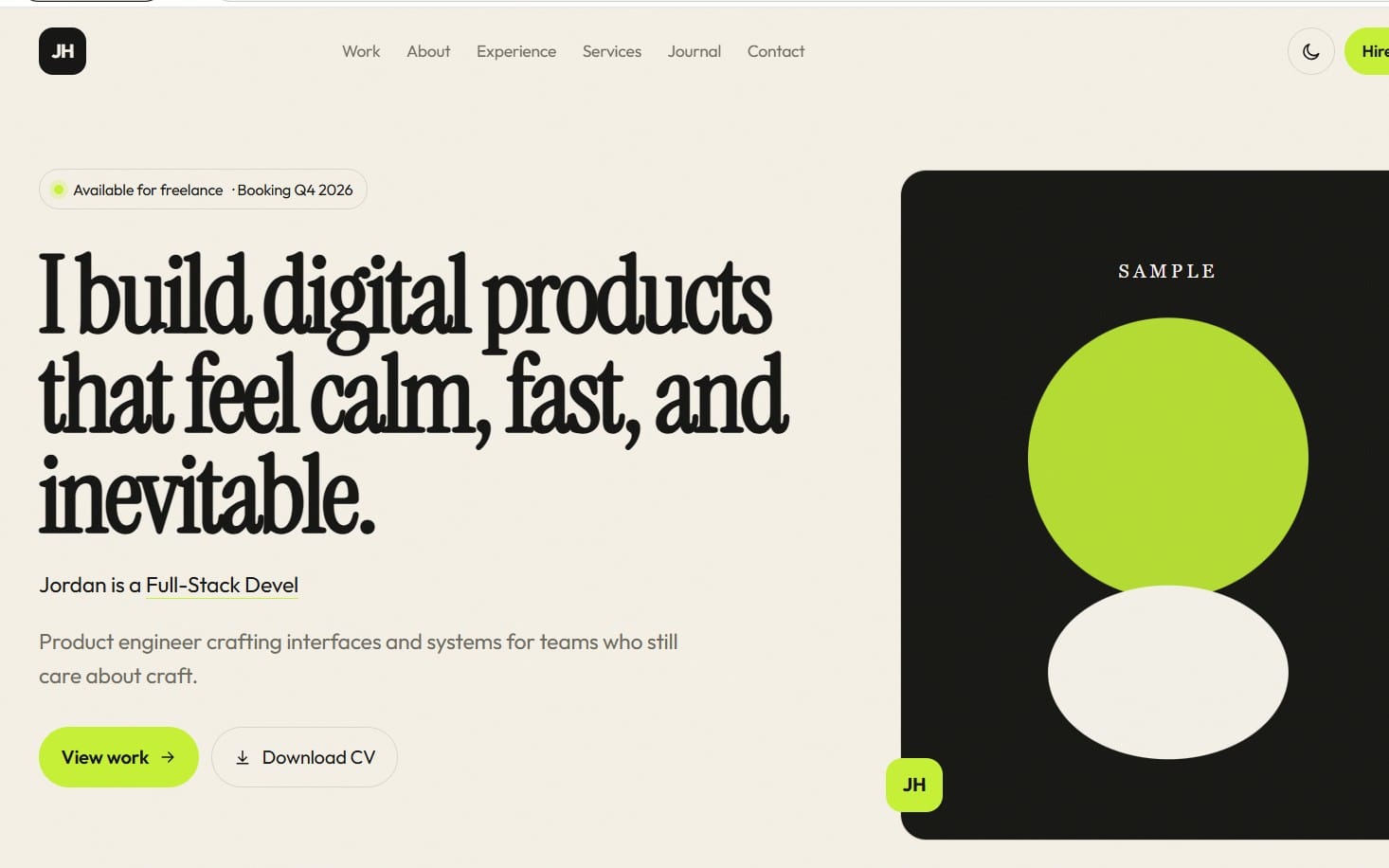
- Hero section with your role + value proposition
- Project highlights with outcomes and links
- Tech stack list (React/Next.js/Node, etc.)
- Contact call-to-action (email + calendar or form)
- Resume or “download CV” section
- Optional: timeline, testimonials, or open-source
Even if you customize later, your template should already make these pieces easy to arrange.
2026 expectations: speed, accessibility, and trust
In 2026, portfolios are judged like products. That includes performance budgets (fast navigation, optimized images, sensible code-splitting) and accessibility (keyboard navigation, readable contrast, semantic HTML).
Trust is also built through specificity: mention measurable impact (latency improved by X%, conversion up by Y%), include screenshots or short clips for each project, and avoid vague claims. A template can’t write your story, but it can make strong storytelling feel effortless.
Pro tip: Choose a portfolio template that supports structured content (Markdown/MDX, data-driven project cards, or CMS-ready pages). It will save you hours when you update your projects every sprint.
How to choose the best React portfolio template?
The best React portfolio template is the one that helps you publish projects quickly while staying maintainable. In 2026, that usually means a component-based system, content-driven routes, and a layout that won’t collapse as your project list grows.
React templates win when they treat content as data: projects stored as JSON/MDX, reusable cards, and consistent case study structure. This makes your code portfolio showcase feel “designed,” not “thrown together.”
React template features that directly improve conversions
When comparing React portfolio template picks, prioritize features that map to how people decide to contact you.
- Project cards with outcomes: not just titles—include role, stack, and results.
- Case study page layout: “Problem → Approach → Implementation → Results.”
- Filtering/search: filter by stack (React, TypeScript, Next.js) and project type.
- Blog or notes: even short technical notes help credibility.
- Theme + typography: readable code blocks, consistent spacing, good heading hierarchy.
- Deployment-ready setup: easy hosting (Vercel, Netlify) with sensible defaults.
If the template makes it harder to update projects than to admire them, it’s not your best option.
React stacks that work especially well in 2026
Most successful React portfolios in 2026 use a light framework approach: keep the UI modern, but avoid heavy complexity. A common winning stack is React + TypeScript, with MDX for case studies and a routing structure that mirrors your content hierarchy.
Here are stack patterns that tend to perform well:
- React + TypeScript for safer, maintainable components
- MDX for writing case studies and embedding code snippets
- Static content for projects (fast and resilient)
- Optimized images (responsive sizes, lazy loading)
Think of your portfolio like a documentation site: it should be easy to navigate and easy to expand.
Success pattern: Developers who keep a “monthly project log” on a portfolio site consistently refresh their work. Even when projects are small, the log demonstrates momentum and real shipping behavior.
What are the best Next.js portfolio template options?
The best Next.js portfolio template options deliver the same clarity as React—but with better routing, SEO handling, and performance defaults. In 2026, Next.js is often the “no-regrets” choice for developer portfolio template builds.
Why? Next.js gives you optimized rendering options, straightforward metadata for SEO, and a clean path to case-study pages and blog content without turning your portfolio into a maintenance burden.
Next.js features that matter for SEO and project storytelling
If your portfolio is discoverable, you’ll attract recruiters who aren’t already in your network. The template should support:
- SEO-ready project pages: unique titles/descriptions per project
- Structured metadata: Open Graph + Twitter cards for shareability
- Static generation or hybrid rendering: fast pages, fewer runtime issues
- Code snippet formatting: readable blocks and copy-friendly UI
- On-brand templates: consistent UI for case studies and lists
These details make your code portfolio showcase easier to evaluate from a shared link.
Next.js layout strategy: scale from 3 projects to 30
A frequent problem: the first three projects look great, but adding a fourth breaks the layout. A strong Next.js portfolio template anticipates growth by using componentized project data and predictable navigation.
Use a plan like this:
- Projects index: card grid + filters by stack and year
- Project detail: consistent case-study template
- Media approach: screenshots + optional short video
- Resume section: downloadable PDF and/or structured “experience” content
When the template supports this structure, you can keep adding work without rebuilding your site every time.
Common mistake: picking a visually impressive template that hardcodes content. In 2026, you want templates that separate design from data so your projects remain easy to update.
Where to find a free developer portfolio that still converts?
A free developer portfolio can convert extremely well in 2026 if it nails structure. The bar isn’t “premium design”—it’s clarity, credibility, and speed. If you can deploy quickly and communicate your value, recruiters will take you seriously.
The key is using a free starting point (starter kit, theme, or template) and applying the same content model as paid templates: case studies, outcomes, and strong navigation.
What to prioritize with a free template
When you’re choosing a free developer portfolio template, you’re really choosing a workflow. Prioritize:
- Simple deployment: minimal config, easy hosting
- Readable typography: code blocks and headings shouldn’t strain the eyes
- Project sections that don’t hide details: stack + role + outcome visible
- Resume-ready layout: consistent experience and skill sections
- Responsive behavior: recruiters often view on mobile
Even without fancy animations, a well-structured programmer resume website can outperform flashier alternatives.
Turn free into “premium”: the 30-minute upgrades
You don’t need a design overhaul—just a few high-impact edits. Try this mini-upgrade plan:
- Add a “Project Highlights” section above the fold
- Write a one-paragraph case study intro for each project
- Replace generic screenshots with outcome-driven visuals
- Include a single tech stack list with links (or plain text)
- Ensure your contact method is obvious and tested
These upgrades often make the biggest difference for hiring managers scanning quickly.
Pro tip: If the template supports it, use MDX or Markdown for project pages. Writing becomes faster, and updates feel safer than editing JSX every time.
How to build a programmer resume website from a template?
A programmer resume website is more effective than a static PDF when it communicates your engineering approach. The template’s job is to provide structure; your job is to fill it with evidence of problem-solving.
In 2026, resume websites should read like product docs: what you built, why it matters, and what changed after you shipped.
The resume website content model that works
Use a case-study template for each major project. Keep it consistent so readers learn how to read your work quickly.
- Context: what was the goal and constraint?
- Role: what did you personally own?
- Implementation: key technical decisions (not full source dump)
- Results: performance, reliability, conversion, or user impact
- Trade-offs: what you’d do differently with more time
This is what turns a code portfolio showcase into a narrative—and narratives get remembered.
What to include beyond projects
Many developers over-focus on projects and under-invest in credibility. A resume website should also include:
- Open-source or community work: PRs, issues, reviews, talks
- Learning evidence: short posts or “tech notes”
- Verification: links to deployed apps or demos
- Availability: what roles you want and your preferences
That’s how your portfolio starts working even when you’re not actively applying.
Top developer portfolio template picks by use case (React/Next/HTML)
Here are top picks by scenario—because the “best” developer portfolio template depends on your timeline, your content volume, and the kind of roles you’re targeting. Use this as a decision map, then tailor the layout to your projects.
Even if you don’t use these exact templates, the patterns below are what make a portfolio stand out in 2026.
| Use case | Best template direction | Why it works | What to customize first |
|---|---|---|---|
| React developer with ongoing projects | React portfolio template + MDX case studies | Fast updates, consistent story structure | Add “Problem → Approach → Results” sections |
| Next.js + SEO-driven outreach | Next.js portfolio template with static pages | Better shareable links + optimized metadata | Build project detail pages with unique summaries |
| Free developer portfolio for fast deployment | Free starter/theme + minimal sections | Clarity beats polish when content is strong | Upgrade hero, projects highlights, and contact |
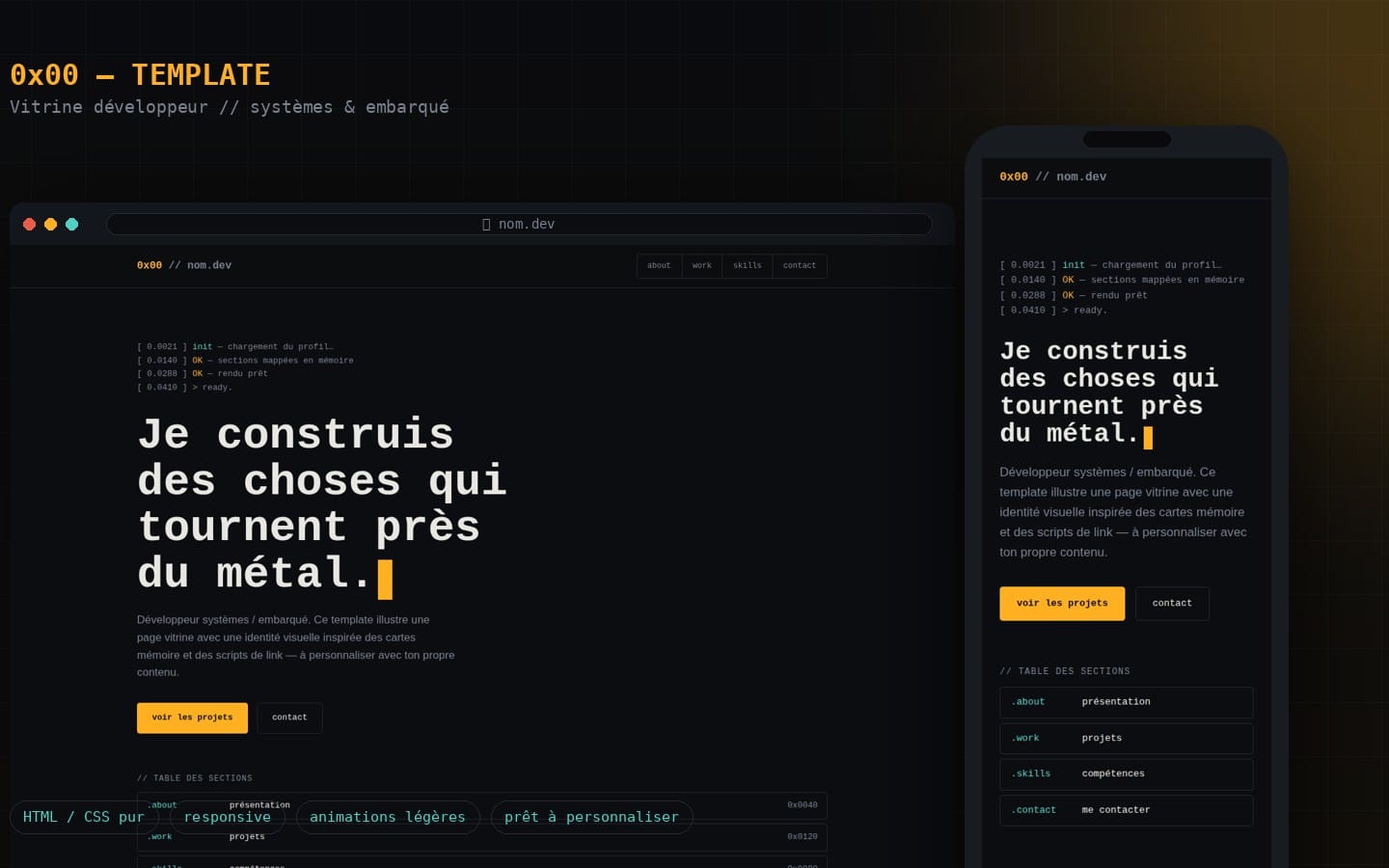
| HTML/CSS “resume site” for fundamentals | HTML one-page with accessible sections | Maximum simplicity, minimal maintenance | Use semantic markup + strong project summaries |
| Portfolio that supports media-heavy work | Template with media blocks + video embeds | Shows work quality quickly | Add short clips per project and captions |
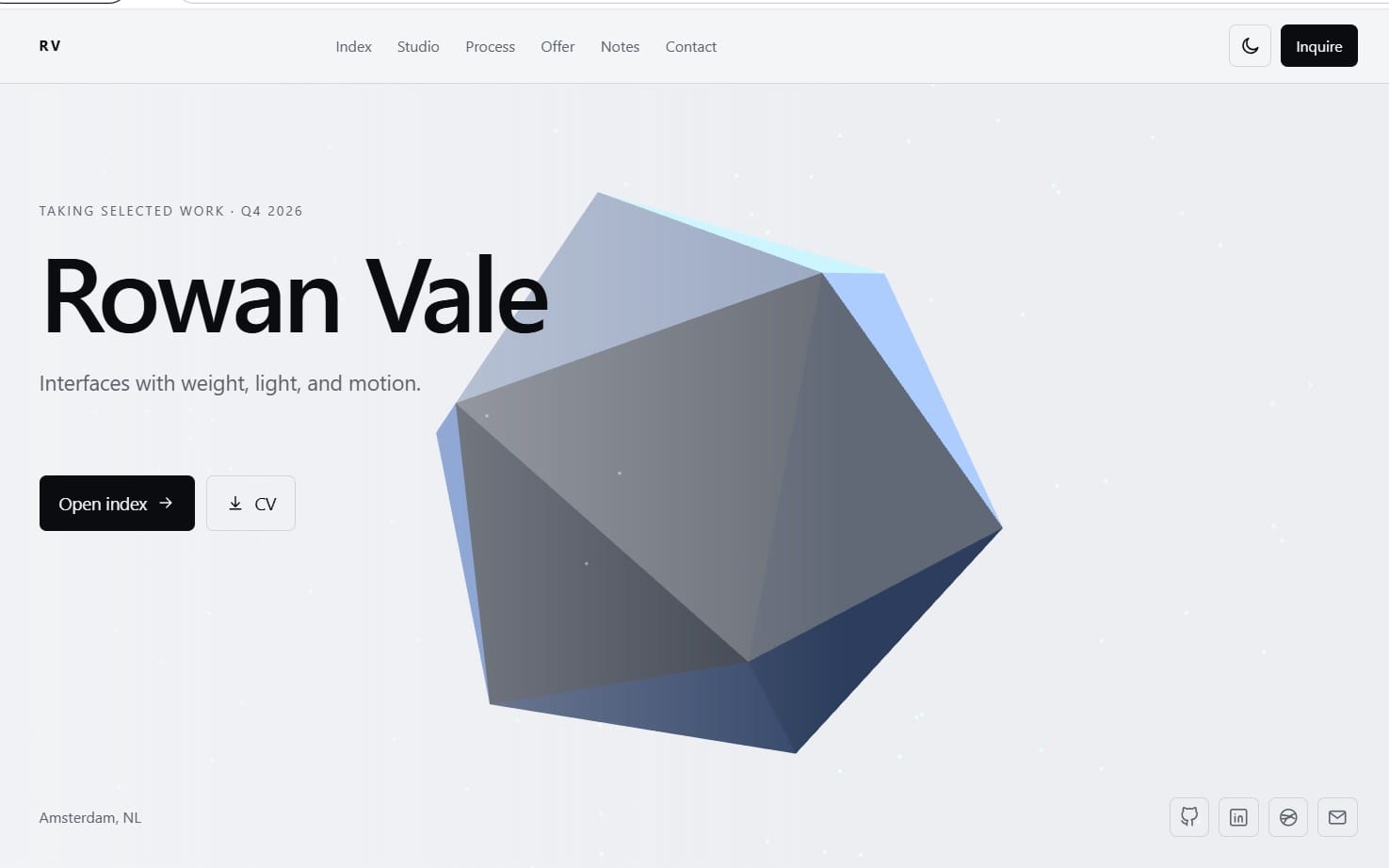
If you do graphics, shader, or 3D work
Some developer portfolios need visuals that explain systems—not just UI. For example, shader or asset pipeline creators should present “before/after” results and the technical reasoning behind them.
If your work includes tools, try structuring your portfolio media around workflow: import/export steps, pipeline decisions, and final outcomes. A portfolio can even reference toolsets you built—like an asset pipeline or visualization system—to show engineering depth. (Example product in this category: Studio 3D Import/Export — Complete Asset Pipeline.)
If your work benefits from screenshots and short clips
Recruiters love fast proof. A template that supports “media first” blocks can reduce the number of words you need while still conveying technical clarity. That’s especially useful when you document UIs, debugging processes, or performance improvements.
Consider integrating consistent media capture into your workflow—so each project includes the same format (2–4 screenshots + a 15–30 second clip when helpful). (Example product: Pro Recorder - Professional Screenshot & Video Capture System.)
Key advantage: When your case studies include standardized visual evidence, your portfolio becomes “skimmable proof.” That improves response rates because readers don’t have to guess what you did.
Optional niche add-ons for portfolio differentiation
If you’re building themed content (music visuals, anime render tooling, or stylized UI experiences), a portfolio can stand out by showing tasteful specialization. The template should still keep navigation clean, but you can theme your hero visuals and project intro cards.
For example, a system like AnimeForge Pro - Ultimate Anime & Toon Shader System could become a flagship case study: explain the rendering approach, how it improved iteration speed, and what you achieved for a specific scene or asset set.
FAQ: Developer portfolio template picks for React, Next.js, and HTML
What is a developer portfolio template?
A developer portfolio template is a pre-designed website structure (layout + components) that helps you present your projects, resume, and contact details. In 2026, the best templates also support content updates via data/Markdown/MDX so your portfolio stays current.
Choose one that makes project storytelling easy, not one that locks you into hardcoded pages.
Which is better: a React portfolio template or plain HTML?
React portfolio templates are better when you need scalable project layouts, reusable components, and richer interactions. Plain HTML is better when you want maximum simplicity, minimal runtime issues, and a lightweight resume-style site.
Most developers start with HTML for speed, then evolve to React/Next.js when they have enough content to justify the structure.
Is a free developer portfolio template good enough for job applications?
Yes. A free developer portfolio can be competitive if it’s fast, readable, responsive, and filled with real project outcomes. Hiring managers care more about evidence of skill than about expensive visuals.
Use a free template as a foundation, then invest your time in case study writing and clear navigation.
How do I make my code portfolio showcase more convincing?
Replace “tech used” with “decisions and results.” For each project, include context, your role, key implementation choices, and measurable outcomes (performance, reliability, cost, adoption, or user feedback).
Also add consistent media: screenshots or short clips so reviewers understand the UI and the system quickly.
What should a programmer resume website include in 2026?
It should include a clear hero value statement, featured projects with case-study sections, a visible resume/download, and an obvious contact path. Add credibility: open-source, technical notes, or community contributions.
Finally, ensure accessibility and fast loading so your portfolio works well on real recruiter devices and networks.
Conclusion: Pick a template, then make it a portfolio that performs
Top developer portfolio template picks for 2026 aren’t just about aesthetics—they’re about decision-making speed. A strong structure (React/Next/HTML), consistent case studies, and measurable proof will help your code portfolio showcase do what a resume can’t: demonstrate your engineering thinking.
If you’re ready to move faster, take one template direction (React, Next.js, or HTML), map your projects to the same case-study format, and publish an update schedule for the next 30 days. When you do, your portfolio becomes a living asset instead of a static page—one soft step toward getting more interviews.