 -33% OFF
Blender Add-ons
Gamebridge Pro
Product Description
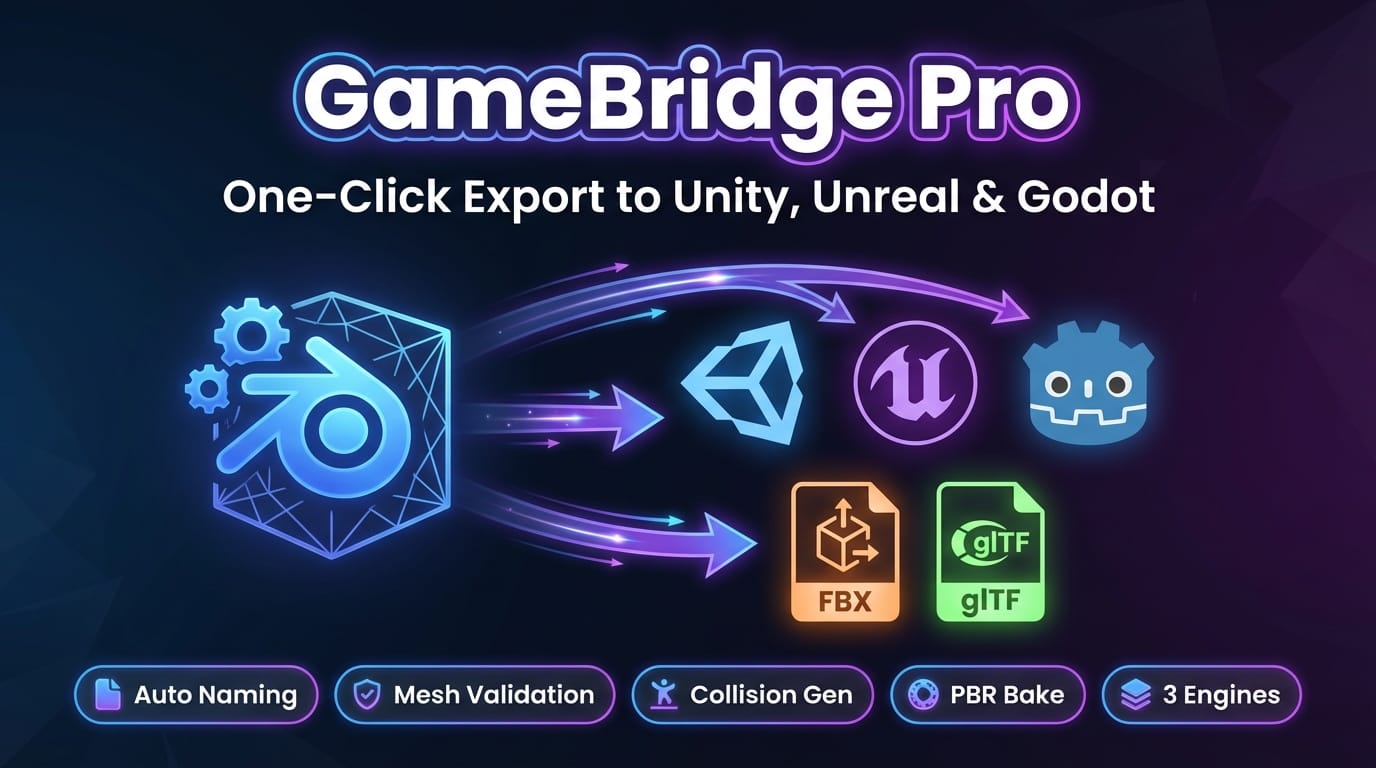
GAMEBRIDGE PRO — ONE-CLICK EXPORT TO UNITY, UNREAL & GODOT
Stop wrestling with export settings. Start shipping game assets.
------------------------------------------------------------
THE PROBLEM
Every game artist knows the pain. You finish a beautiful model in Blender, hit export, and then...
- Your model is rotated 90° in Unity because of axis mismatch
- The scale is 100× too large in Unreal Engine
- Naming conventions are wrong — your engine ignores the collision mesh
- You forgot to check for n-gons, flipped normals, or missing UVs
- Textures need to be baked separately for each map type
- Collision meshes have to be created and named manually
You end up spending more time fixing exports than actually creating art. Every engine has different requirements, and keeping track of them all is exhausting.
------------------------------------------------------------
THE SOLUTION: GAMEBRIDGE PRO
GameBridge Pro is a Blender addon that automates the entire game asset export pipeline. Select your target engine, click export, and get perfectly configured assets — every single time.
No more guessing about axis conventions, scale factors, naming prefixes, or file formats. GameBridge Pro knows what each engine expects and handles everything for you.
------------------------------------------------------------
FEATURES
ENGINE PROFILES
Pre-configured profiles for every major game engine:
- Unity Built-in / URP / HDRP — correct axis (Y-up), scale (1.0), FBX format, smoothness inversion
- Unreal Engine — correct axis (Z-up), scale (100), FBX with SM_/SK_ prefixes
- Godot — correct axis (Y-up), scale (1.0), glTF 2.0 export
Each profile automatically sets axis orientation, scale, file format, naming convention, and texture settings.
AUTO NAMING CONVENTIONS
Rename all selected objects to match your engine’s expected conventions in one click:
- Unreal Engine — SM_ prefix for static meshes, SK_ for skeletal meshes, PascalCase
- Unity — PascalCase naming, no prefix required
- Godot — snake_case naming
MESH VALIDATION
Catch problems before they reach your engine. GameBridge Pro checks for:
- N-gons — faces with 5+ vertices that cause triangulation artifacts
- Flipped normals — inside-out faces that render invisible
- Missing UV maps — objects without UVs that can’t receive textures
- Bone count limits — skeletal meshes exceeding engine bone limits
- Non-manifold geometry — edges shared by 3+ faces, holes, and other invalid topology
- Degenerate faces — zero-area triangles that waste performance
COLLISION GENERATION
Generate game-ready collision meshes directly in Blender:
- Box Collision — axis-aligned bounding box, fastest performance
- Convex Hull — tight-fitting convex shape, good balance of accuracy and speed
- Triangle Mesh — exact collision shape, for static geometry
All collision meshes are automatically named using engine conventions (e.g., UCX_MeshName for Unreal Engine) and can be toggled visible/hidden in the viewport.
PBR BAKE
Bake PBR texture maps for your game assets without leaving Blender:
- Diffuse / Normal / Roughness / Metallic / AO / Emission
- Configurable resolution (512 – 4096)
- Adjustable bake margin to prevent edge bleeding
- Uses Cycles render engine for accurate results
- Smart emit-rewire trick for isolating individual PBR channels
------------------------------------------------------------
BEFORE & AFTER
Without GameBridge Pro With GameBridge Pro
--------------------------------------------- ---------------------------------------------
Manually adjust axis and scale for each eng.. Select engine profile — done
Rename every object by hand to match conven.. One-click auto-rename with correct prefixes
Discover flipped normals and n-gons after i.. Validation catches issues before export
Create collision meshes in the game engine Generate Box/Convex/Mesh collision in Blender
Bake textures with a complex multi-step pro.. One-click PBR bake for all map types
Export, import, fix, re-export, re-import... Export once. Import once. Ship it.
------------------------------------------------------------
WHO IS THIS FOR?
- Game Artists — Focus on creating art, not fighting export settings. Get your models into the engine perfectly on the first try.
- Indie Studios — Small teams need efficient pipelines. GameBridge Pro replaces hours of manual setup with a single click.
- Technical Artists — Standardize your studio’s export pipeline. Enforce naming conventions and validation rules across the entire team.
------------------------------------------------------------
COMPATIBILITY
- Blender: 3.0 and newer (tested up to 4.4)
- Export Formats: FBX (.fbx) and glTF 2.0 (.glb / .gltf)
- Target Engines: Unity (Built-in / URP / HDRP), Unreal Engine 4 & 5, Godot 4.x
- OS: Windows, macOS, Linux
------------------------------------------------------------
HOW TO USE
1. Install — Install the addon via Edit → Preferences → Add-ons → Install from ZIP
2. Select Engine — Open the GameBridge Pro panel (N-panel) and choose your target engine profile
3. Select Objects — Select the meshes you want to export
4. Validate — Click “Validate Meshes” to check for issues. Fix any warnings.
5. Configure — Optionally generate collision meshes, apply naming conventions, or bake PBR textures
6. Export — Click “Export” and your game-ready assets are saved to your chosen folder
------------------------------------------------------------
CHANGELOG
V1.0.0 — INITIAL RELEASE
- Engine profiles for Unity (Built-in, URP, HDRP), Unreal Engine, and Godot
- Automatic naming conventions (PascalCase, snake_case, SM_/SK_ prefixes)
- Mesh validation: n-gons, flipped normals, missing UVs, bone limits, non-manifold, degenerate faces
- Collision generation: Box, Convex Hull, Triangle Mesh with UCX_ naming
- PBR baking: Diffuse, Normal, Roughness, Metallic, AO, Emission
- FBX and glTF 2.0 export with per-engine axis and scale settings
Blender Add-ons
Gamebridge Pro
Tags
Frequently asked questions
Do I get access instantly?
Yes. This is a digital product — you can download it right after checkout, straight from your library.
Can I use it for commercial projects?
Your purchase includes a standard license for personal and commercial use. See the product description for any usage limits set by the seller.
What's your refund policy?
You're covered by a 30-day money-back guarantee. If something isn't right, request a refund from your order and the seller will review it.
What file formats and sizes will I get?
You'll download the files exactly as the seller packaged them (about 110.79 KB). See the product details and description for the included formats.
Do I get free updates?
Yes — when the seller ships a new version, you can re-download the latest files from your library at no extra cost. Check the changelog for recent updates.
Price
$9.99