Getly
Add-ons Blender
P.I.M.P Modular Seam Normalizer
Cette annonce est affichée dans sa langue d'origine (anglais).
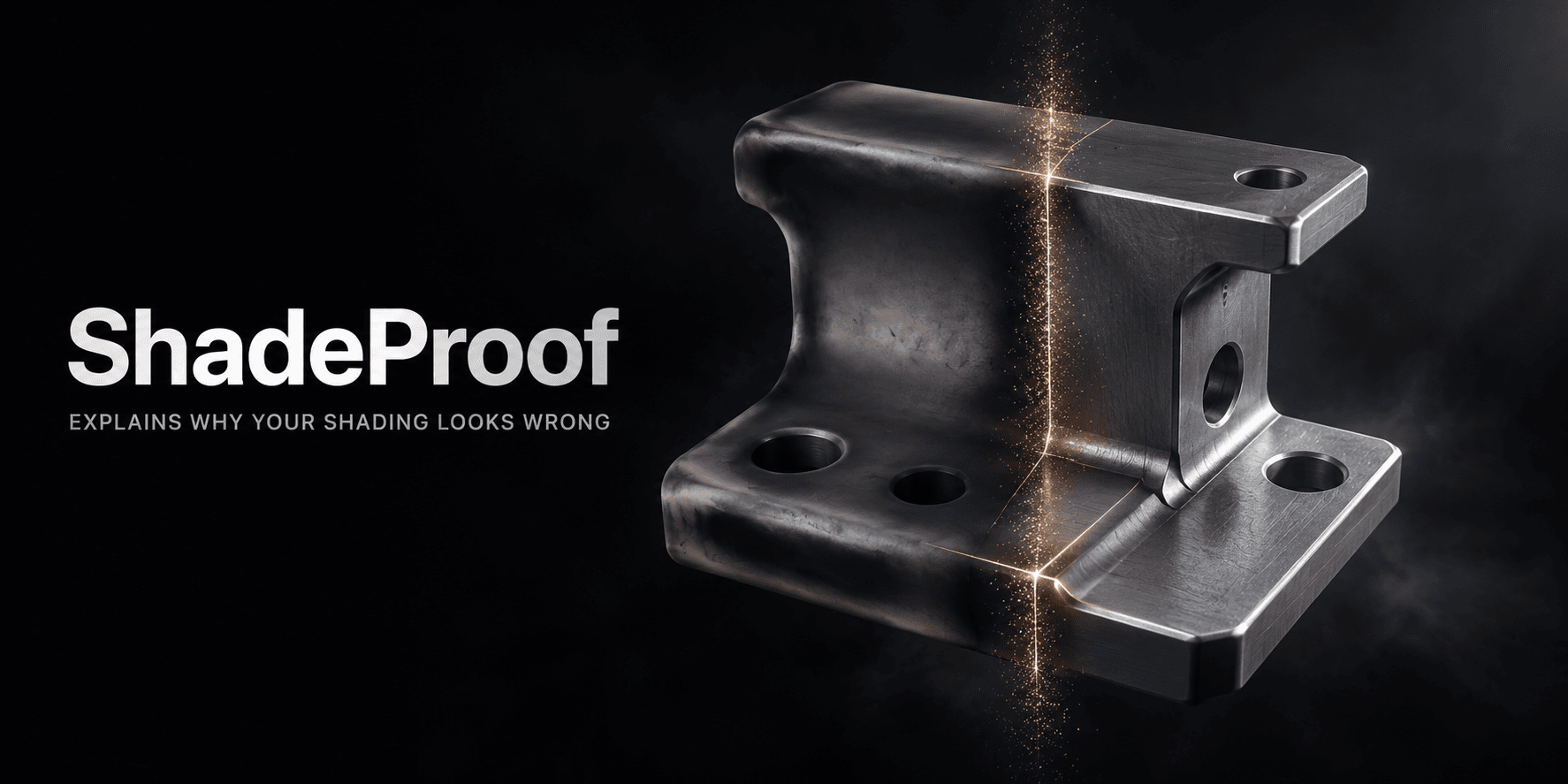
P.I.M.P. Seam Normalizer is a Blender add-on built to eliminate modular boundary seam tearing, shading discontinuities, and normal interpolation mismatches in a single click.
Ce que vous recevez : 1 fichier · 192.55 KB · ZIP
Voir les options d'achatDescription du produit
Normally, fixing just one character means spending your evening doing janitor work: duplicating the whole body into a dummy mesh, merging vertices by distance, hoping you didn't just weld the lips or eyelids shut, painting border vertex groups by hand, stacking Data Transfer modifiers on every piece, and manually copying bone weights vertex-by-vertex so the neck doesn't rip off the collarbones. And if you model a second chest variant tomorrow? You get to tear it all down and do it all over again.
P.I.M.P. Seam Equalizer & Auto-Normalizer was built to kill that entire chore list.
I built P.I.M.P. while developing a solo RPG with a heavy modular character pipeline. My characters needed swappable body parts, anatomical attachments, facial morphs, and layered clothing that all had to animate together on the same rig without a single visible cut line.
Doing the manual proxy-and-weight workflow across dozens of body parts was eating up entire workdays. Every time I adjusted a mesh or imported a character with messy modifiers, broken drivers, or auto-weight bleed between the fingers and lips, the pipeline ground to a halt. I wrote P.I.M.P. for my own daily production work to turn hours of repetitive mesh prep, seam welding, weight locking, and game-engine rig formatting into single-click operations—and tested it across thousands of vertices, multi-part garments, shape-keyed heads, and six different engine skeleton standards.
What It Feels Like in Your Daily Workflow
Imagine opening a character file with ten separate body meshes. Instead of setting up modifier stacks for the next two hours, you box-select the parts, open the P.I.M.P. Seams tab in your N-Panel, and click 1-Click Fix Seams & Shading.
Within seconds, the lighting breaks across the neck, wrists, waist, and ankles vanish. You grab the rig and bend the spine and shoulders into an extreme pose: the borders stay locked together as if they were a single uncut mesh, your facial shape keys still slide smoothly across the neck seam, and your sharp armor or clothing edges stay crisp.
Here is what P.I.M.P. does under the hood during that single click:
Pre-Scrubs Stacked Micro-Vertices Safely: Cleans up overlapping duplicate vertices inside each part while checking surface normal directions so closed lips, eyelids, fingers, and thin cloth are never welded shut.
Matches & Rebuilds Clean Seam Topology: Pairs opposing boundary edges across touching parts, splits mismatched T-junctions while linearly interpolating your UV maps and bone weights, snaps seam vertices together, and converts the border ring back into clean quads.
Locks Bone Weights & Relaxes the Border Ring: Averages and locks deform bone weights across every touching seam vertex so parts never tear apart during animation, then gently blends the next ring of interior vertices (
Ring 1) so joints bend without a harsh crease.Syncs Shape Keys Across Cut Lines: Evaluates morph deltas across touching borders so body and facial shape keys move together without splitting the seam open.
Builds a Live Welded Shading Proxy (
PIMP_Ref_Body): Generates a hidden, rig-bound reference body and attaches post-armature Data Transfer modifiers masked strictly to your seam vertex groups, keeping shading continuous while your character animates.Protects Eyes, Teeth, and Tongue Automatically: Recognizes ocular and oral meshes across 8 languages and common spelling variations, skipping them during merge and cuff passes so eyes and teeth are never welded to the face.
Built-In Safety Net: Experiment Without Fear
Tools that edit topology and weights can make anyone nervous about losing work, which is why P.I.M.P. builds an automatic safety net before it changes a single vertex.
Automatic Hidden Backups (
SWB backup): Every time you run a normalizer pass, P.I.M.P. saves a pristine copy of your original meshes, materials, and modifier stacks into a hidden backup collection.1-Click Undo All (
Restore Original Meshes): Want to go back to square one? Click Restore Original Meshes (Undo All) at any time to strip out all P.I.M.P. modifiers, purge the hidden reference proxies, and restore your exact original meshes.Non-Destructive Modifier Repair: If your meshes rely on complex modifier stacks, enable Transfer / Repair Modifiers from Backup to preserve and re-attach your non-destructive modifiers after normalization, or use the automatic post-pass verifier that checks and repairs every Data Transfer modifier and vertex group in your scene.
Specialized Modular & Clothing Workflows
Characters aren't always built in one pass. When you add new parts, attachments, or outfits later in production, P.I.M.P. gives you three targeted workflows so you never have to rebuild your base character from scratch:
Add / Normalize Part to Reference Body: Built a new swappable torso (
Chest_B) or alternate limb? Select just the new piece and normalize it directly against your existingPIMP_Ref_Body. If the new variant isn't weight-painted yet, P.I.M.P. automatically interpolates interior bone weights from the reference body and locks the outer seam border to match your existing parts.Chain Normalizer (Normalize Part A to Part B): Attaching child details like nipples onto a chest, or fingers onto a hand? Pick Part A (child) and Part B (anchor) from the dropdown list or directly in the 3D Viewport. P.I.M.P. snaps Part A's border onto Part B's surface, transfers bone weights and shape keys across the contact ring, and attaches a dedicated
PIMP_Chain_Normalmodifier—leaving Part B 100% untouched.Multi-Part & Clothing Normalizer (Part A to Part B, C+): Fitting a shirt, waistband, or collar that crosses 2, 3, or more body parts at once? P.I.M.P. verifies that your parts physically touch, splits and snaps the borders across multi-part corners simultaneously, transfers base weights if the garment is unweighted, and mathematically balances the stacked Data Transfer vertex groups so 3-way junctions shade without seams.
Inner Light-Block Cuff (
PIMP_Seam_Cuff_Shield): Dealing with extreme animations or thin gaps under armor and skin cuts? Generate an optional sub-surface mesh strip inset at a custom millimeter depth (default 1mm) right beneath your seams to block any sub-pixel light leaks from showing through.
The Tool Box: Solving Everyday Character & Rig Headaches
Even after your seams are clean, getting a character out of Blender and into a game engine or animation scene usually means fighting weight bleed, crooked bone rolls, messy bone names, and leftover mesh junk. The Tool Box puts all of those fixes right in the same panel:
1. Four Regional Weight-Bleed Fixers
Blender's automatic weights love to glue neighboring parts together. Instead of spending hours in Weight Paint mode trying to paint inside tight crevices, four dedicated buttons use 3D raycasting, air-gap detection, and concave crease analysis to clean up the worst trouble spots while keeping your modular seams locked:
Fix Finger Weight Bleed (Gaps & Webbing): Scans the air gaps and knuckle webbing between fingers, stripping cross-finger weight bleed so the index finger never pulls on the middle finger.
Fix Toe Weight Bleed (Toe Rings & Loops): Detects circumferential toe rings and inter-toe valleys to isolate individual toes and stop left/right cross-foot bleed.
Fix Mouth & Lip Weight Bleed (Lip Divide): Finds the oral fissure parting line to separate upper lip, lower lip, and jaw weights—stopping the upper lip from stretching down when the jaw opens, while keeping the mouth corners smooth and isolating upper teeth, lower teeth, and tongue islands.
Fix Undercarriage & Groin Weights (Split & Crease): Cleanly separates Left/Right labial, anal, gluteal, and inner-thigh weights across the bottom midline and groin creases using a smooth vertical falloff that leaves zero harsh cutoff lines on the upper pelvis or seams.
2. Engine-Aware Rig & Bone Preparation
Switching a character between Blender / Rigify, Unreal Engine 5 (SK_Mannequin), Unity / VRChat (Humanoid / VRM), Godot 4 (SkeletonProfileHumanoid), DAZ Genesis (G8 / G8.1), and Source Engine (ValveBiped) usually breaks bone orientations and naming conventions. Pick your Target Engine from the dropdown and let P.I.M.P. handle the conversion:
Auto-Calculate & Fix Bone Rolls: Aligns body and finger bone rolls to your chosen engine's exact flexion axes using finger knuckle planes, limb bend angles, mesh cross-section PCA, and L/R symmetry—while 100% shielding all facial and head-rig bones so your face rig and drivers never twist or break.
Smart Center Bones & Joints in Mesh: Horizontally centers body joints inside the character volume with zero vertical (
Z) drift—so collarbones, shoulder sockets, and hips never drop out of place—and snaps off-axis limb twist bones co-axially onto their host segments.Interactive Engine Name Scanner & Standardizer: Converts object, bone, and vertex group names to match your target engine's exact naming hierarchy (even identifying unlabeled
Bone.001chains by comparing their 3D coordinates). If it spots non-standard part names or crude/slang anatomy terms, it pops up an interactive review dialog letting you choose whether to convert crude terms into clean anatomical names (Yes / No) and type custom names before syncing every constraint, modifier, driver, and Animation Action (including Blender 5.0+ Slotted Actions).
3. Deep Mesh Cleanup, Shape Key & Diagnostic Utilities
When you import a messy asset or need to prep a variant fast, The Tool Box gives you one-click utilities that respect your data:
Transfer Weights (Overlapping / Modular Parts): Select a weighted part (
Chest_A) and an unweighted variant in the same spot (Chest_B) to transfer interior weights, rig binding, and outer seam locks in one click.Shape Key-Safe Modifier Applier: Applies all non-Armature modifiers on selected meshes even if the mesh has shape keys—evaluating the modifier stack across
Basisand every morph key via the dependency graph so you don't lose your facial or body sliders.Shape Key Baker & Remover: Permanently bake your current active shape key mix into the base mesh geometry, or wipe all shape keys cleanly back to
Basis.Driver Stripper & Vertex Group Cleaners: Strip broken animation drivers across objects, armatures, shape keys, and shader node trees without deleting keyframe actions, or clear vertex groups (with an option to keep your seam helper groups intact) and detach meshes from rigs while keeping their world position.
Factory Reset Mesh & Metadata: The nuclear cleanup button for meshes. Wipes all modifiers, vertex groups, drivers, shape keys, custom split normals, vertex colors, edge creases, bevel weights, asset tags, and custom ID properties while keeping your UV maps intact.
1-Click Realistic Skin Material: Generates and assigns a Principled BSDF skin shader with subsurface scattering so you can inspect seam shading under realistic light immediately.
6-Part Full Mesh & Rig Diagnostic Report (
.txt): Exports a complete text audit of your character inspecting transforms, topology counts, open boundaries, bone rolls, drivers, active vs. orphan weight groups, cross-part seam weight diffs, and vertex-by-vertex coordinates.
Technical Compatibility & Languages
Supported Blender Versions: Natively compatible with Blender 3.6 LTS, 4.0, 4.1, 4.2 LTS, 4.3, 4.4, 4.5 LTS, 5.0, and 5.1+.
Zero External Dependencies: Written in pure, self-contained Python using Blender's native
bpy,bmesh, andmathutils(BVHTree/KDTree) C++ data structures.8 Built-In UI Languages: Switch the entire interface and tooltips on the fly between English, Mandarin Chinese (中文), Hindi (हिन्दी), Spanish (Español), French (Français), Arabic (العربية), Russian (Русский), and Japanese (日本語).
Panel Location:
3D Viewport > Sidebar (N-Panel) > P.I.M.P. Seams
Ce que vous recevez
1 fichier · 192.55 KB
- pimp_seam_normalizer-1.0.1.zipZIP · 192.55 KB
Add-ons Blender
P.I.M.P Modular Seam Normalizer
Cette annonce est affichée dans sa langue d'origine (anglais).
P.I.M.P. Seam Normalizer is a Blender add-on built to eliminate modular boundary seam tearing, shading discontinuities, and normal interpolation mismatches in a single click.
Inclus dans Getly ProPasser à Pro
Tags
Questions fréquentes
Ai-je accès au produit immédiatement ?
Oui. C'est un produit numérique : vous pouvez le télécharger juste après le paiement, directement depuis votre bibliothèque.
Puis-je l'utiliser pour des projets commerciaux ?
Oui. L'usage commercial est autorisé : utilisez-le dans votre propre activité et dans ce que vous vendez. Vous ne pouvez pas revendre ni redistribuer le fichier lui-même.
Quelle est votre politique de remboursement ?
Vous pouvez demander un remboursement dans un délai de 30 jours. Si quelque chose ne va pas, demandez-le depuis votre commande et l'équipe Getly l'examine.
Quels formats et quelles tailles de fichier vais-je recevoir ?
Vous téléchargerez 1 fichier - ZIP - 192.55 KB au total.
Ai-je droit aux mises à jour gratuites ?
Oui : quand le vendeur publie une nouvelle version, vous pouvez retélécharger les derniers fichiers depuis votre bibliothèque sans frais. Consultez le journal des modifications pour les dernières mises à jour.
Prix
$15.00