Getly
E-books
FREE Demo: Windows Network Diagnostics (one PowerShell script)
Cette annonce est affichée dans sa langue d'origine (anglais).
Free working sample of the paid toolkit. Run one command, get adapters, Wi-Fi state, routes and DNS. No admin rights needed.
Ce que vous recevez : 1 fichier · 1.68 KB · ZIP
Obtenir gratuitementDescription du produit
This is the free demo of the paid Windows Automation Toolkit. It is the network diagnostics script, working, complete, no strings attached.
WHAT IT DOES
Run one command and it prints the four things you actually check when the internet misbehaves: network adapters with their real chipset names, the current Wi-Fi profile, the default route, and the DNS servers.
WHAT YOU NEED
Windows 10 or 11. PowerShell 5.1, which is bundled with Windows. No administrator rights. No installation.
HOW TO RUN
powershell -ExecutionPolicy Bypass -File .\diagnostika-seti.ps1
To keep the output to a file you can attach to a support ticket:
powershell -ExecutionPolicy Bypass -File .\diagnostika-seti.ps1 *> otchet.txt
WHAT IT IS A SAMPLE OF
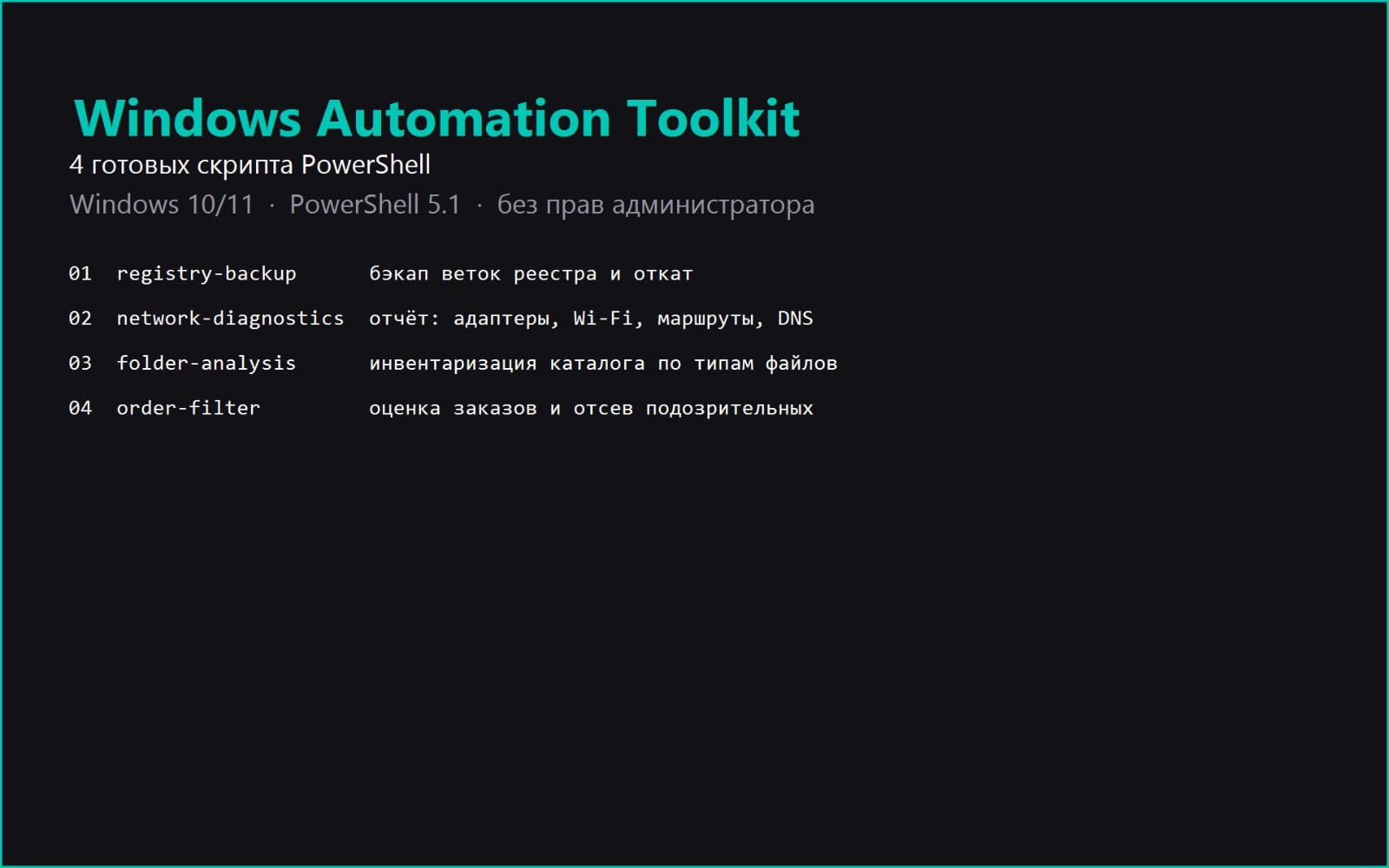
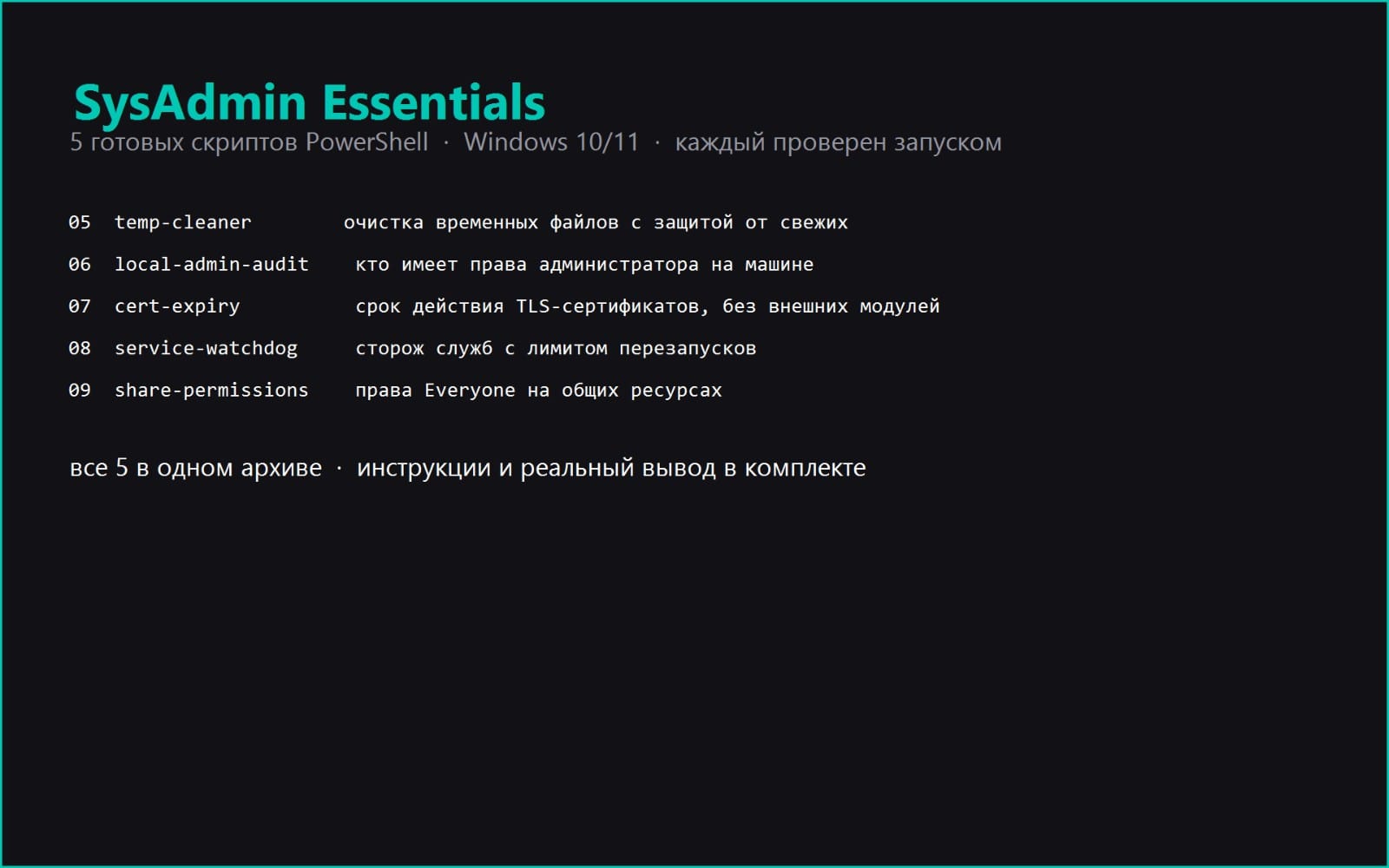
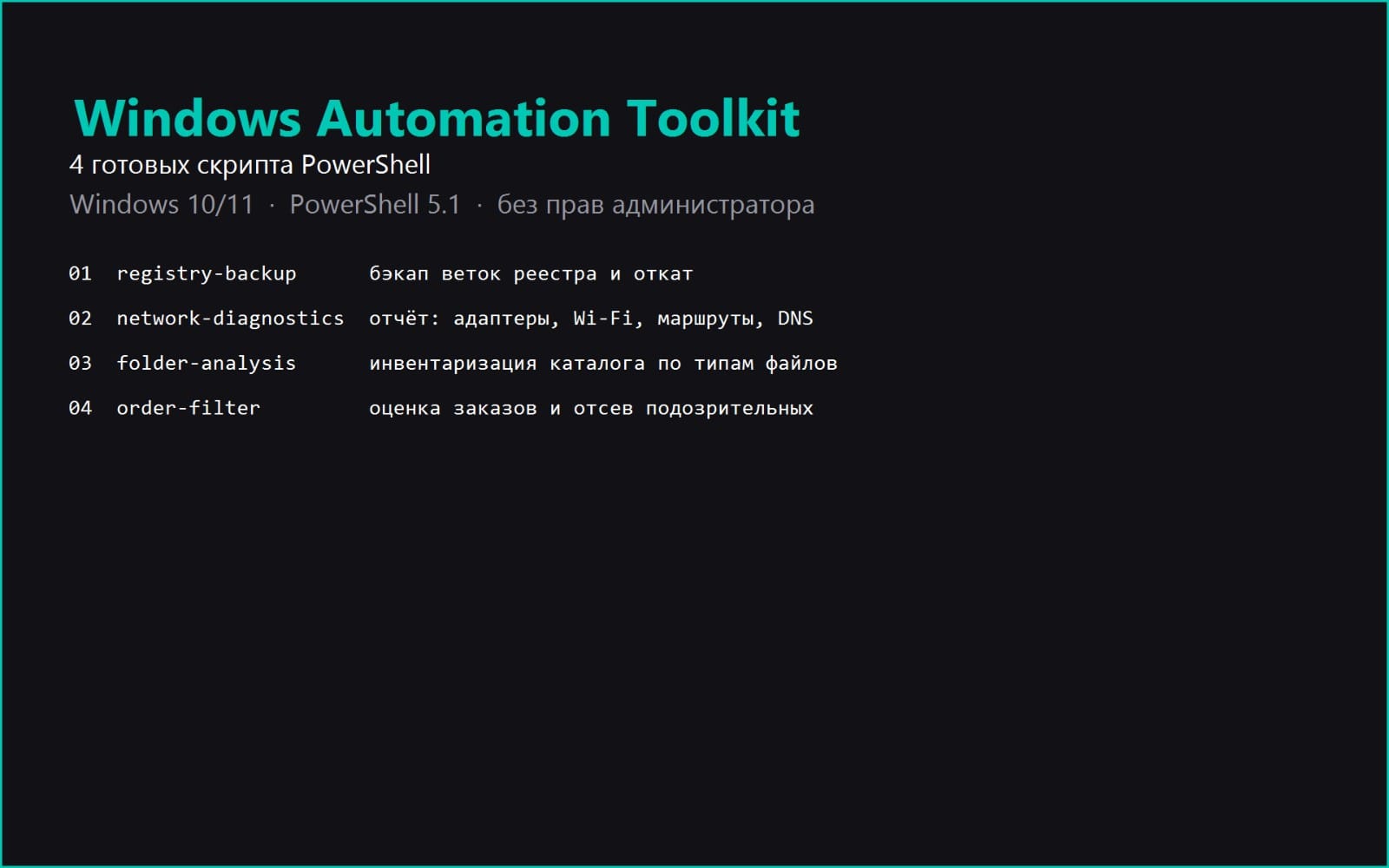
The paid toolkit bundles four tested scripts: registry backup with rollback, this network diagnostics script, folder analysis, and a freelance order filter. Each one in the full version also ships with an instruction file covering how to read the output, a table of common errors, and a sample output from a real run.
ONE THING WORTH KNOWING IF YOU RUN IT
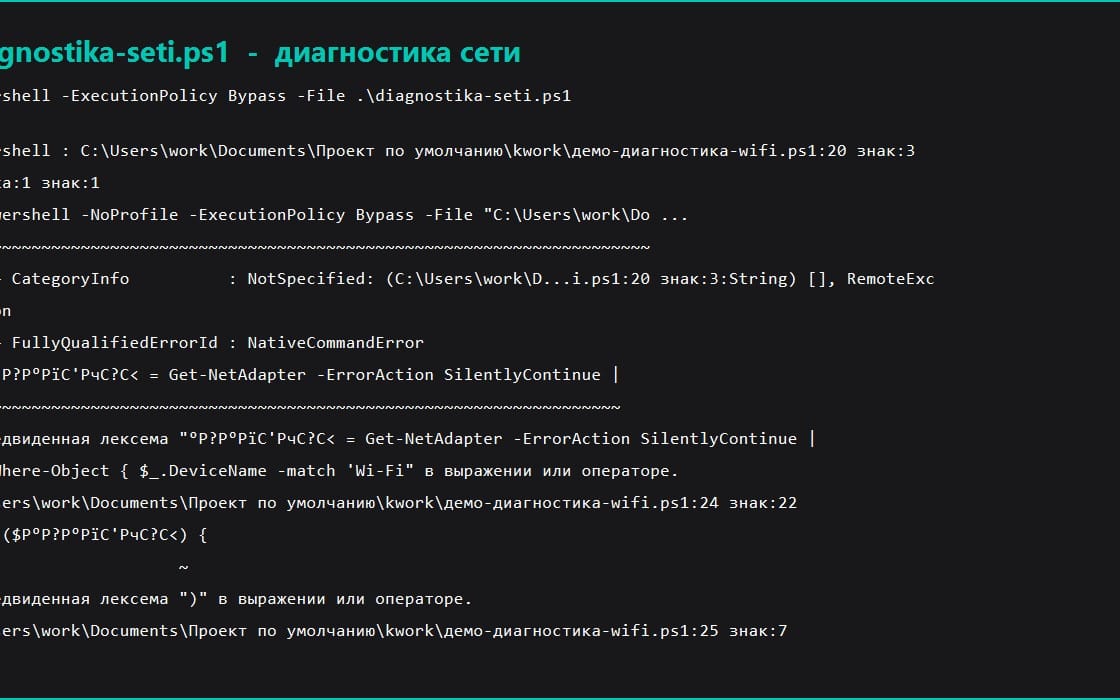
The first version of this script searched for your Wi-Fi adapter by the connection name looking for the word Wi-Fi. On a Russian Windows that field reads 'Wireless Network', so the script reported no adapters on a perfectly working network. It now searches the chipset name instead, which is not translated. This is mentioned because you will see the same class of problem in plenty of scripts sold online.
It only reads state and never changes anything, so it is safe to run on a machine that is not yours.
Ce que vous recevez
1 fichier · 1.68 KB
- FREE-DEMO-network-diagnosis.zipZIP · 1.68 KB
E-books
FREE Demo: Windows Network Diagnostics (one PowerShell script)
Cette annonce est affichée dans sa langue d'origine (anglais).
Free working sample of the paid toolkit. Run one command, get adapters, Wi-Fi state, routes and DNS. No admin rights needed.
En continuant, vous acceptez les Conditions d'utilisation.
Téléchargement immédiat
Tags
Questions fréquentes
Ai-je accès au produit immédiatement ?
Oui. C'est un produit numérique : vous pouvez le télécharger juste après le paiement, directement depuis votre bibliothèque.
Puis-je l'utiliser pour des projets commerciaux ?
Oui. L'usage commercial est autorisé : utilisez-le dans votre propre activité et dans ce que vous vendez. Vous ne pouvez pas revendre ni redistribuer le fichier lui-même.
Quelle est votre politique de remboursement ?
Vous pouvez demander un remboursement dans un délai de 30 jours. Si quelque chose ne va pas, demandez-le depuis votre commande et l'équipe Getly l'examine.
Quels formats et quelles tailles de fichier vais-je recevoir ?
Vous téléchargerez 1 fichier - ZIP - 1.68 KB au total.
Ai-je droit aux mises à jour gratuites ?
Oui : quand le vendeur publie une nouvelle version, vous pouvez retélécharger les derniers fichiers depuis votre bibliothèque sans frais. Consultez le journal des modifications pour les dernières mises à jour.
Prix
Gratuit