Getly
Getly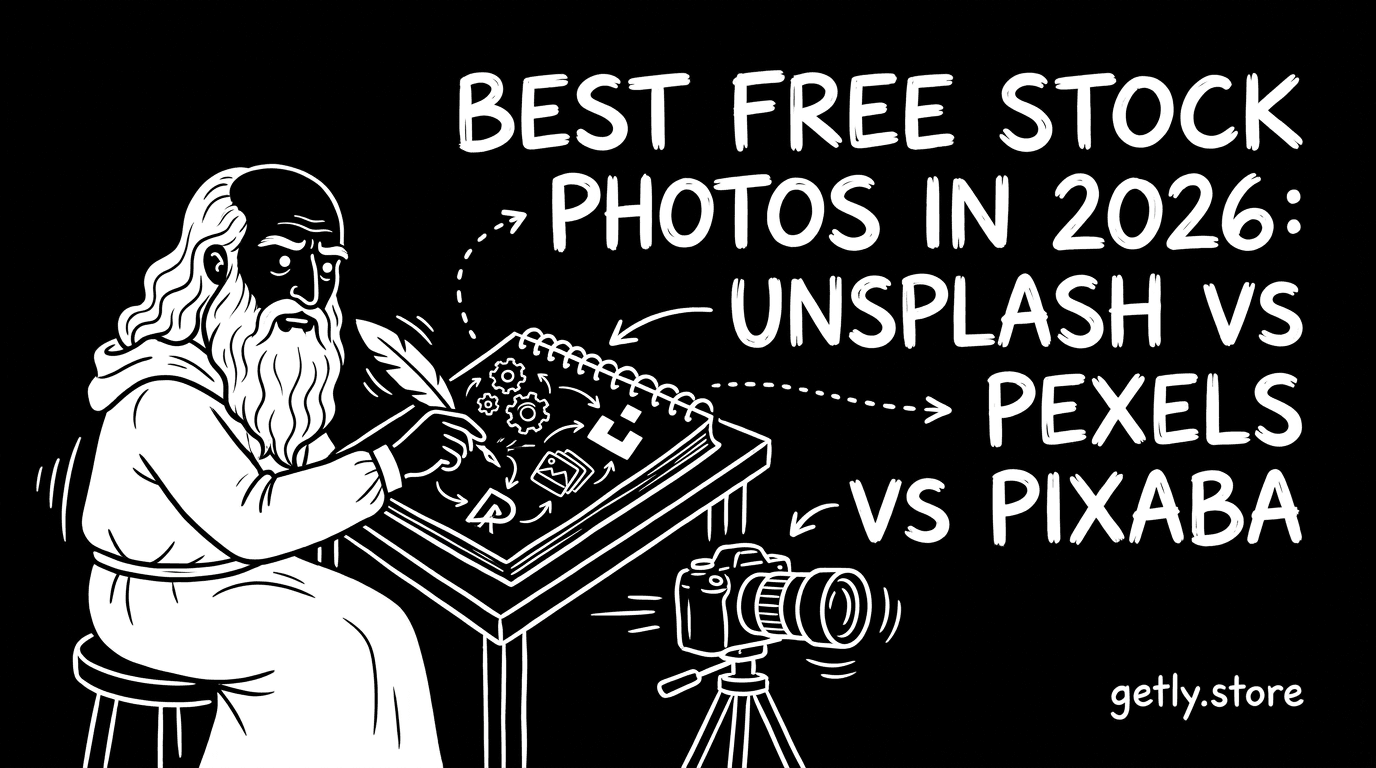
Need free stock photos for a landing page, YouTube thumbnail, or design mockup in 2026? The “best” library depends on the kind of assets you download—photos, illustrations, or ready-to-use marketing imagery. In this guide, we’ll compare Unsplash, Pexels, Pixabay, and Burst so you can find the fastest source for photo assets download and publishing-ready stock.
We’ll also show how to choose images that won’t get you stuck with licensing uncertainty, plus practical workflows to turn stock photography into graphics you can ship (or even sell) online.
Quick answer: Which free stock photos site wins in 2026?
If you want the best all-around stock photography marketplace for free downloads, the top pick in 2026 is Unsplash for consistent quality, strong art direction, and a clean search experience. Pexels is the fastest alternative when you need volume and variety. Pixabay wins for breadth (including more vectors/illustration-style content), while Burst by Shopify is best when you want marketing-friendly images tailored to ecommerce.
- Unsplash is best for consistent aesthetic and high “publish-ready” hit rate.
- Pexels is best for variety and fast photo assets download workflows.
- Pixabay is best for mixed media (photos + free illustrations/vectors).
- Burst is best for ecommerce and business-themed visuals.
- Always match the asset to its license terms—even with “free” libraries.
What is “free stock photos” licensing, and why it matters?
Free stock photos are “free” in cost, not always in complexity. In 2026, your biggest risk isn’t paying—it’s accidentally using an image in a way the license doesn’t allow (for example, resale/redistribution restrictions, trademarked logos, or sensitive content).
Think of licensing as two layers: (1) the library’s terms for downloading and using, and (2) any model/property releases attached to the specific photo (or lack of them). Many creators safely use free photos in marketing and design, but “sell photos online” or redistribute assets requires extra care.
Common license scenarios you’ll actually run into
Most creators work through one of these scenarios: blog graphics, social ads, app landing pages, or client deliverables. Each has a different level of risk around commercial use and redistribution.
- Use in marketing/ads: Usually allowed under standard free licenses, but check logo/model restrictions.
- Use in client work: Often allowed; keep records of where the asset came from.
- Redistribute the asset: Not always allowed—especially if you’re offering the same photo file or derivative pack.
- Sell the photo itself: Typically requires rights beyond free stock terms.
- Build a template pack: Allowed when the asset is not “standalone,” but rules vary.
Common mistake: Treating “royalty-free” and “free to use” as identical. In 2026, the safest approach is to open the license page for each photo (or at least the library’s license summary) and follow the rule set—especially if you plan to distribute the asset in a way that could be considered resale.
How do Unsplash, Pexels, Pixabay, and Burst compare for quality?
If you want a simple answer: Unsplash tends to deliver the most “design-ready” look; Pexels is great for breadth and fast discovery; Pixabay adds variety through vectors and mixed media; Burst is curated toward business and ecommerce themes.
Quality isn’t just resolution—it’s also subject diversity, styling consistency, and whether the photos match what modern UIs and thumbnails need (clear backgrounds, good negative space, and non-distracting scenes).
Quick quality comparison (what designers notice first)
| Library | Best for | Typical “hit rate” | Strengths | Tradeoffs |
|---|---|---|---|---|
| Unsplash | Editorial, minimal, modern visuals | High | Consistent art direction, clean search | Less emphasis on vectors/illustrations |
| Pexels | Variety across topics + fast searches | High | Lots of options quickly, often strong for thumbnails | More “average” results mixed with top picks |
| Pixabay | Photos + free illustrations/vectors | Medium–High | Broader media types | Style consistency varies by keyword |
| Burst | Ecommerce, marketing concepts | Medium | Business-themed curation | Smaller library than the others |
Pro tip: When you’re building repeatable marketing assets (ads, newsletters, thumbnails), test each library using the same 10 search terms for your niche. The one with the best “first-3-results are usable” rate usually wins for your workflow—not the one with the largest total library.
Which site is best for photo assets download speed?
Speed matters when you’re iterating fast—especially for thumbnail testing, A/B creatives, or weekly client turnarounds. In 2026, the “best” download experience is usually the one that reduces friction: clear filters, predictable file naming, and quick preview-to-download.
To choose quickly, focus on three practical factors: (1) search relevance, (2) download workflow (bulk and formats), and (3) whether images come with consistent crops that match common layouts.
Download workflow checklist (use this before you commit)
- Search with intent: Use niche phrases (“remote team standup”, “product mockup table”, “futuristic ui dashboard”).
- Pick backgrounds: Filter for “blank/space” shots that leave room for text overlays.
- Check resolution: Download the largest version you’ll need for your canvas size.
- Validate usage: Open the license/usage terms for the photo or library rules.
- Name the file: Rename immediately (e.g., niche_topic_angle_source_date) to keep client-ready records.
Where each library tends to be fastest
Unsplash is often fastest when you know the vibe you’re going for and want minimal sorting. Pexels tends to be fastest when you need multiple options in seconds for experimentation (like YouTube thumbnails or social variants).
Pixabay is fastest if you also need vector-style assets for icons or simple illustration overlays. Burst is fastest when you’re working on marketing concepts and need a business-friendly “starter image” without deep searching.
How to choose free illustrations download assets without licensing risk?
When people say free illustrations download, they often mean “something like a vector icon, a simple graphic, or a clean background that I can put over text.” Pixabay is typically the most useful for illustration-style media, but the risk patterns are consistent across all libraries.
The safe workflow is to treat “free” as “requires due diligence.” Especially if you plan to bundle the illustration into templates you sell, you must ensure the license allows commercial use and redistribution in your intended form.
What to verify before you reuse illustration-style assets
- Commercial use: Does it explicitly allow commercial projects?
- Redistribution: Can you include the asset inside a template pack you sell?
- Attribution: Is attribution required or optional?
- Trademark/logos: Avoid using brand marks unless clearly permitted.
- Derivatives: Are edited/combined outputs allowed?
Warning: If you plan to “sell photos online” in the form of a template pack (or any product where the original asset is still recognizable), you’re no longer in “safe internal use” territory. In 2026, verify redistribution rules carefully or create a stronger transformation (new artwork, compositing, or re-rendering) that changes the asset’s standalone value.
One smart strategy is to use photo assets as texture/reference and then rebuild the final visual using your own design elements. That way, you’re not re-selling the original asset—you’re shipping your own creation that incorporates the reference.
For creators building multiple versions quickly, consider production pipelines: automated screenshot and capture workflows can help you document your design process, while shader/import tools can help convert your style into consistent asset outputs. If you’re doing graphics systems work, tools like AnimeForge Pro - Ultimate Anime & Toon Shader System can speed up stylized asset generation, which reduces dependence on stock for every frame.
Can you sell products using stock photos as part of your workflow?
Yes, but “using stock photos” is not the same as “reselling stock photos.” In 2026, the safest path for creators is to use free stock photos to create a new asset (a design, a video thumbnail, a poster layout, a UI screen) rather than to distribute the original file or a near-copy of it.
If your goal is to publish digital products—templates, presets, thumbnail packs, social bundles—the main question is whether your customers would be getting the stock photo as a standalone asset.
Two legal-safe patterns that work for most creators
- Create a composite: You add your own typography, shapes, color grading, and layout so the result is clearly your work.
- Build a “system,” not a file: You distribute your design templates, not the raw photo. The stock image becomes an input, not the product.
For example, a creator can use a free photo background to create a set of banner templates. The customer buys the template design, not the stock photo. That’s usually the difference between “okay commercial use” and “redistribution.”
If you plan content that needs consistent visuals at scale—like turning ideas into many variants—workflow tools matter. For instance, a professional capture workflow (screen + video) can support faster creation of tutorial-based assets, documentation, and demo material. Systems like Pro Recorder - Professional Screenshot & Video Capture System help you generate reliable product visuals while keeping your marketing materials consistent.
Success pattern: Many creators start with free stock photos for layout exploration, then replace repeat winners with their own photos or paid/licensed imagery. This gradually improves brand consistency while staying within budget—especially for fast iteration in 2026.
Best free stock photos for your use case: choose by intent
Instead of asking “which site is best,” ask “what am I making?” In 2026, your best free stock photos source depends on whether you need clean backgrounds, ecommerce concepts, illustration-style media, or high editorial quality.
Below are the most common workflows for photography and graphics—plus the library that typically provides the easiest path to usable results.
Match the library to the project
- Landing pages & hero sections: Unsplash for editorial minimalism; Pexels for variety.
- YouTube thumbnails & marketing creatives: Pexels for quantity and quick experimentation.
- Icon-like overlays & free illustrations download needs: Pixabay for broader vector/illustration options.
- Ecommerce ads & business presentations: Burst for marketing-ready themes.
- Brand moodboards: Unsplash or Pexels for cohesive style selection.
A practical 30-minute workflow (get assets you’ll actually use)
- Choose 3 search keywords that reflect the final composition (not just the topic).
- Download 6 candidate images from two libraries max (avoid decision paralysis).
- Test in your template canvas (same typography size, same overlay style).
- Keep the top 2 and “upgrade” them with your color grading and typography.
- Archive sources in a folder with license notes for quick audit.
In 2026, the real advantage isn’t finding images—it’s building a repeatable process that turns free stock photography into distinctive visuals.
If you’re consistently working with visuals that need stylized consistency—like converting materials across software or maintaining a pipeline—look at tools that reduce manual rework. Asset pipelines matter when your stock photos become reference for more complex graphic systems. For example, if you’re moving between 3D workflows, a conversion tool like Unreal to Unity Material Converter can help you keep visual consistency when you generate your own backgrounds, product shots, or stylized scenes.
FAQ: Best free stock photos in 2026
Are Unsplash, Pexels, Pixabay, and Burst truly free in 2026?
They’re free to download, but “free” depends on each library’s license terms. Always open the specific usage/license page or summary for the asset you selected, especially if you plan to sell a product that includes the asset or a close derivative.
Can I use free stock photos commercially for client work?
Most standard free licenses allow commercial use, including client projects. The risk increases when you distribute the asset itself (or a template where the stock image remains essentially standalone). Check redistribution rules before you publish or sell.
Which site is best for free illustrations download?
Pixabay is usually the best starting point when you need illustration-style media, vectors, or mixed media alongside photos. If you want more photo-first content, Unsplash and Pexels are more consistent, but you may find fewer illustration-type assets.
What’s the fastest way to find usable backgrounds for text overlays?
Use search terms that describe negative space (“blank wall”, “minimal background”, “copy space”, “desk overhead”) and filter by orientation if available. Then download a small set (e.g., 6 images), test them in your layout, and keep only the ones that preserve readability.
Should I replace stock photos with my own work over time?
Yes—once you identify the best-performing visual styles, replacing repeated stock assets with your own photography or generated assets helps you stand out. In 2026, creators who build visual consistency typically see better brand recall and higher engagement on marketing creatives.
Soft next step: Pick one library for photos (Unsplash or Pexels) and one for illustration-style needs (Pixabay). Then build a repeatable workflow that includes license checks and source archiving—your future self (and clients) will thank you.