-33% СКИДКААддоны Blender
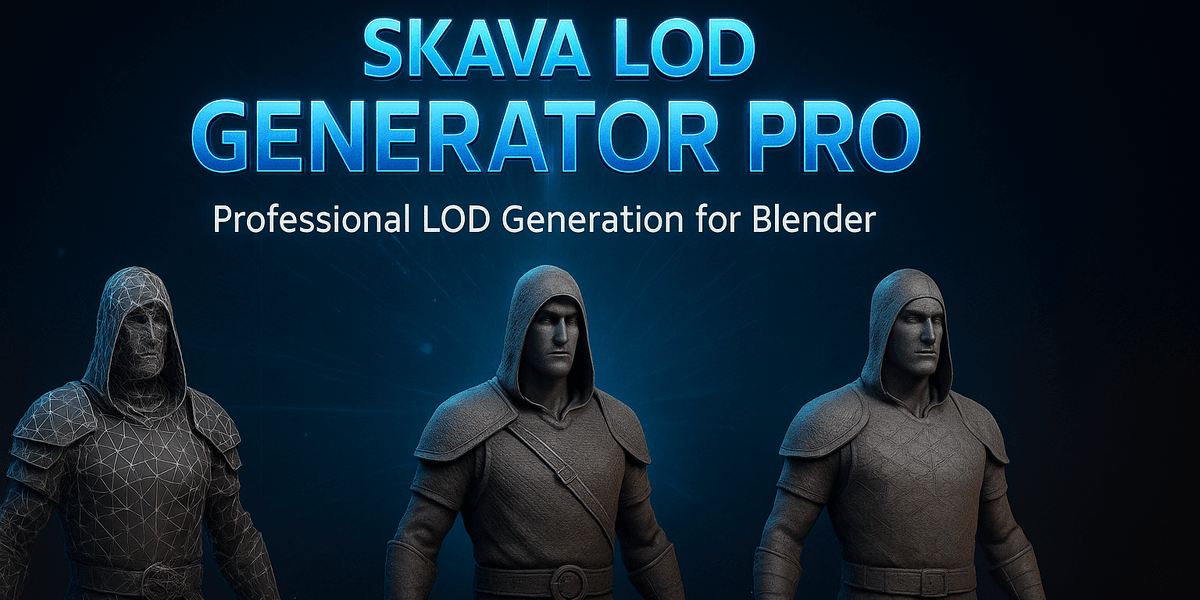
SMART LODS THAT PRESERVE WHAT MATTERS
Protect UV seams, material boundaries, and silhouette edges — automatically.
Adaptive protection ensures LOD1 keeps your UVs perfect while LOD4 reaches the target triangle count.
Blender 3.0 – 4.4+
Unity & Unreal Ready
v1.0.0
------------------------------------------------------------
THE PROBLEM
You spent hours hand-painting UVs, setting up material zones, and refining your silhouette.
Then you hit Decimate and watch it all fall apart.
Blender's built-in Decimate modifier treats every vertex equally. It has no concept of
UV seams, material boundaries, or silhouette-defining edges. The result?
- Torn UV seams that cause visible texture breaks at every LOD level
- Collapsed material boundaries — faces from different materials merge into a mangled mess
- Destroyed silhouettes — the character's profile turns into a lumpy blob at medium distance
- No budget control — you guess at ratios and hope the tri count lands where you need it
- Manual renaming — every LOD needs to be named by hand for Unity or Unreal import
- No adaptive reduction — you either protect features or reach the target, never both
For a single mesh this is annoying. For a project with dozens of assets, it is a pipeline-breaking bottleneck.
------------------------------------------------------------
THE SOLUTION
LOD Forge uses vertex group protection to tell Blender's Decimate modifier
which vertices matter. Before decimation, LOD Forge analyses your mesh and assigns
protection weights to vertices that sit on UV seams, material boundaries, or silhouette edges.
The Decimate modifier then avoids collapsing those vertices first, preserving the features
that define your asset's visual quality.
But here is where LOD Forge goes further: Adaptive Protection Scaling. For gentle
LOD levels (LOD1 at 50% reduction), protection weights stay at full strength — your UVs
remain perfect. For aggressive LOD levels (LOD3/LOD4 where the decimation ratio drops below 0.3),
LOD Forge automatically scales down the protection weights so the decimator can actually reach
the target triangle count. The formula is simple: weight = weight × max(0.2, ratio).
This means LOD1 preserves features perfectly while LOD4 allows more aggressive reduction — no
manual tweaking required.
The result: LODs that look like they were hand-reduced, generated in seconds, with
engine-correct naming and polygon budget enforcement built in.
------------------------------------------------------------
FEATURES
1. SMART DECIMATION WITH VERTEX GROUP PROTECTION
LOD Forge detects three categories of important geometry and paints a protection vertex group
before each decimation pass:
- UV Seams — vertices on marked seam edges stay intact, preventing texture tearing
- Material Boundaries — edges shared by faces with different material indices are protected, keeping material zones clean
- Silhouette Edges — edges where the angle between adjacent face normals exceeds a configurable threshold are preserved, maintaining the readable outline of your model
Each protection category can be toggled independently, and the silhouette angle threshold is adjustable (default 40°).
2. ADAPTIVE PROTECTION — THE KEY INNOVATION
This is what sets LOD Forge apart from every other LOD tool. When the decimation ratio for a level
drops below 0.3, protection weights are automatically scaled down using the formula:
scaled_weight = original_weight × max(0.2, ratio)
- LOD1 (ratio ~0.5): Full protection — UVs and silhouette preserved perfectly
- LOD2 (ratio ~0.3): Full protection — still within the safe range
- LOD3 (ratio ~0.1): Scaled protection — weights reduced so the decimator can reach the target, but important features still get some priority
- LOD4 (ratio ~0.05): Minimal protection (floor at 0.2) — aggressive reduction while maintaining basic feature awareness
Why this matters: Without adaptive protection, you face an impossible choice — either
protect features and never reach your low-poly target, or disable protection and destroy your UVs.
LOD Forge solves this by gradually releasing protection as the LOD gets more aggressive. LOD1 keeps
your UVs perfect. LOD4 reaches the target triangle count. Both happen automatically.
3. ENGINE-SPECIFIC LOD NAMING
Engine Convention Example
---------------- --------------------------------------------- ------------------------------
Unity (LODGroup) MeshName_LOD0, LOD1, LOD2, LOD3 + parent.. HeroLOD0 inside Hero_LODGroup
Unreal MeshName_LOD0 ... LOD3 + parent group Mesh.. HeroLOD0 inside Hero_LODs
Custom User-defined suffix pattern Any naming you need
4. LOD PRESETS
Preset LOD0 LOD1 LOD2 LOD3
------------------- ------ ------ ----- -----
Desktop Character 15,000 7,500 3,000 1,500
Desktop Environment 25,000 12,000 5,000 2,000
Mobile Character 5,000 2,500 1,000 500
Mobile Prop 2,000 1,000 500 200
When a preset is selected, the triangle targets are shown as read-only info in the panel.
If a target exceeds the source mesh's triangle count, an info icon is displayed to let you know that
level will be created as an exact copy of the source — no unnecessary decimation applied.
5. CUSTOM TRIANGLE TARGETS PER LEVEL
Need specific numbers for your pipeline? Select the Custom preset to unlock four editable
fields — one per LOD level. Enter exact triangle count targets tailored to your project's performance
budget.
6. POLYGON BUDGET ENFORCEMENT
Set a maximum triangle count for each LOD level. After generation, LOD Forge runs a
pass/fail verification against your budget. Green means the LOD is within budget; red
means it exceeded the target — no more guessing.
7. LOD METRICS TABLE
A built-in metrics panel shows triangle count, vertex count, reduction percentage,
and budget status (pass/fail) for every generated LOD — all in one glance. The source
row shows "Source" instead of a reduction percentage for clarity.
8. VISUAL LOD PREVIEW IN VIEWPORT
Cycle through LOD levels directly in the viewport using Previous/Next buttons. Instantly compare
LOD0 to LOD3 without leaving your 3D view. A "Show All LODs" toggle displays every level
side-by-side for quick visual comparison.
9. BATCH GENERATION ACROSS MULTIPLE OBJECTS
Select multiple objects and generate LODs for all of them in one click.
LOD Forge processes each mesh independently, applying the same preset or
custom targets across your entire selection. Non-mesh objects are automatically skipped.
10. SMART COPY WHEN TARGET >= SOURCE
If the target triangle count for a level is greater than or equal to the source mesh's actual
triangle count, LOD Forge creates that level as an exact copy of the source. No
unnecessary decimation is applied — your mesh is preserved as-is at that level.
11. READ-ONLY PRESET INFO WITH SOURCE AWARENESS
When a preset is active, the triangle targets are displayed as read-only values in the panel so
you always know what you are generating. If any target exceeds the source mesh's triangle count,
an info icon appears next to that level, indicating it will be copied rather than decimated.
12. PARENT TO EMPTY ORGANIZATION
Generated LODs are automatically parented to an empty for clean outliner
hierarchy. Each LOD set is neatly grouped, ready for export.
------------------------------------------------------------
BEFORE & AFTER
Standard Decimate (Blender Default) LOD Forge — Smart Decimation
--------------------------------------------- ---------------------------------------------
UV seams torn open — visible texture cracks.. UV seams preserved — textures remain clean ..
------------------------------------------------------------
WHO IS THIS FOR?
- Game artists shipping assets to Unity or Unreal who need production-quality LODs without manual retopology
- Environment artists building large scenes that require aggressive polygon reduction without visual degradation
- Indie developers who do not have a dedicated tech artist to hand-build LOD chains
- Asset store creators who need to include LODs with every product to meet marketplace standards
- Archviz studios optimizing real-time walkthroughs with dozens of unique props
- Mobile game developers operating under extremely tight polygon budgets
------------------------------------------------------------
COMPATIBILITY
- Blender: 3.0, 3.1, 3.2, 3.3, 3.4, 3.5, 3.6, 4.0, 4.1, 4.2, 4.3, 4.4+
- OS: Windows, macOS, Linux
- Export formats: FBX, glTF, OBJ — any format Blender supports
- Engine integration: Unity LODGroup, Unreal Engine LOD import, or custom naming
------------------------------------------------------------
HOW TO USE — 6 STEPS
1. Select your mesh — Pick one or more objects in the viewport.
2. Open LOD Forge — Find the panel in the 3D Viewport sidebar (N-panel > LOD Forge).
3. Choose a preset or set custom targets — Select Desktop Character, Desktop Environment, Mobile Character, Mobile Prop, or enter your own triangle counts per level.
4. Configure protection — Toggle UV seam, material boundary, and silhouette protection. Adjust the silhouette angle threshold if needed.
5. Pick your engine profile — Unity, Unreal, or Custom naming.
6. Click "Generate LODs" — LOD Forge creates all levels, applies adaptive protection, checks budgets, and organizes the hierarchy. Done.
------------------------------------------------------------
CHANGELOG
V1.0.0 — INITIAL RELEASE
- Smart decimation with vertex group protection (UV seams, material boundaries, silhouette edges)
- Adaptive protection scaling — weights automatically reduced for aggressive LOD levels (ratio = source tris, LOD is created as exact copy (no unnecessary decimation)
- Preset targets shown as read-only info in panel, with info icon when target > source tris
- Parent-to-empty outliner organization
Аддоны Blender
LODForge
Теги