 -33% OFF
Blender Add-ons
Mobile Ready
Product Description
MOBILEREADY — COMPLETE MOBILE GAME ASSET OPTIMIZATION TOOLKIT FOR BLENDER
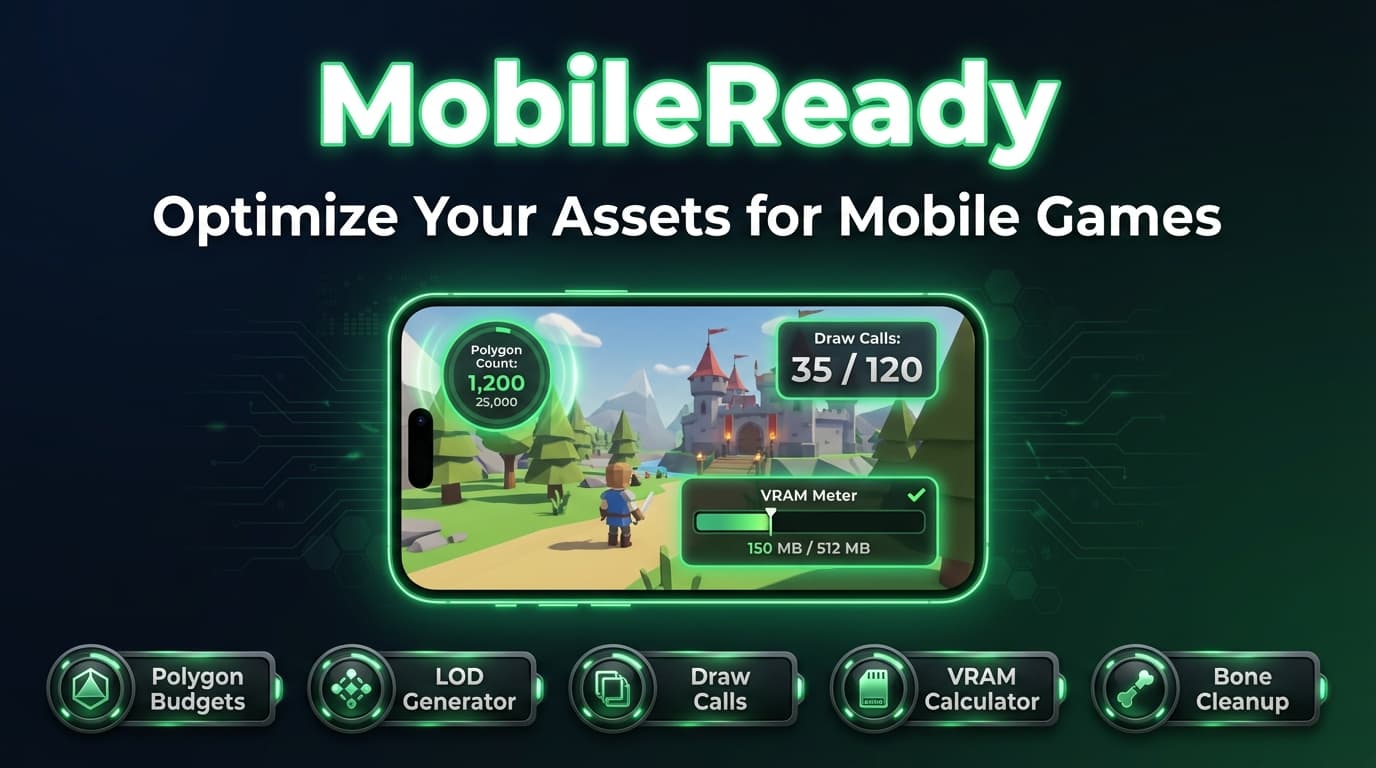
Ship assets that actually run on phones. Polygon budgets, LOD generation, draw call estimation, VRAM profiling, bone cleanup & texture optimization — all inside Blender.
------------------------------------------------------------
THE PROBLEM
Mobile GPUs are not desktop GPUs. Every triangle, every draw call, every megabyte of VRAM matters. Yet most 3D artists work blind — they model in Blender, export to the engine, hit play, and then discover the frame rate is 12 FPS on a mid-range Android phone.
- Too many polygons — characters with 50K tris that should be 5K
- Too many draw calls — dozens of materials where 3 would suffice
- VRAM blown — uncompressed 4K textures on a device with 2 GB shared memory
- Skeleton issues — vertices with 8 bone influences on hardware that supports 4
- No LODs — full-detail meshes rendered at every distance
You only find out after you’ve built the entire scene. Then it’s hours of painful rework.
THE SOLUTION
MobileReady gives you a complete optimization dashboard inside Blender’s 3D viewport. Check budgets, generate LODs, estimate draw calls, profile texture memory, fix bone weights, pack channels, and atlas textures — all before you ever export.
------------------------------------------------------------
FEATURES
POLYGON BUDGETS WITH VIEWPORT HEATMAP
Set per-object triangle budgets and see compliance at a glance. MobileReady color-codes every object directly in the viewport:
- Green — under budget (0–75%)
- Yellow — approaching limit (75–100%)
- Red — over budget (>100%)
No more guessing. You see the problem objects the moment they exist.
LOD GENERATION WITH MOBILE PRESETS
One-click LOD chains tuned for real mobile budgets:
Preset LOD0 LOD1 LOD2 LOD3
----------- ------ ----- ----- -----
Character 5,000 2,500 1,000 500
Prop 2,000 1,000 500 200
Environment 10,000 5,000 2,000 1,000
Each LOD is generated using Blender’s Decimate modifier with optimized settings, automatically named (_LOD0, _LOD1, etc.), and parented to an empty for clean hierarchy. Custom target counts are fully supported.
DRAW CALL ESTIMATION
See exactly how many draw calls your scene (or selection) will produce at runtime:
- Per-material breakdown showing which materials are the most expensive
- Batching potential analysis — how many draw calls you could save by combining materials
- Selection scope or full-scene scope
TEXTURE MEMORY CALCULATOR
Know your VRAM footprint before you export. MobileReady calculates compressed texture sizes for every major mobile format:
- ASTC 4×4 / 6×6 / 8×8 — modern Android & iOS
- ETC2 RGB / RGBA — OpenGL ES 3.0 standard
- PVRTC 4bpp / 2bpp — legacy iOS
- Uncompressed RGB / RGBA — baseline reference
Includes mipmap chain estimation and resolution override simulation so you can see exactly how much memory you’d save by dropping from 2048 to 1024.
BONE INFLUENCE CHECKER
Most mobile GPUs and game engines (Unity, Unreal, Godot) support a maximum of 4 bone influences per vertex. MobileReady:
- Scans every vertex and flags those exceeding the limit
- Auto-cleans excess influences with a single click (keeps highest weights)
- Re-normalizes remaining weights so they sum to 1.0
CHANNEL PACKING
Pack Metallic, Roughness, AO, and any mask into a single RGBA texture. Fewer texture samples = better GPU performance. Uses source textures directly from your material nodes.
TEXTURE ATLASING
Combine textures from multiple objects into shared atlases. Fewer materials = fewer draw calls. Full PBR atlas support (Albedo, Normal, ORM, Emission).
------------------------------------------------------------
BEFORE & AFTER
Metric Before MobileReady After MobileReady
--------------------------------------- ------------------ -----------------
Draw Calls 87 12
Texture VRAM 248 MB 31 MB
Total Triangles 412,000 68,000
Bone Influence Violations 1,340 vertices 0
Estimated Frame Rate (mid-range device) ~14 FPS ~55 FPS
Results from an example mobile RPG village scene with 23 unique assets.
------------------------------------------------------------
WHO IS THIS FOR?
- Mobile game developers building for Android and iOS
- 3D artists who create assets for mobile titles and need to meet strict budgets
- Indie studios that cannot afford separate technical-art pipelines
- Students learning real-world mobile optimization techniques
- Anyone targeting WebGL, VR/AR, or low-end hardware
COMPATIBILITY
- Blender: 3.0, 3.1, 3.2, 3.3, 3.4, 3.5, 3.6, 4.0, 4.1, 4.2, 4.3, 4.4+
- Platforms: Windows, macOS, Linux
- Export: Works with any export format — FBX, glTF, OBJ, etc.
- Game Engines: Unity, Unreal Engine, Godot, and any engine that imports standard mesh data
HOW TO USE
1. Install the addon via Edit → Preferences → Add-ons → Install
2. Press N in the 3D Viewport and open the MobileReady tab
3. Select your objects and use any panel: Polygon Budget, LOD, Draw Calls, Texture Memory, Bones, Channel Packing, or Atlas
4. Review the analysis, apply fixes, and export your optimized assets
------------------------------------------------------------
CHANGELOG
V1.0.0 — INITIAL RELEASE
- Polygon budget system with viewport heatmap overlay (green/yellow/red)
- LOD generation with Character, Prop, and Environment presets
- Draw call estimator with per-material breakdown and batching analysis
- Texture memory calculator supporting ASTC, ETC2, PVRTC, and uncompressed formats
- Bone influence checker with auto-cleanup and weight normalization
- Channel packing (RGBA) from material texture nodes
- Multi-object texture atlasing with PBR support