Getly
Tableurs et calculateurs
Freelance Client & Invoice Tracker
Cette annonce est affichée dans sa langue d'origine (anglais).
Billed, paid, outstanding, overdue - see who owes you today. Excel & Google Sheets template, no macros, no subscription.
Ce que vous recevez : 1 fichier · 15.44 KB · XLSX
Voir les options d'achatDescription du produit
You already know how to do the work. The problem is knowing who has paid you.
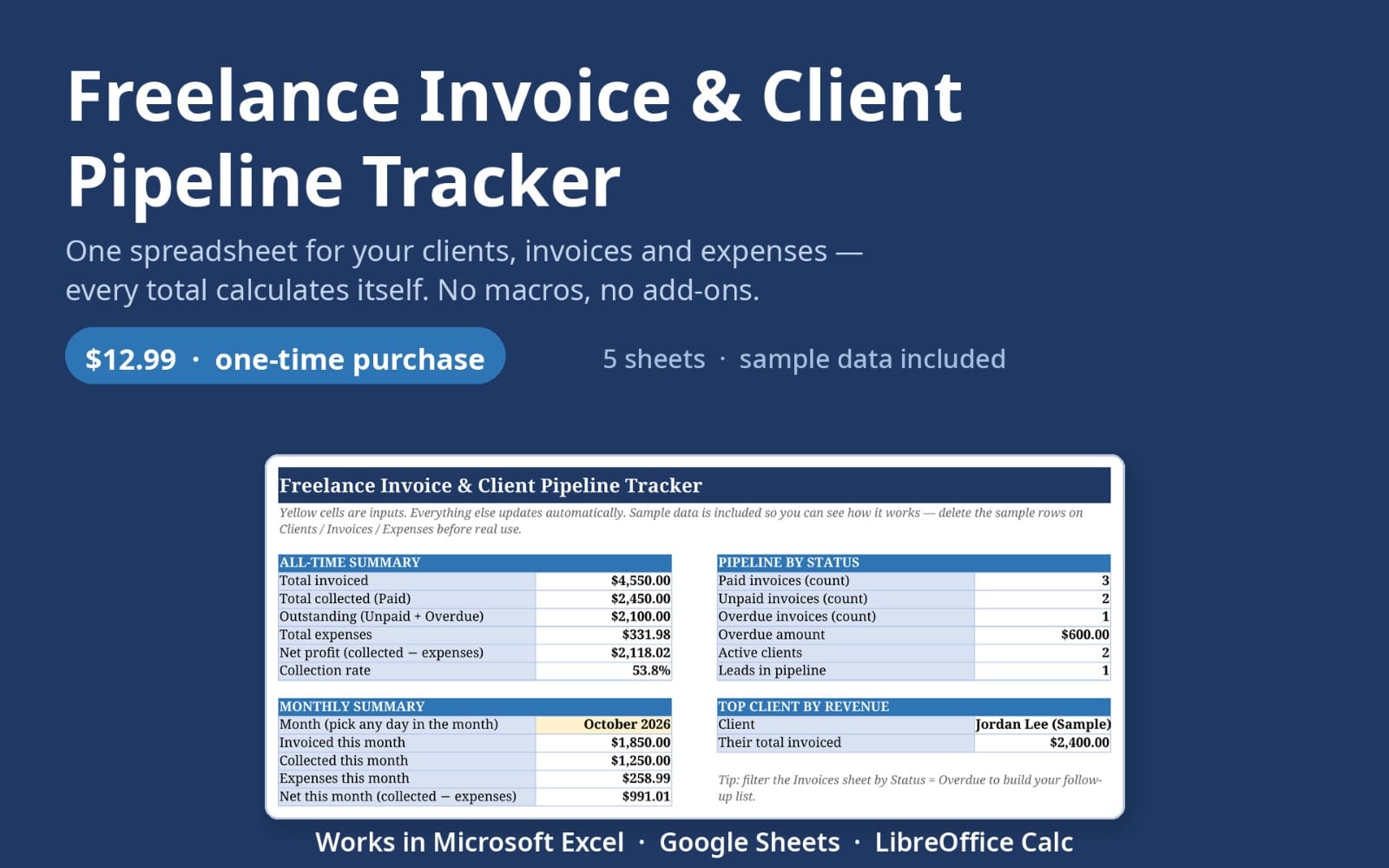
This tracker answers three questions in one glance: how much is billed, how much is outstanding, and who is late - without a $30/month app, without a login, and without your data leaving your laptop.
WHAT YOU GET
- One Excel file that also opens in Google Sheets (File - Import). No macros, no add-ins.
- Invoices sheet with 60 ready rows, status dropdown (Draft / Sent / Paid) and an automatic days-overdue counter.
- Due dates that calculate themselves from each client's payment terms: set "30 days" once and every invoice for that client is dated correctly.
- Clients sheet with per-client totals: invoiced, paid, still owing.
- Dashboard: billed, paid, outstanding, overdue amount, overdue count, this month, average invoice, and who owes you the most.
- Overdue rows turn red by themselves, paid rows turn green. You do not maintain the colours.
- A one-page "Start here" sheet: five minutes and it is set up.
- Works offline. Lifetime file. Your copy is yours.
WHO IT IS FOR
Freelancers, consultants, designers, developers, small studios - anyone who sends a handful of invoices a month and tracks them "in my head, mostly".
HOW IT WORKS
1. Fill the Clients sheet: name, contact, payment terms in days.
2. Add a row per invoice and pick the client from the dropdown.
3. Open the Dashboard. That is the whole routine.
WHAT IT IS NOT
It is not accounting software and it does not file taxes. It is the screen you look at before you chase a payment, and it does that better than a notebook or a five-tab spreadsheet you build yourself at 1am.
FAQ
Does it work in Google Sheets? Yes - import the file; all formulas are standard (SUMIF/SUMIFS/COUNTIF/EOMONTH/SUMPRODUCT), no macros.
Can I use my own currency? Yes. Each invoice carries its own currency label; the totals are plain numbers you can label however you like in Settings.
How many invoices? 60 rows ready out of the box, and rows copy down indefinitely.
Multiple years? Save a copy per year - old files become your archive.
Refunds? If the file does not fit your workflow, write to me within 14 days and I refund it, no questions.
Instant download. One .xlsx file. Works in Excel 2016+, Microsoft 365, Google Sheets, LibreOffice and Numbers.
Ce que vous recevez
1 fichier · 15.44 KB
- Freelance-Invoice-Tracker.xlsxXLSX · 15.44 KB
Tableurs et calculateurs
Freelance Client & Invoice Tracker
Cette annonce est affichée dans sa langue d'origine (anglais).
Billed, paid, outstanding, overdue - see who owes you today. Excel & Google Sheets template, no macros, no subscription.
Inclus dans Getly ProPasser à Pro
Tags
Questions fréquentes
Ai-je accès au produit immédiatement ?
Oui. C'est un produit numérique : vous pouvez le télécharger juste après le paiement, directement depuis votre bibliothèque.
Puis-je l'utiliser pour des projets commerciaux ?
Oui. L'usage commercial est autorisé : utilisez-le dans votre propre activité et dans ce que vous vendez. Vous ne pouvez pas revendre ni redistribuer le fichier lui-même.
Quelle est votre politique de remboursement ?
Vous pouvez demander un remboursement dans un délai de 30 jours. Si quelque chose ne va pas, demandez-le depuis votre commande et l'équipe Getly l'examine.
Quels formats et quelles tailles de fichier vais-je recevoir ?
Vous téléchargerez 1 fichier - XLSX - 15.44 KB au total.
Ai-je droit aux mises à jour gratuites ?
Oui : quand le vendeur publie une nouvelle version, vous pouvez retélécharger les derniers fichiers depuis votre bibliothèque sans frais. Consultez le journal des modifications pour les dernières mises à jour.
Prix
$12.00