Getly
Tutoriels de design
Canva And Ai Learning Mastercourse
Cette annonce est affichée dans sa langue d'origine (anglais).
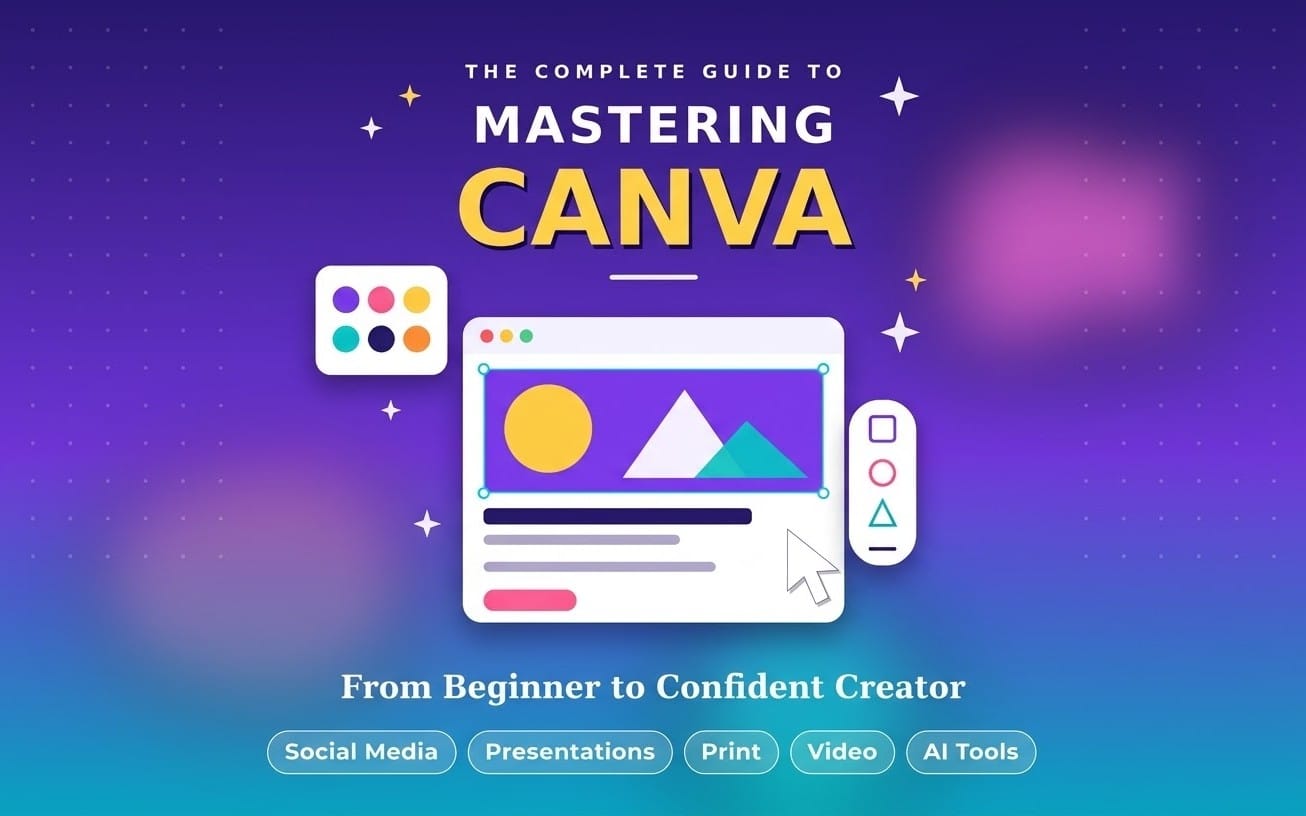
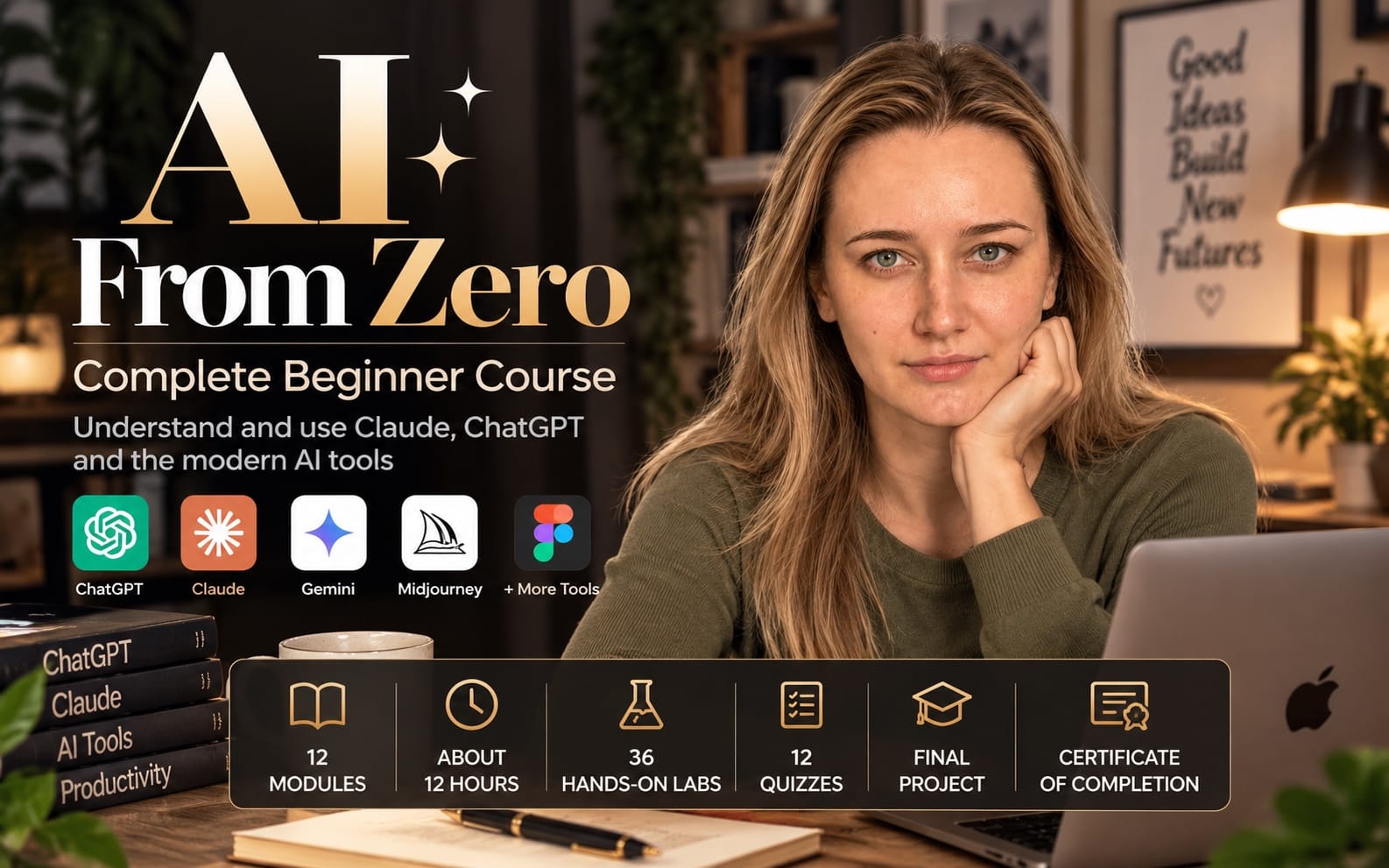
Canva + AI Masterclass for Beginners Learn how to create professional social media posts, YouTube thumbnails, posters, resumes and presentations using Canva and AI tools. This beginner-friendly course provides practical lessons, step-by-step guidance and hands-on projects. No prior designing or technical experience is required. Level: Beginner Duration: 7–10 days Skills: Graphic design, Canva, AI content creation and digital marketing basics.
Ce que vous recevez : 1 fichier · 346.29 KB · PDF
Voir les options d'achatDescription du produit
Turn your ideas into polished designs fast. This Canva + AI Learning Mastercourse gives you a beginner-friendly path to create scroll-stopping social posts, YouTube thumbnails, posters, resumes, and presentations using Canva and practical AI tools.
What you’ll learn
- Build professional social media posts in Canva using ready-to-follow layouts and design basics
- Create high-click YouTube thumbnails with clear text, strong contrast, and simple design logic
- Design posters, resumes, and presentation slides that look clean and consistent
- Use AI for content creation, captions, and ideas, then place the results inside real Canva designs
- Apply digital marketing fundamentals so your visuals support your message
- Complete hands-on projects that mirror real use cases, not vague exercises
Beginner-friendly structure
- No prior design or technical experience required
- Step-by-step lessons you can follow even if you open Canva for the first time
- Practical guidance designed to help you finish work, not just watch videos
- Level: Beginner. Duration: 7–10 days
Skills you walk away with
- Graphic design fundamentals for everyday creators
- Canva workflows for posts, thumbnails, resumes, and presentations
- AI-assisted content creation for faster ideation and better output
- Digital marketing basics to improve how your designs perform
Buy this mastercourse if you want a clear, beginner path to Canva and AI that produces real designs you can post, pitch, or apply for immediately.
Ce que vous recevez
1 fichier · 346.29 KB
- Canva + AI Masterclass Complete 15-Page Course Handbook.pdfPDF · 346.29 KB
Jeter un œil à l'intérieur
Aperçu de 2 pages sur 15
Tutoriels de design
Canva And Ai Learning Mastercourse
Cette annonce est affichée dans sa langue d'origine (anglais).
Canva + AI Masterclass for Beginners Learn how to create professional social media posts, YouTube thumbnails, posters, resumes and presentations using Canva and AI tools. This beginner-friendly course provides practical lessons, step-by-step guidance and hands-on projects. No prior designing or technical experience is required. Level: Beginner Duration: 7–10 days Skills: Graphic design, Canva, AI content creation and digital marketing basics.
Inclus dans Getly ProPasser à Pro
Tags
Questions fréquentes
Ai-je accès au produit immédiatement ?
Oui. C'est un produit numérique : vous pouvez le télécharger juste après le paiement, directement depuis votre bibliothèque.
Puis-je l'utiliser pour des projets commerciaux ?
Oui. Les travaux commerciaux et pour des clients sont tous deux autorisés, y compris les produits à ventes illimitées. Vous ne pouvez pas revendre le fichier lui-même.
Quelle est votre politique de remboursement ?
Vous pouvez demander un remboursement dans un délai de 30 jours. Si quelque chose ne va pas, demandez-le depuis votre commande et l'équipe Getly l'examine.
Quels formats et quelles tailles de fichier vais-je recevoir ?
Vous téléchargerez 1 fichier - PDF - 346.29 KB au total. Le PDF compte 15 pages.
Ai-je droit aux mises à jour gratuites ?
Oui : quand le vendeur publie une nouvelle version, vous pouvez retélécharger les derniers fichiers depuis votre bibliothèque sans frais. Consultez le journal des modifications pour les dernières mises à jour.
Prix
$9.99