Getly
GetlyТаблицы и калькуляторы
Freelance Tax + Expense Tracker
Know what to keep back: quarterly tax planner, deductible expenses and the set-aside for every payment. Excel and Google Sheets.
Описание товара
Tax season should not be the moment you find out what you owe.
Most spreadsheets track expenses. This one answers the question you actually have after every payment: how much of this is not mine? You enter your own rate once, log invoices and expenses as they happen, and read a single number - STILL TO SET ASIDE - that you move to a separate account.
WHAT YOU GET
- Income sheet: invoices with a status (Paid / Sent / Overdue). Only paid money counts for tax, exactly like the tax office sees it. 100 rows ready.
- Expenses sheet: category, vendor, amount and a Deductible? Yes/No flag - that flag is what separates 'I bought it' from 'the tax office accepts it'. 150 rows ready.
- Tax sheet: income, expenses, deductible expenses, tax base, estimated tax, contributions and what is already paid, plus your effective tax rate and the set-aside to apply to every payment.
- Quarterly planner: Q1 to Q4 with income, deductible expenses, estimated tax and cumulative liability - the table that stops quarterly payments from being a surprise.
- Tax reserve gap: cash on hand minus the reserve you still need, and what is safely yours to spend. Turns red when you are short.
- Categories with budgets: 12 ready categories; budget used turns red when you are over and amber when you are close.
- Dashboard: income, expenses, net, set-aside and cumulative net by month, with a chart.
- Start here sheet: six steps plus the habits that keep freelancers out of trouble.
WHY THERE ARE NO COUNTRY RATES INSIDE
Rates change and differ by country and legal form, so hardcoding them would be a lie the day after you buy. You enter your rate (income tax plus social contributions) in one cell, and the whole file follows. Works for the US, UK, EU, Ukraine or anywhere.
HOW IT WORKS
1. Settings: put your tax rate in one cell.
2. Log invoices with status Sent; switch to Paid when the money lands.
3. Log expenses and mark the deductible ones.
4. Open Tax, move STILL TO SET ASIDE to a separate account.
FAQ
Does it work in Google Sheets? Yes - import the .xlsx; every formula is standard (SUMIFS / SUMPRODUCT / INDEX / MATCH / ROUND / EOMONTH), no macros, no add-ins.
Do I need to know formulas? No. You fill two sheets and read the numbers.
Multiple currencies? The file keeps plain numbers plus a currency label; use one currency per copy for clean tax numbers, and a separate copy per fiscal year.
Is this tax advice? No. It is a tracker that does the arithmetic. Rates and rules are yours to confirm with an accountant.
Refunds? If the file does not fit your workflow, write to me within 14 days and I refund it.
Instant download. One .xlsx file: Excel 2016+, Microsoft 365, Google Sheets, LibreOffice and Numbers.
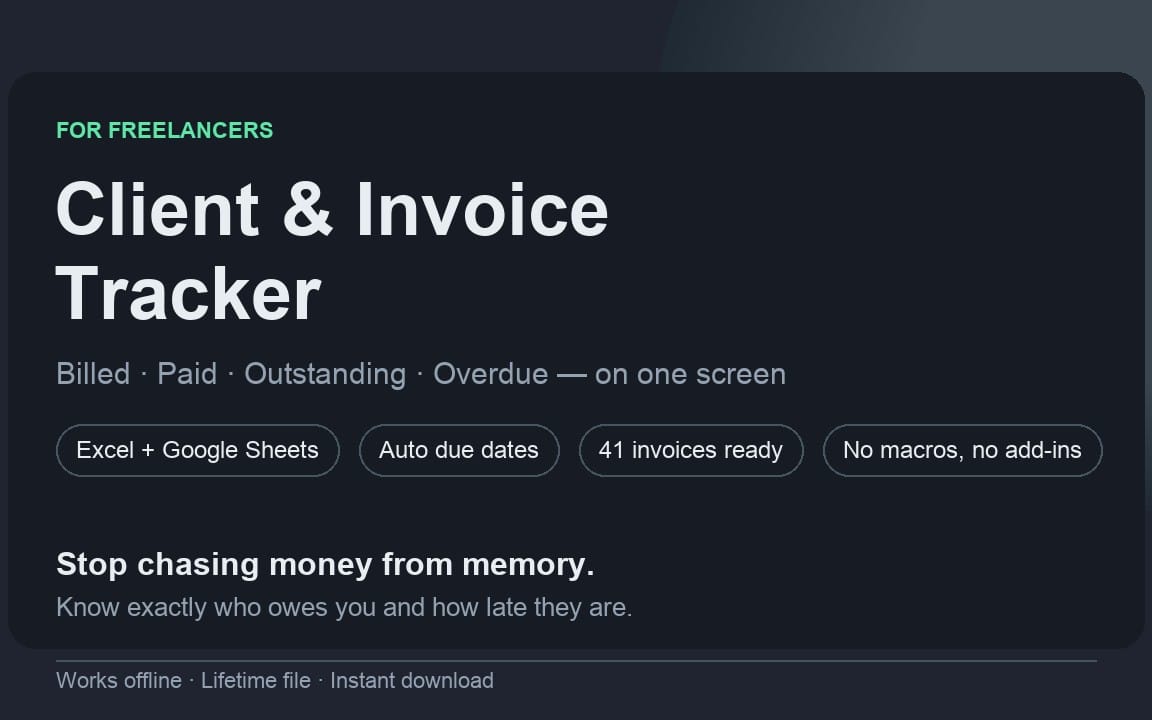
Also from this series: Client + Invoice Tracker - billed, paid, outstanding and overdue on one screen.
Что вы получите
1 файл · 22.98 KB
- Freelance-Tax-Expense-Tracker.xlsxXLSX · 22.98 KB
Таблицы и калькуляторы
Freelance Tax + Expense Tracker
Know what to keep back: quarterly tax planner, deductible expenses and the set-aside for every payment. Excel and Google Sheets.
Теги
Частые вопросы
Доступ открывается сразу?
Да. Это цифровой товар - скачать его можно сразу после оплаты, прямо из своей библиотеки.
Можно ли использовать в коммерческих проектах?
Да. Коммерческое использование разрешено: в своём бизнесе и в том, что вы продаёте. Перепродавать и распространять сам файл нельзя.
Какие условия возврата?
Покупка защищена гарантией возврата в течение 30 дней. Если что-то не так, запросите возврат в своём заказе - заявку рассматривает команда Getly.
Какие форматы и размеры файлов я получу?
Вы скачаете 1 файл - XLSX - всего 22.98 KB.
Обновления бесплатны?
Да - когда продавец выпускает новую версию, вы можете бесплатно скачать актуальные файлы из своей библиотеки. Последние изменения смотрите в истории версий.
Цена
$14.00