Getly
Getly
Хорошая презентация — это не «красивые слайды», а ясная структура и дизайн, который помогает аудитории понять смысл за минуты. В 2026 году бесплатных материалов стало больше, но качество и удобство всё так же решают исход: от питча для стартапа до объяснения темы на уроке.
Ниже — 10 реальных вариантов шаблонов презентаций (включая pitch deck template и design resources free), плюс практические правила, как выбрать и быстро адаптировать их под вашу задачу в Figma. В конце добавили короткую FAQ-раздел, чтобы вы могли принять решение за один просмотр.
TL;DR: какие бесплатные шаблоны презентаций выбрать в 2026
Если вы ищете presentation template free, лучшие результаты даёт подход «выберите формат → оцените структуру → проверьте адаптацию под контент». Так вы не застрянете в поиске и быстрее доведёте макет до результата.
- Для питча лучше всего подходят шаблоны с готовой воронкой слайдов: проблема → решение → рынок → бизнес-модель → команда → запрос.
- Для обучения выбирайте шаблоны с сильной типографикой и сеткой: блоки, диаграммы, карточки, таймлайны.
- Шаблоны в Figma или совместимые с Figma проще всего адаптировать под бренд и визуальные правила.
- Free PowerPoint templates работают, когда вам нужен быстрый экспорт, но важна проверка шрифтов и макетов.
- Любой шаблон нужно «докрутить»: замените цвета, иконки, сделайте единые отступы и отформатируйте заголовки.
Что такое pitch deck template и как выбрать бесплатный вариант
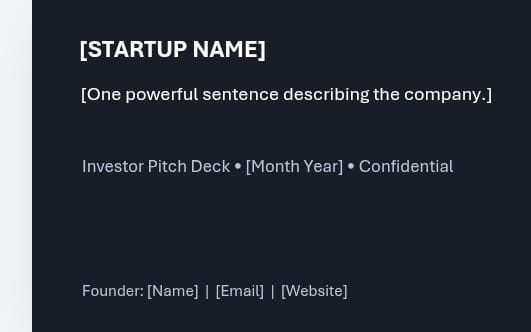
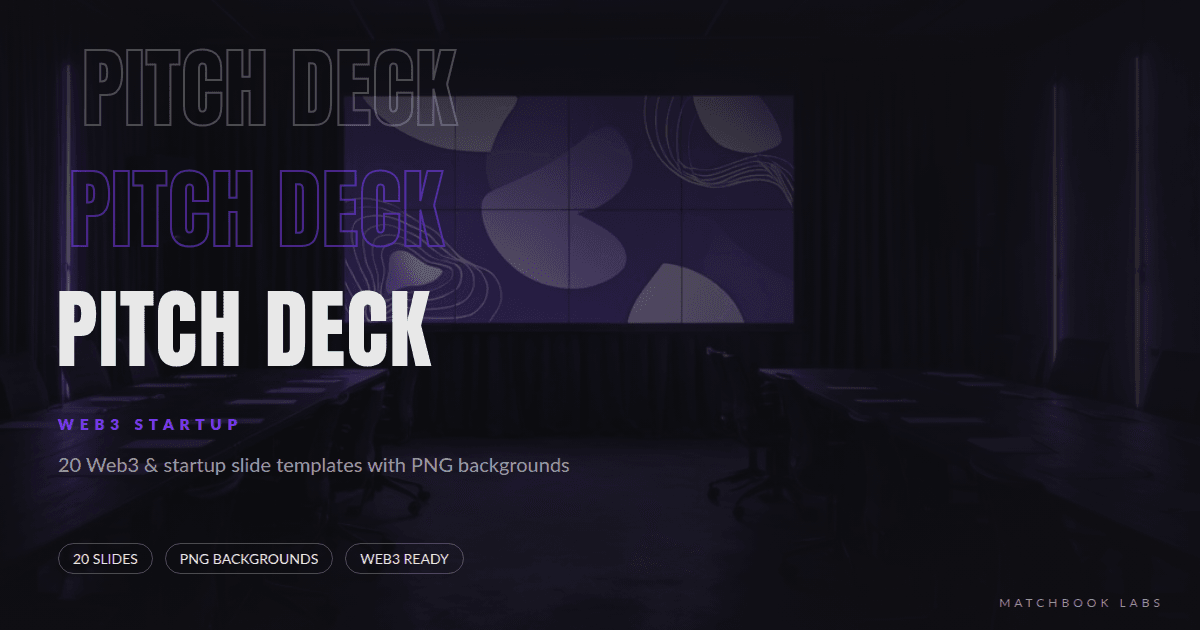
Pitch deck template — это шаблон презентации, который заранее спроектирован под задачу инвестора: быстрое чтение, понятная логика и визуальные «опоры» для цифр и истории продукта.
Лучший бесплатный вариант — тот, где уже есть правильные секции и предустановленные стили (заголовки, подзаголовки, списки, таблицы). Иначе вы потратите больше времени на сборку с нуля, чем на поиск.
Признаки качественного pitch deck template
Чтобы не разочароваться, оценивайте шаблон по конкретным параметрам. Эти пункты особенно важны, если вы берёте free PowerPoint templates или аналогичные наборы.
- Секция Problem/Solution с местом под тезисы и визуал (картинка/схема).
- Слайд рынка: TAM/SAM/SOM или хотя бы место под график и 3–5 буллетов.
- Бизнес-модель или revenue model с готовой компоновкой.
- Продукт/демо с блоками для скриншотов и описаний.
- Команда с карточками участников и единой сеткой.
- Ask/Timeline: что вы просите и на какой срок.
Быстрый чек-лист адаптации под стартап
Даже отличный шаблон «ломается», если вы вставляете контент без согласования стиля. Поэтому адаптируйте как систему, а не как набор картинок.
- Замените палитру: 1 основной цвет + 1 акцент + нейтрали (светлый/тёмный фон).
- Настройте 2 уровня типографики: заголовки и текст (единые размеры/межстрочный).
- Приведите иконки к одному стилю (линейные или filled).
- Уберите «лишние» декоративные элементы: инвестору важна ясность.
- Проверьте выравнивания: одинаковые отступы и поля в каждом блоке.
Pro tip: если шаблон поддерживает редактирование компонентов (в Figma), сохраните свои правки как «варианты» компонентов. Тогда вы не будете заново править шрифты и сетку на каждом слайде.
Лучшие бесплатные шаблоны презентаций 2026 для стартапа
Если вам нужен startup presentation template, выбирайте наборы, которые уже «настроены» под питч. В 2026 году инвесторы ожидают структурность и визуальную дисциплину, а не сложные эффекты.
Ниже — 10 вариантов бесплатных шаблонов/ресурсов, которые удобно использовать как основу. Я добавил подсказки, кому и в каком сценарии они подходят.
Топ-10 options: pitch deck и startup-структура
Важно: в интернете много материалов с разными условиями (лицензия, атрибуция, ограничения на коммерческое использование). Перед применением в проекте проверьте страницу автора и тип лицензии.
| # | Опция | Кому подходит | Почему это работает |
|---|---|---|---|
| 1 | Pitch deck template в стиле minimal (Figma/шаблон) | Стартапы ранней стадии | Логика секций + аккуратная типографика |
| 2 | Modern business pitch deck (PowerPoint + экспорт) | Быстрые питчи для встреч | Готовые диаграммы и блоки под цифры |
| 3 | Startup presentation template с timeline | Roadmap/план развития | Слайд “прогресс + следующая веха” |
| 4 | Founder/Team slide kit (карточки) | Команда и личный бренд | Единая сетка фото/имён/ролей |
| 5 | Data-heavy deck (таблицы/графики) | B2B SaaS, аналитика | Лучше показывает метрики и unit economics |
| 6 | Education + pitch hybrid (универсальные блоки) | Обучение продукту и продажа | Модули: кейсы, шаги, “как это работает” |
| 7 | Card-based design template (линейки/карточки) | Маркетинговые питчи | Понятная подача функций и выгод |
| 8 | Icon + diagram pack для слайдов | Тем, кому не хватает визуала | Дешевле по времени: меньше ручной графики |
| 9 | Шаблон под продуктовые скриншоты (UI frames) | Apps/web | Кадрирование экранов как единый стиль |
| 10 | Pitch deck template с отдельными cover/CTA | Фандрайзинг и презентации | Сильный финал: “что дальше” |
Как именно найти такие шаблоны бесплатно? Ищите не только «free presentation template», но и уточнения: pitch deck template figma, startup presentation template minimal, free PowerPoint templates roadmap, design resources free icons diagrams.
Короткая подсказка: если вы используете Figma, предпочтение отдавайте исходникам с редактируемыми текстовыми стилями. Это ускоряет приведение бренда в порядок в разы.
Бесплатные PowerPoint templates: когда формат выигрывает
Free PowerPoint templates — лучший выбор, если вам нужно быстро собрать презентацию под встречу и вы работаете преимущественно в Office. В 2026 году многие шаблоны совместимы с экспортом, а значит вы сможете довести визуал до уровня “как в Figma”.
Но есть нюансы: разные версии шрифтов, масштабирование, иконки и эффекты могут «поплыть». Поэтому используйте проверку перед финальной отправкой.
Как проверить совместимость шаблона до презентации
Сделайте один технический прогон, иначе презентация может выглядеть иначе у инвестора или преподавателя.
- Откройте файл на другом устройстве (или в другом браузере, если облачный просмотр).
- Проверьте шрифты: заголовки, кириллица, межбуквенный интервал.
- Проверьте графики и фигуры: не смещаются ли подписи.
- Проверьте анимации: лучше минимум — фокус на смысле.
- Сохраните копию в PDF как страховку.
Когда лучше взять “pitch deck template”, а не “general”
Универсальные шаблоны часто красиво выглядят, но не подсказывают структуру. В питче важны «опорные» слайды, поэтому template под задачу окупается быстрее.
- Если вы продаёте продукт: берите шаблон с секцией Problem/Solution.
- Если вы обучаете: ищите шаблон с step-by-step и примерами.
- Если вы выступаете часто: выбирайте слайд-дизайн с компонентами/повторяемыми блоками.
Типичная ошибка: вставить “крутые” бесплатные иконки поверх чужого стиля. В результате презентация выглядит как коллаж. Лучше выбрать один стиль и масштабировать всё под него.
Шаблоны для обучения: как сделать design resources free полезными
Для обучения лучший бесплатный шаблон — это тот, где структура помогает объяснять: примеры, пошаговость, визуальные блоки и типографика. Design resources free полезны, когда вы собираете урок как систему.
Вместо того чтобы искать «самый красивый» вариант, сосредоточьтесь на том, как ученик воспринимает информацию. В 2026 году эффективные материалы чаще проектируют под короткие экраны и мобильный просмотр.
Что должно быть в startup/education hybrid-шаблоне
Даже если вы делаете презентацию для обучения сотрудников или клиентов, логика похожа: нужно от “введение” к “практика” и “результат”.
- Титульный слайд с контекстом и целями
- Слайд-оглавление или карта урока
- Блоки «ключевая мысль» (1 идея = 1 слайд)
- Секции с примерами и “do/don’t”
- Короткие тесты/вопросы (2–4 слайда)
- Итог и следующий шаг
Мини-метод: превращайте текст в визуальные “карточки”
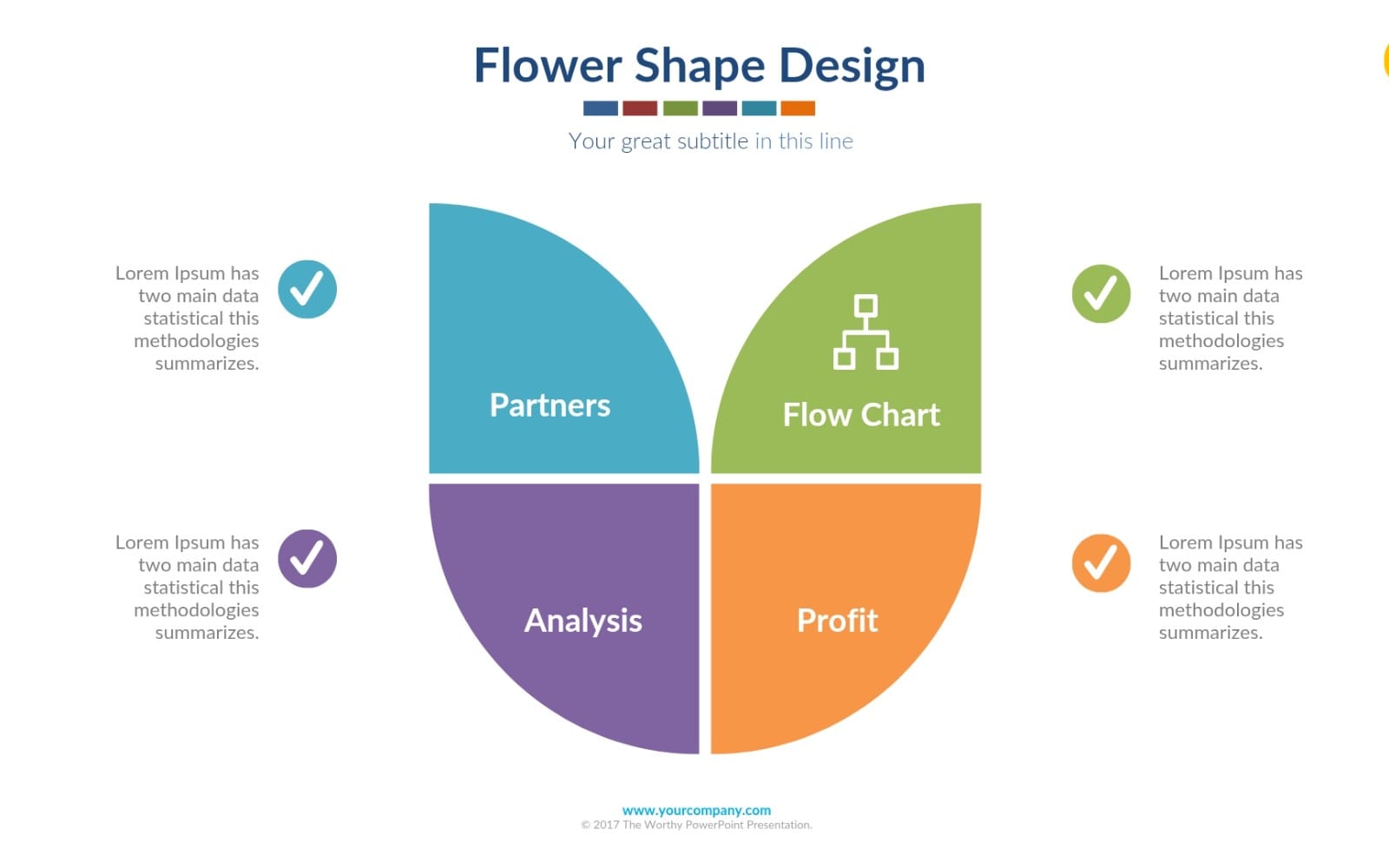
Если у вас много текста, не пытайтесь уместить всё на один слайд. Разбейте на карточки и добавьте визуальные маркеры: чекбоксы, иконки шагов, цветовые коды.
- Определите 3–5 тезисов (не больше).
- Каждый тезис — отдельная карточка.
- Добавьте пример или мини-кейс под каждой карточкой.
- Используйте одинаковые отступы и высоты карточек.
- В конце — мини-подведение итогов в 1 абзац.
Pro tip: держите “библиотеку” визуальных блоков. В Figma это компоненты: карточка, схема, таймлайн, график. Тогда вы собираете уроки за часы, а не за дни.
Figma: как быстро адаптировать free-шаблон под ваш бренд
В Figma лучше всего получается «быстрая адаптация» presentation template free: вы можете перенести структуру, а затем перестроить цвета, типографику и компоненты под бренд за один рабочий день.
Чтобы не потерять время, действуйте как дизайнер системы, а не как “верстальщик слайдов”.
Пошаговый процесс в Figma (30–60 минут)
Ниже — практический сценарий, который можно повторить для любого бесплатного шаблона.
- Импортируйте слайды или создайте страницы с одинаковым размером (16:9).
- Соберите палитру: фон, основной текст, акцент, 1–2 нейтрали.
- Создайте text styles: H1 (заголовок), H2 (подзаголовок), Body (текст).
- Сделайте 3 состояния карточки: default/hover (если нужно)/selected.
- Замерьте отступы: один grid и одинаковая базовая логика поля.
- Проверьте адаптацию изображений: одинаковые рамки и правила кадрирования.
Где обычно “ломается” бесплатный шаблон
Бесплатные шаблоны часто хороши по структуре, но “сыпятся” по мелочам. Вот что чаще всего нужно поправить.
- Текст: слишком мелкий или нечитабельный на проекторе.
- Выравнивание: разные базы для маркеров списков.
- Иконки: смесь стилей и толщин линий.
- Диаграммы: разные шрифты в подписях и легендах.
- Изображения: разные пропорции и отсутствие масок.
Если вы создаёте контент в смежных форматах (гайд, сценарии, образовательные материалы), полезно держать единый подход к визуальному языку. Например, контент-структура из обучающих материалов часто хорошо ложится в слайд-карточки — по типу «тема → шаг → пример».
Сигнал из практики: презентации, собранные как “набор повторяемых блоков”, легче обновлять под новые цифры. Это критично в 2026 году, когда продукт и метрики меняются чаще.
Топовые design resources free: что брать помимо шаблона
Лучшие results в презентациях получаются не только от pitch deck template, но и от набора вспомогательных ресурсов: иконок, диаграмм, иллюстраций, UI-контуров и фото-оверлеев. Design resources free ускоряют сборку и делают стиль цельным.
Если вы обновляете презентации регулярно (питчи, обучающие демо, вебинары), то “ресурсный набор” важнее, чем один идеальный шаблон.
Что именно докупить/взять бесплатно для цельного дизайна
Соберите минимальный комплект — и вы сможете собрать 80% презентаций без страданий.
- Иконки в одном стиле (линии или заливка)
- Диаграммы (бар/линия/воронка) в векторе
- UI frames для экранов (мобайл/десктоп)
- Текстуры очень дозировано (градиенты/шумы)
- Фото-плёнки/оверлеи или фильтры единого тона
Как встроить образовательные материалы в презентацию
Если у вас есть гайд или материал, который вы превращаете в урок, используйте его как “источник слайдов”. Для питча это тоже работает: скопируйте структуру вашего контента в слайды.
Например, контент-методики и схемы можно переносить напрямую в визуальные блоки. Если вы ведёте тематические материалы, то структура статьи часто уже является skeleton’ом презентации.
В качестве примера того, как авторы структурируют обучение и выводят полезные шаблоны, полезно смотреть на продукты с пошаговой логикой и мастер-воркфлоу. Например, из каталога Getly можно встретить материалы, которые легко превращаются в “слайды-карточки” (вставка схем, выводов, примеров и CTA). Среди них: Escape the Paycheck Trap и The Signal Architect.
- Pitch deck template в 2026 — это структура, а не декоративность: problem → solution → рынок → модель → команда → ask.
- Free PowerPoint templates подходят, если вы проверяете шрифты, выравнивания и экспорт в PDF.
- Для обучения берите шаблоны с карточками, таймлайнами и типографикой — так урок “читается” быстрее.
- В Figma адаптация работает быстрее всего через text styles, компоненты и единый grid.
- Сильные design resources free — это иконки, диаграммы и UI frames в одном стиле.
Частые ошибки при использовании бесплатных шаблонов
Бесплатные шаблоны экономят время, но ошибки в подборе и адаптации встречаются почти всегда. Важно не просто скачать presentation template free, а довести его до “вашего” качества.
Ниже — список ошибок, которые чаще всего портят впечатление у аудитории: от инвестора до студента.
Ошибки дизайна, которые сразу бросаются в глаза
- Смешение стилей: разные шрифты/толщины линий/иконки в разных стилях.
- Слишком плотный текст: слайды выглядят как документ, а не презентация.
- Нет визуальной иерархии: заголовок не выделяется, смысл теряется.
- Графики без подписи: аудитория не понимает, что именно показывает диаграмма.
- Разные поля и сетки на разных слайдах.
Ошибки контента: структура важнее красивой обложки
Питчи и учебные материалы проигрывают не из-за дизайна, а из-за слабой структуры. Убедитесь, что вы закрываете нужные вопросы.
- Для стартапа: почему сейчас, в чём решение и почему вы выиграете.
- Для обучения: какие цели, какой порядок, где практика и как проверяется понимание.
- Для продажи: где выгода, доказательства, кейс и следующий шаг.
Важно: не используйте материалы с непонятной лицензией (особенно иконки/фото). В 2026 лучше проверить условия заранее, чем потом переделывать презентацию перед важной демонстрацией.
FAQ: презентации, pitch deck и бесплатные шаблоны в 2026
Где найти presentation template free, который действительно подходит под питч?
Ищите шаблоны с явной структурой секций (Problem/Solution, рынок, бизнес-модель, команда, ask). Добавляйте запросы вроде “pitch deck template” и “startup presentation template”, а не только “presentation template free”.
Подходят ли free PowerPoint templates для замены на Figma?
Да, но чаще всего вам придётся выровнять шрифты, заменить иконки на единый стиль и проверить графики. Самый надёжный путь — адаптация в Figma через text styles и единый grid.
Как понять, что шаблон “обучающий”, а не просто бизнесовый?
Обучающие шаблоны обычно имеют элементы: карточки тезисов, шаги, кейсы, проверки понимания (вопросы/мини-тесты) и блок “итоги/следующий шаг”. Если этого нет, вам придётся добавлять структуру вручную.
Что важнее: дизайн или структура слайдов?
Структура важнее. Дизайн усиливает восприятие, но если аудитория не понимает логику, она не дочитает. В питче это особенно критично: инвестор “сканирует” слайды за секунды.
Сколько времени реально нужно, чтобы довести бесплатный шаблон до уровня бренда?
На базовую адаптацию обычно уходит 30–60 минут: палитра, text styles, сетка и замена ключевых блоков. Если вы внедряете компоненты и обновляете иконки/диаграммы, закладывайте 1–2 часа на один шаблон.
Бесплатный шаблон — это стартовая площадка. Побеждает не источник, а то, насколько точно вы подстроили структуру под задачу и аудиторию.
Если хотите, начните с одного шаблона из списка, адаптируйте его под ваш бренд в Figma и соберите финальный “скелет” из повторяемых блоков. А дальше вы сможете быстро обновлять презентации под новые цифры, уроки или новые версии продукта — без постоянного поиска.
Мягкий следующий шаг: если вам нужен быстрый доступ к готовым структурам и образовательным материалам, попробуйте найти подходящий кейс в каталоге и собрать из него “скрипт” слайдов.