Getly
GetlyВеб-элементы (бейджи, баннеры)
Molten Core Stream Overlay Package
Это объявление показано на языке оригинала (английский).
Animated lava and fire stream overlay package for Twitch, YouTube & Kick: scenes, 10 alerts + sounds, frames, stinger, 27 panels
Что вы получите: 1 файл · 16.49 MB · ZIP
Варианты покупкиОписание товара
MOLTEN CORE STREAM OVERLAY PACKAGE
A complete animated package in the style of our Molten Core panels: dark slate panels with a glowing lava tile, copper lettering and drifting embers, with new sounds for every alert and for the stinger.
Works with
- OBS Studio and Streamlabs Desktop: scenes, frames, overlays and the stinger
- StreamElements and Streamlabs: the alerts and their sounds
- Twitch, YouTube and Kick
What you get
- 4 animated scenes: Starting Soon, Be Right Back, Stream Ending, Offline (+ a background with no text), each a big Molten Core panel
- 10 animated alerts: Follow, Subscriber, Gift Subs, Bits, Raid and Donation, plus YouTube New Member, Gifted Memberships, Super Chat and Super Sticker. Forged in fire, each with its own icon and move
- A matching sound for each alert (10 MP3s), made for this package and timed to the animation
- Your viewer's name and the amount (months, gifted subs, bits, raid viewers or tip) under each alert, added live by StreamElements or Streamlabs
- Animated webcam frames (16:9 and 4:3) and a chat frame in Slate and Ember
- Two full-screen overlays: rising embers and drifting ash
- Eruption stinger transition with its own sound (plus a silent copy)
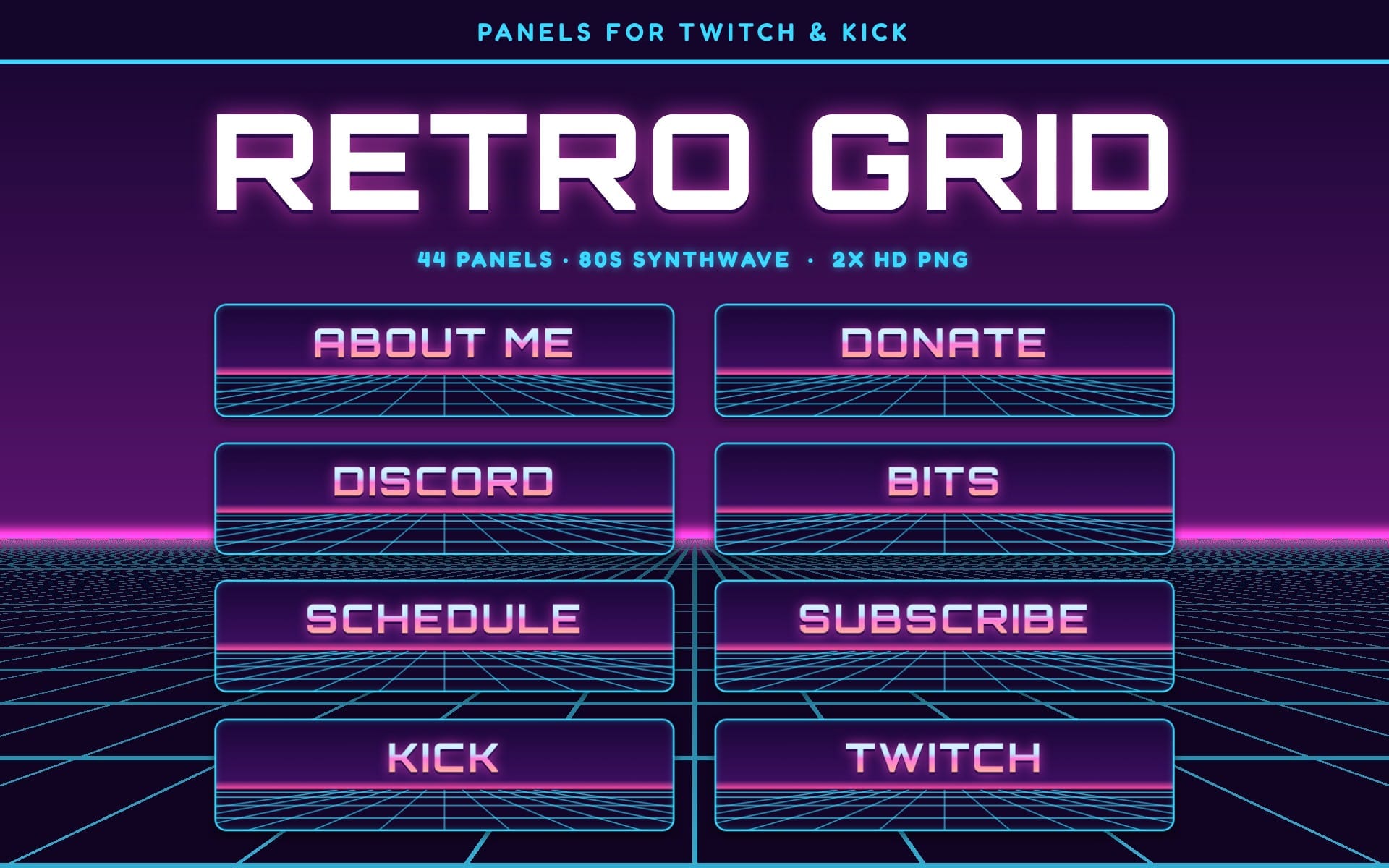
- 27 matching panels: the Molten Core panel set (PNG)
- Still PNG/JPG versions of everything
- A 2-page setup guide (PDF) for OBS Studio, Streamlabs Desktop, StreamElements and Streamlabs
How to set it up
- Scenes, frames and overlays: add them as a Media Source in OBS Studio (Streamlabs Desktop: Media File) and tick Loop.
- Stinger: Scene Transitions › Stinger, transition point 800 ms.
- Alerts: in StreamElements or Streamlabs, upload the matching WebM for each alert, pick the MP3 with the same name as the sound, and set the duration to 6 seconds and the layout to image above text.
- Paste a message like {name} · {amount} bits and your alert app fills in the viewer's name and the amount live.
- Add your alert box to OBS as a Browser Source (Streamlabs Desktop: Add Source › Alert Box).
The 2-page setup guide (PDF) in the download walks you through every step, with the exact message for every alert.
License: use on your own channels, including monetized ones. No reselling or redistributing.
Что вы получите
1 файл · 16.49 MB
- Molten_Core_Stream_Package.zipZIP · 16.49 MB
Веб-элементы (бейджи, баннеры)
Molten Core Stream Overlay Package
Это объявление показано на языке оригинала (английский).
Animated lava and fire stream overlay package for Twitch, YouTube & Kick: scenes, 10 alerts + sounds, frames, stinger, 27 panels
Включено в Getly ProПолучить Pro
Теги
Частые вопросы
Доступ открывается сразу?
Да. Это цифровой товар - скачать его можно сразу после оплаты, прямо из своей библиотеки.
Можно ли использовать в коммерческих проектах?
Только для личного использования. Пользуйтесь сами - не в работе, которую продаёте или сдаёте клиенту, - и не перепродавайте и не распространяйте файл.
Какие условия возврата?
Запросить возврат можно в течение 30 дней. Если что-то не так, оформите заявку в своём заказе - её рассмотрит команда Getly.
Какие форматы и размеры файлов я получу?
Вы скачаете 1 файл - ZIP - всего 16.49 MB.
Обновления бесплатны?
Да - когда продавец выпускает новую версию, вы можете бесплатно скачать актуальные файлы из своей библиотеки. Последние изменения смотрите в истории версий.
Цена
$5.00