Getly
Getly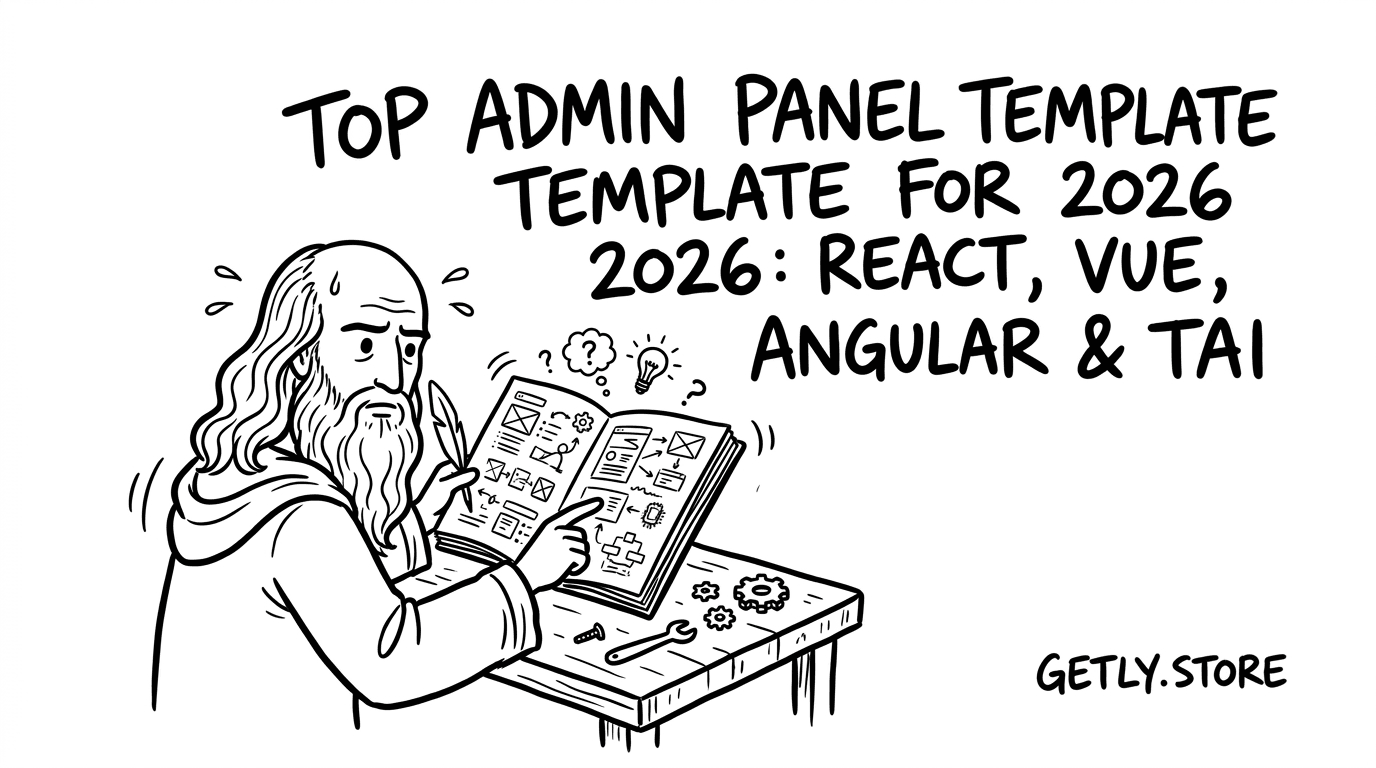
Админ-панель — это не просто экран «для админа»: это точка управления продуктом, где решается скорость релизов, качество UX и даже удержание. В 2026 году лучшие шаблоны строятся на компонентах, продуманной информационной архитектуре и аккуратной системе тем под брендинг.
Ниже — практический гид по тому, как выбрать admin panel template под свой стек (React, Vue, Angular) и как быстро стартовать с dashboard template free без провалов по UX и функциональности.
Как выбрать admin panel template free в 2026?
Выбирайте шаблон админ-панели free по четырём критериям: базовые экраны, качество компонентов, расширяемость под ваш SaaS и соответствие вашим ожиданиям по UX. Остальное — «косметика», которая не спасает проект на горизонте 2–6 недель.
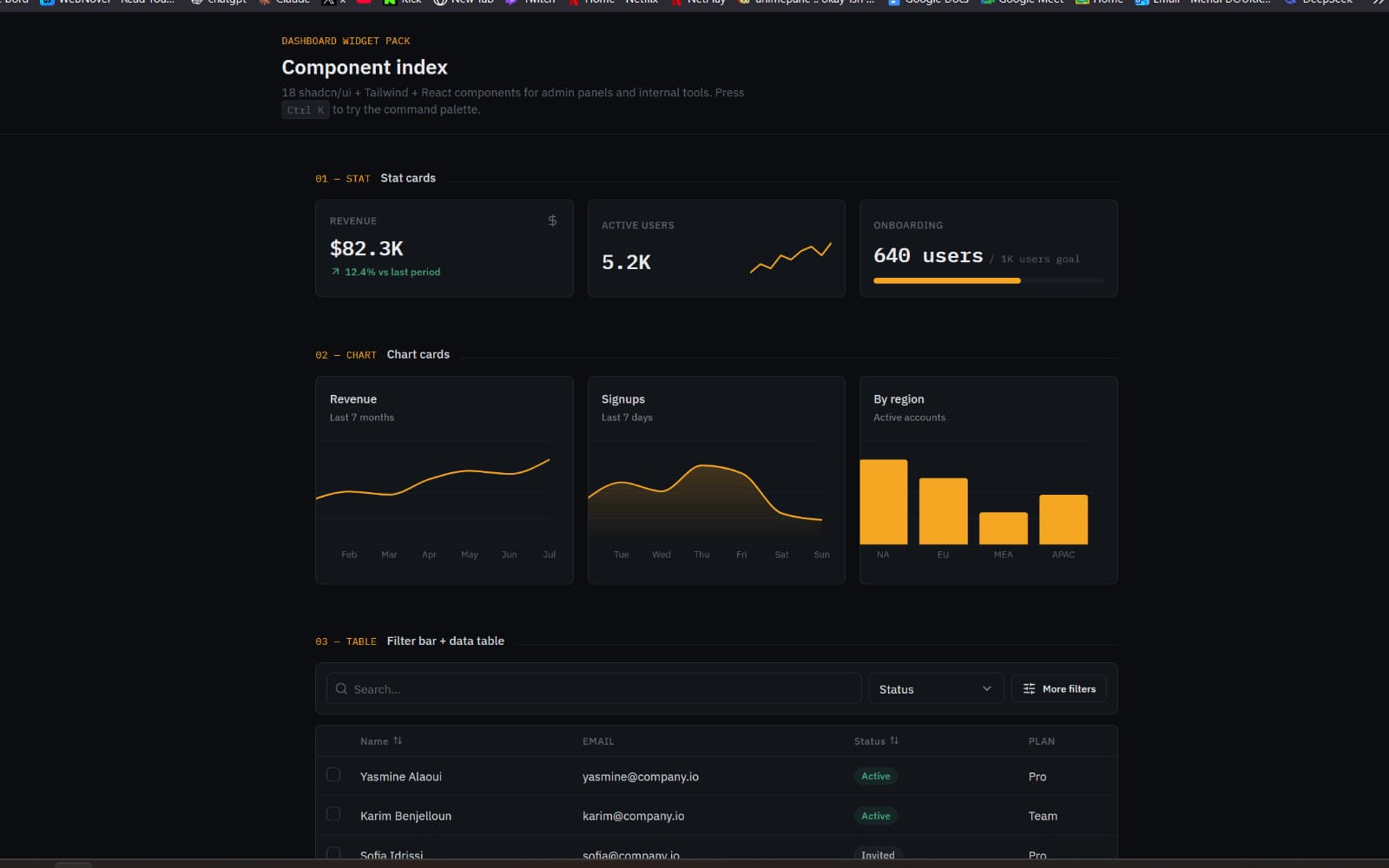
Большинство бесплатных админ-шаблонов в 2026 выигрывают визуально, но проигрывают по структуре данных, ролям и масштабированию навигации. Поэтому проверяйте не только скриншоты, а «внутренности»: компоненты таблиц, фильтры, состояния загрузки, формы и дизайн-систему.
Чеклист: что должно быть в dashboard template free
Если ваша цель — быстро собрать рабочую панель, ориентируйтесь на элементы, которые обычно превращаются в трудозатраты при кастомизации.
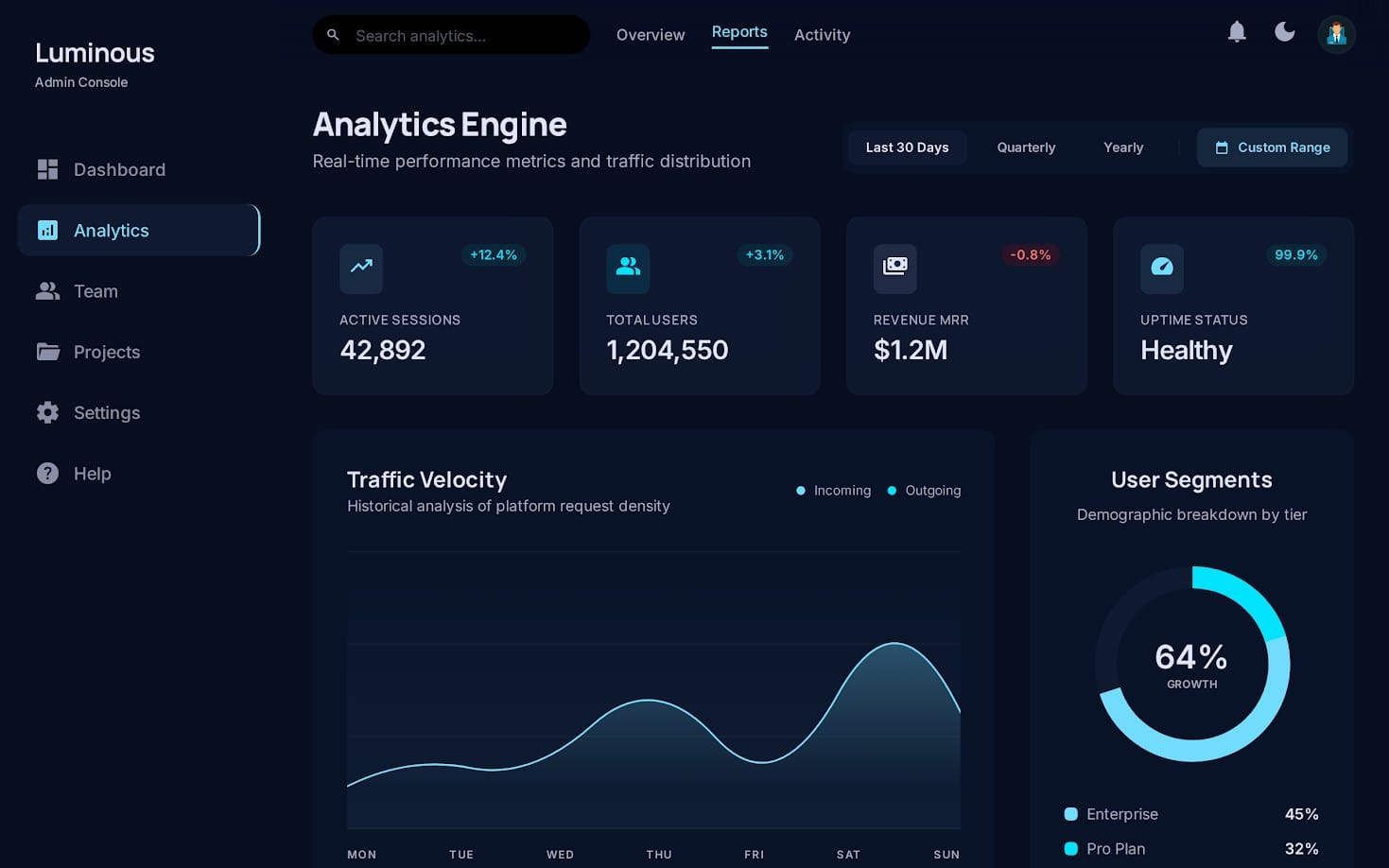
- Навигация: сайдбар + верхняя панель или breadcrumbs, поддержка коллапса.
- Структура страниц: Overview, Users/Roles, Settings, Billing (или имитация).
- Таблицы: сортировка/пагинация/фильтры, empty states, skeleton loading.
- Формы: валидация, маски, multi-step (если подойдёт), тосты/алерты.
- Компоненты UI: cards, modals, dropdowns, tabs, accordions, badges.
- Темы: хотя бы light/dark и система токенов (CSS variables или Tailwind theme).
Как отличить «красиво» от «готово к SaaS»
Для SaaS важны роли, журналы действий, статусы и сценарии ошибок. Поэтому задайте себе вопрос: «Смогу ли я за неделю подключить API и не перелопатить половину верстки?»
Хороший шаблон для SaaS admin panel обычно включает понятные именования компонентов и предсказуемую сетку. Даже без бекенда вы должны увидеть логику: где живут страницы, как устроены карточки, как подключаются таблицы и формы.
Pro tip: если шаблон не объясняет структуру проекта (папки, именование, где стили/компоненты/страницы), на 80% вы получите «визуальный макет», а не админ-панель. В 2026 это главный маркер риска.
Какой admin dashboard React выбрать: компоненты и расширяемость?
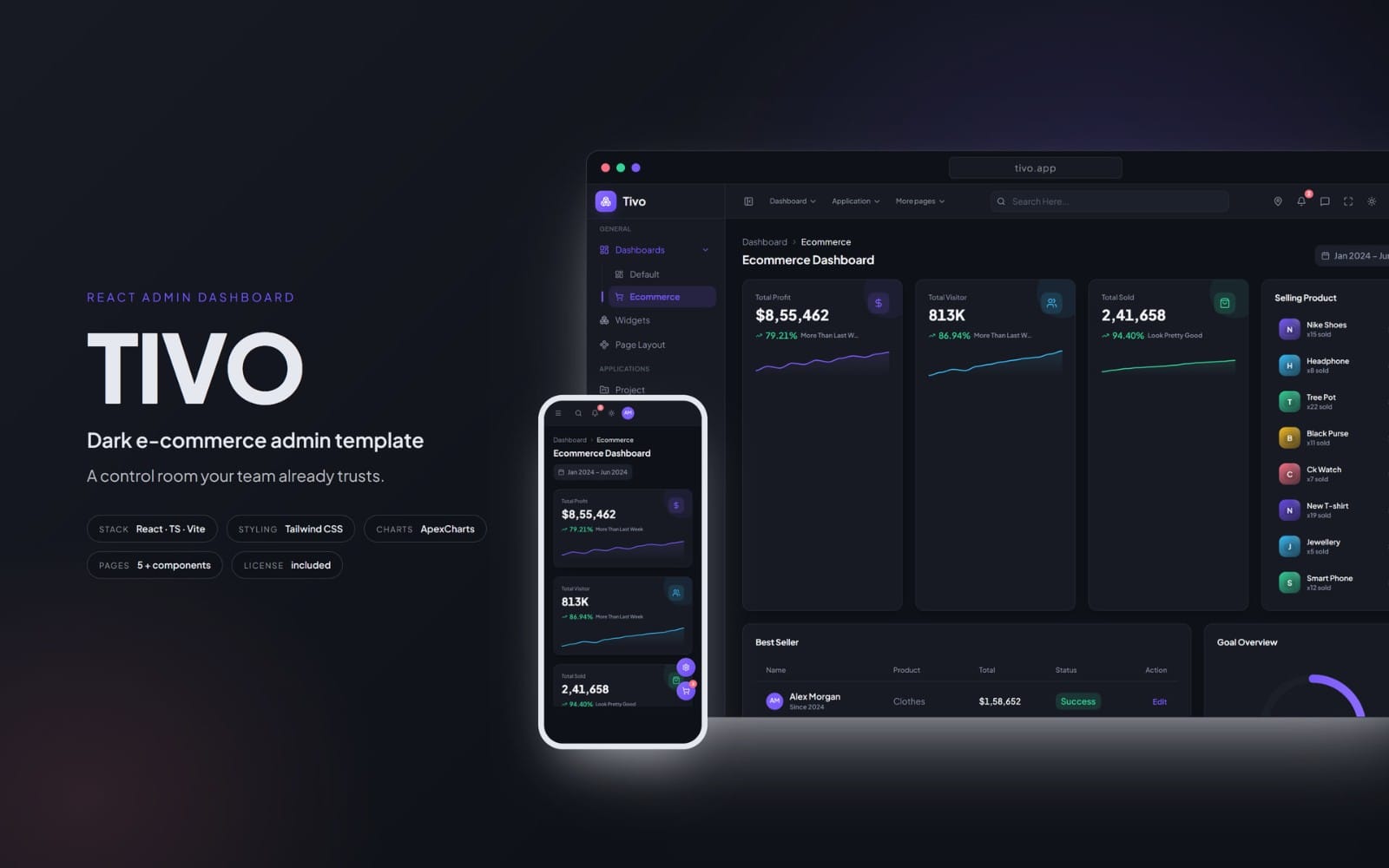
Лучшая админ-панель React — та, которая ускоряет вашу интеграцию: даёт готовую структуру страниц, модульные компоненты и понятный путь для подключения данных (таблицы/формы) без переписывания UI.
В 2026 React по-прежнему доминирует в фронтенд-админках благодаря экосистеме (routing, state management, UI libs) и скорости итераций. Однако «админ dashboard React» бывает двух типов: дизайнерский макет (который красиво выглядит) и UI-скелет (который удобно расширять).
Что проверить в React-шаблоне перед внедрением
Сравните шаблоны по функциональным «болям» админки: фильтрация, массовые операции, сценарии пустых данных.
- Routing: наличие структуры с параметрами (например, /users/:id).
- Табличные компоненты: отдельные элементы для header/body/row actions.
- Управление состояниями: загрузка, ошибка, пустой список — должны быть выделены отдельными компонентами.
- Композиция: компоненты должны быть «собираемыми», а не монолитными страницами.
Кому подходит React+Tailwind
React с Tailwind — отличный выбор, если вы хотите быстро довести дизайн до бренд-системы и держать UI токенизированным. Это особенно полезно для UI/UX шаблонов, где важно соответствие spacing/typography и консистентность состояний.
Если ваш продукт в 2026 масштабируется по модулям (маркетинг → биллинг → поддержка → анализ), выбирайте шаблон, который уже разделяет «Layout» и «Feature pages». Это снижает стоимость поддержки в долгую.
Сигнал качества: в админ-панели React компоненты таблиц и форм должны быть переиспользуемыми. Если каждая страница — отдельный «остров», интеграция с API быстро превратится в хаос.
Как выбрать SaaS admin panel: роли, таблицы, биллинг
Саас-админка в 2026 определяется не цветами, а сценариями: роли доступа, статусы подписок, журналы действий и понятные таблицы. Поэтому лучший шаблон — тот, который уже «думает» категориями продукта.
Даже если вы стартуете с admin panel template free, продумайте основу: как будут выглядеть страницы для менеджеров, поддержки, финансового отдела. UX админки напрямую влияет на скорость операций и снижает количество ошибок.
Минимальный набор модулей для SaaS
Ниже — список модулей, которые чаще всего требуют работы при старте и лучше всего заранее видеть в шаблоне.
- Users & Roles: список пользователей, роли, приглашения, деактивация.
- Permissions: хотя бы пример матрицы прав или логика переключателей.
- Billing: тарифы, инвойсы (или placeholder), управление способом оплаты.
- Audit Log: действия пользователей, фильтры по типу/дате/actor.
- Settings: профиль, организация, интеграции, API keys.
Роль таблиц в админке: почему это «ядро»
Таблицы — место, где админы проводят большую часть времени. В 2026 шаблоны с хорошей таблицей обычно выигрывают: сортировка, быстрые фильтры, пагинация, массовые действия и корректные empty/loading states.
Если у шаблона есть только «статичные» строки без логики состояний, вам придётся заново проектировать UX: как показывать «нет данных», как обновлять фильтры и как сохранять контекст.
Частая ошибка: брать dashboard template free только по внешнему виду. Без таблиц, фильтров и сценариев ошибок вы получите старт «на скринах», но не на проде.
Как сравнить Angular admin panel template и React/Vue варианты?
Angular админ-панель — выбор, когда команда хочет строгую архитектуру и предсказуемость сборки. React и Vue обычно дают быстрее адаптацию UI, но Angular часто выигрывает в дисциплине структуры.
Чтобы сравнение было честным, смотрите на то, как шаблон устроен: разделение на layout/feature, структуру компонентов и то, насколько легко заменить дизайн, не ломая данные.
Сравнительная таблица: что важно команде
| Критерий | React (admin dashboard React) | Vue (админка на компонентах) | Angular (структура и гайдлайны) |
|---|---|---|---|
| Скорость прототипа | Высокая за счёт экосистемы | Высокая, особенно с SFC | Средняя: выше стартовая дисциплина |
| Масштабирование по модулям | Зависит от архитектуры проекта | Зависит от проектных паттернов | Часто предсказуемее благодаря структуре |
| Интеграция с API | Гибко, но важно не скатиться в хаос | Удобно через реактивность | Строго через сервисы/модули |
| Состояния UI (loading/error/empty) | Хорошо реализуемо, но проверьте шаблон | Обычно хорошо ложится на компоненты | Тоже легко, но проверьте наличие примеров |
Это сравнение — не «кто лучше», а «кто быстрее решит вашу задачу». Если ваша команда сильнее в Angular и уже использует строгие паттерны, Angular admin panel обычно даёт меньше технических сюрпризов.
Tailwind как общий язык интерфейса
Независимо от фреймворка, Tailwind в 2026 часто становится «общим знаменателем» для UI design resources: токены, отступы, шрифтовая шкала, единая система компонентов.
Ищите шаблоны, где Tailwind настроен под дизайн-токены. Тогда вы быстрее адаптируете тему под бренд и получите консистентность: от формы до таблицы и пустых состояний.
- Выбирайте admin panel template free по модулям и сценариям, а не по скриншотам.
- Для SaaS критичны роли, таблицы с фильтрами и блоки Billing/Audit Log.
- Лучший React/Vue/Angular шаблон — тот, который разделяет Layout и feature pages.
- Tailwind ускоряет брендирование, если токены и состояния UI продуманы изначально.
Какие dashboard template free дают лучший UX с Tailwind?
Лучшие бесплатные dashboard template free в 2026 — те, где уже выстроены UX-детали: типографика, сетка, состояния, доступность и предсказуемые микровзаимодействия. Это видно даже без кода — по тому, как выглядят empty/error состояния.
Бонус — наличие готовых «компонентов-кирпичиков», а не только страниц. Тогда вы сможете быстро собрать нужную админку, не переписывая верстку с нуля.
Список UX-элементов, которые стоит искать в шаблоне
- Breadcrumbs/заголовки страниц с краткой контекстной информацией.
- Скелетоны и skeleton-table, чтобы загрузка выглядела профессионально.
- Empty states с инструкциями «что делать дальше».
- Form validation: ошибки рядом с полями и понятные подсказки.
- Тосты/уведомления для CRUD операций и интеграций.
- Доступность: видимые focus states, корректная контрастность.
Где бесплатно брать UI design resources, а где — нет
С бесплатными шаблонами часто бывает проблема: это либо «почти продукт», либо «макет». Поэтому лучше комбинировать: бесплатный admin panel как базу + докупать недостающие UX-части (например, продвинутую таблицу или навигацию под вашу структуру).
Если вы делаете UI/UX шаблоны для команды или клиентов, ориентируйтесь на то, что проще кастомизировать: Tailwind-токены, переиспользуемые компоненты, структура страниц. Это превращает «free» в реальный ускоритель.
Pro tip: при выборе бесплатного шаблона в 2026 делайте мини-аудит: откройте форму, таблицу и модал — и проверьте 4 состояния (loading, error, empty, success). Если эти состояния не описаны, закладывайте время на UX-переработку.
Как быстро адаптировать admin panel template под свой продукт
Чтобы адаптировать шаблон за дни, а не недели, выстраивайте процесс: сначала дизайн-токены и layout, затем страницы-модули, и только потом — интеграцию с API.
Это особенно важно, если вы используете шаблон как основу для SaaS admin panel: на этапе «прибиваем молотком» легко сломать консистентность. В 2026 побеждает методика «от системы к страницам».
Пошаговый план внедрения (от скелета к продакшену)
- Зафиксируйте дизайн-токены: цвета, типографика, radius, spacing, z-index, shadow.
- Проведите UX-рефактор навигации: какие разделы будут у админа, сколько кликов до ключевых задач.
- Соберите «табличный цикл»: список → фильтры → детали → редактирование → подтверждение действия.
- Согласуйте состояния форм: загрузка, валидации, успех/ошибка, повторная отправка.
- Добавьте доступность: keyboard navigation, focus styles, контраст.
- Подготовьте интеграцию: унифицируйте формат данных для таблиц и селектов.
Примеры, как это влияет на скорость команды
На практике команды выигрывают время, когда заранее определяют «шаблон CRUD». Если ваш шаблон содержит таблицу и форму как переиспользуемые компоненты, вы подключаете разные сущности (Users, Organizations, Billing Plans) без изменения UX-логики.
Если же страницы — монолиты, каждая новая сущность превращается в отдельный проект. В 2026 это чаще всего проявляется как рост времени тестирования и увеличенное число правок по мелочам.
Результат правильной адаптации: админка начинает ощущаться как часть продукта, а не «встроенная панель». Пользователи реже ошибаются, а команда быстрее исправляет баги, потому что UX повторяемый.
Быстрые решения: когда лучше купить UI дизайн resources
Купить UI design resources выгодно, когда вам нужен не просто внешний вид, а готовая логика: продвинутые формы, таблицы, онбординг админов и сценарии интеграций. Бесплатный шаблон полезен как стартовая основа, но редко закрывает все кейсы сразу.
В 2026 рынку нужны «ускорители»: компоненты, которые уже отработали UX, и наборы, которые экономят недели. Если вы строите SaaS или внутренние инструменты, такая покупка обычно окупается быстрее, чем самостоятельная реализация мелочей.
С какими задачами хорошо справляются готовые пакеты
- Сложные сценарии: планирование, роли, настройки организации.
- Материалы для UX-страниц: примеры секций, блоки CTA, empty/error состояния.
- Бренд-ориентированные элементы: типографика, дизайн токены, стилистика компонентов.
Чтобы ускорить работу с требованиями продукта и контентом, многим командам помогает подготовка структуры знаний: чеклисты, схемы, промпт-каркасы. В связке с админ-шаблонами это снижает «провалы» между дизайном, копирайтом и интерфейсными текстами.
Например, полезной базой для контента и логики коммуникации часто становится продукт The Signal Architect — workflow из 100 источников в 1 insight. Его подход помогает быстрее собирать требования к страницам админки: что показывать, какие статусы объяснять и какие решения обосновывать.
А если вы делаете или улучшаете формы и сценарии на платформе (например, настройки и воронки), то пригодится и материал по промпт-инженерингу: Prompt Engineering Mastery — ultimate AI cheat sheet. Он ускоряет подготовку единых текстов и подсказок для UI (валидации, ошибки, tooltips) без хаоса в формулировках.
Важно: покупая UI-ресурсы, обязательно проверяйте лицензионные условия на multi-use в вашем продукте и то, какие части можно менять (особенно если вы планируете white-label в 2026).
FAQ: admin panel template free, React/Vue/Angular и Tailwind
Где искать admin panel template free без риска «макета»?
Ищите шаблоны, где явно показаны таблицы, формы и состояния (loading/error/empty/success). Скриншоты главной страницы — слабый индикатор. В 2026 лучше ориентироваться на структуру проекта и примеры переиспользуемых компонентов.
Как понять, что admin dashboard React подойдёт для SaaS?
Проверьте наличие страниц для пользователей/ролей и блоков, похожих на Billing и Audit Log. Даже если это demo-данные, должна быть логика UI: фильтры, действия, модальные окна и подтверждения операций.
Tailwind в админке — это обязательно?
Нет, но Tailwind часто выигрывает по скорости брендирования и консистентности компонентов. В админ-панели важнее всего дизайн-токены и состояния UI. Если Tailwind настроен правильно, менять тему становится заметно проще.
Angular или Vue: что лучше для админ-панели новичкам?
Новичкам часто легче стартовать с Vue из-за простоты компонентов и понятной структуры SFC. Но если ваша команда уже пишет Angular и придерживается модульности, Angular админка будет предсказуемее по архитектуре.
Сколько времени нужно, чтобы адаптировать бесплатный шаблон?
Если шаблон включает таблицы и готовые состояния, типичная адаптация занимает 3–7 дней на MVP-админку. Если это визуальный макет без UX-сценариев, закладывайте 2–4 недели на функциональные состояния и связность страниц.
TL;DR: лучший способ выбрать админ-панель в 2026 — начать с UX-скелета (таблицы/формы/состояния), затем закрепить дизайн-токены и только после этого подключать данные и роли. Если вам нужен старт быстрее, начинайте с dashboard template free и доводите до SaaS-качества итеративно.
Если хотите, выберите один шаблон под ваш стек и сделайте быстрый «аудит состояний» (loading/error/empty/success) — это сразу покажет, стоит ли его дорабатывать или искать другой.
А дальше — один мягкий шаг: посмотрите подходящие UI design resources и соберите свою систему компонентов вокруг того, как админы реально работают в 2026.