Getly
Пресети Premiere Pro
K Motion Pro for Premiere Pro — Effects, Transitions, Titles, Handwriting, Audio Tools & Export in One Panel
Це оголошення показано мовою оригіналу (англійська).
Everything in K Motion Complete plus handwriting with draw-on animation, multi-size export, 45+ sound effects, audio tools and beat sync.
Що ви отримаєте: 1 файл · 104.14 KB · ZIP
Переглянути варіанти купівліПопередній перегляд
Опис товару
Stop keyframing. Start stacking.
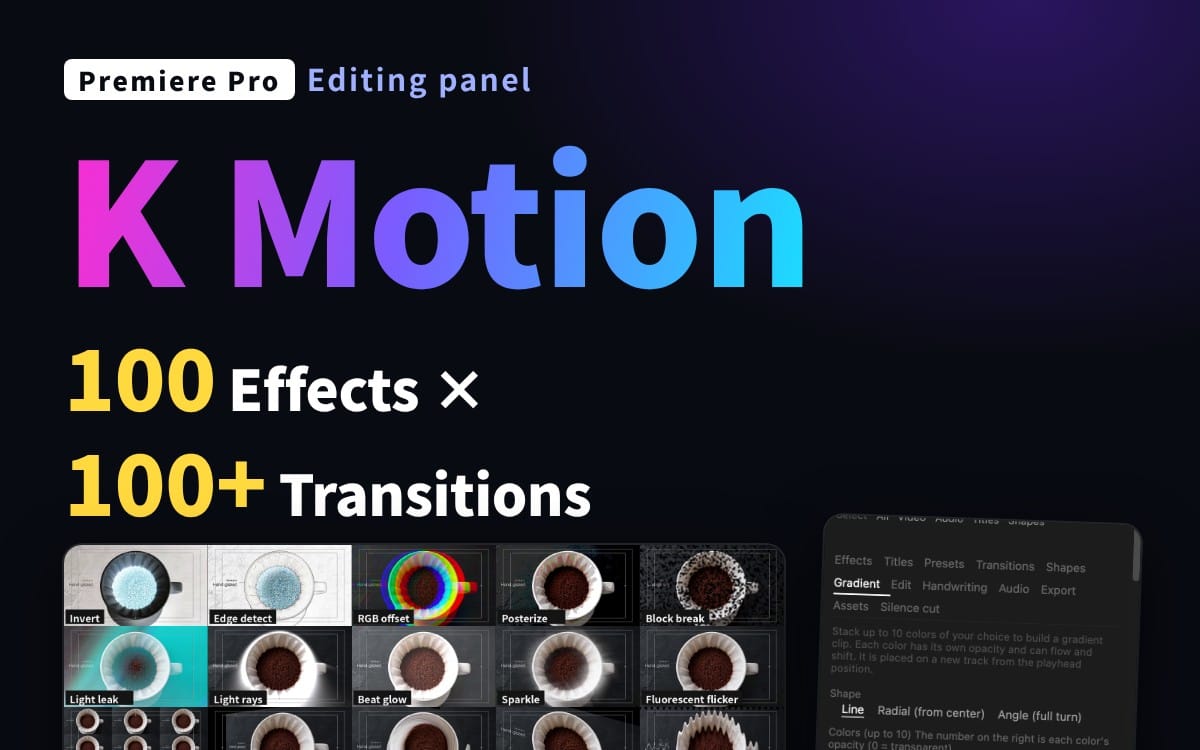
K Motion is a Premiere Pro panel that adds polished motion to your clips in one click and lets you fine-tune it with sliders. Select clips, click a motion, adjust the strength. That's it.
This is the Pro edition: everything in Complete, plus the Pro-only tools below.
What you get
100 effects (247 adjustable parameters): zoom, slide, bounce, shake, blur, glitch, glow, color looks and more
100+ transitions, added to the start, the end or both of a clip
75 title animations + speech-bubble emotions for text clips: in, out and emphasis
76 one-click presets, plus save your own
Gradient maker: stack up to 10 colors, animate them, delete with one click
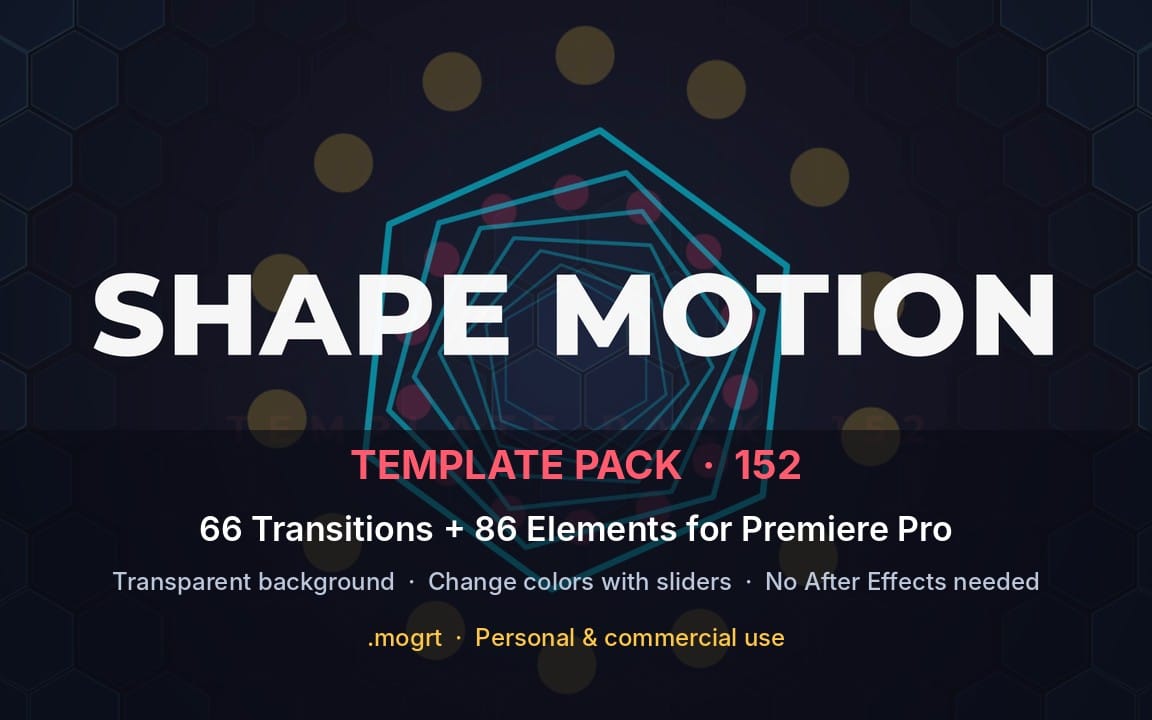
Shapes: animated circles, stars and more placed on new tracks
Stackable layers, copy / paste effect stacks, works on many clips at once
Search by name or keyword (English and Japanese keywords both work)
Only in Pro
Handwriting: draw on a canvas, place it on the timeline, with draw-on animation
Multi-size export: HD / Full HD / 4K, landscape and portrait, in one go
45+ sound effects generated on the spot and placed at the playhead
Audio tools: noise removal, voice changes, volume matching, beat sync (markers and zoom on the beat)
Asset maker: vignette, cinema bars, countdown and more
Which edition?
Lite: 10 basic motions
Complete: effects, transitions, titles, presets, gradients, shapes, edit tools
Pro: everything in Complete plus handwriting, export, assets, audio, beat sync
Requirements
Premiere Pro 25.6 or later (UXP-enabled), 26.x recommended
Tested on Premiere Pro 26.3.2 / macOS. Windows is not verified yet: it should work, but please try Lite first if unsure.
Some effects depend on the built-in effects of your Premiere version; unavailable ones are hidden automatically.
How to install
Double-click the included .ccx file, click Install in Creative Cloud, restart Premiere Pro, then open Window > UXP Plugins > K Motion. A step-by-step guide (README) is included.
License
Personal and commercial use OK, including client work. Redistribution, resale and file sharing are not allowed.
Notes
This is a tool that operates Premiere Pro's built-in effects. No third-party footage or effects are included. Premiere's own undo needs two presses per applied effect; use the panel's Undo for a one-step undo. Not affiliated with or endorsed by Adobe. Adobe and Premiere Pro are trademarks of Adobe Inc.
Що ви отримаєте
1 файл · 104.14 KB
- KMotion_Pro_EN_v1.0.zipZIP · 104.14 KB
Пресети Premiere Pro
K Motion Pro for Premiere Pro — Effects, Transitions, Titles, Handwriting, Audio Tools & Export in One Panel
Це оголошення показано мовою оригіналу (англійська).
Everything in K Motion Complete plus handwriting with draw-on animation, multi-size export, 45+ sound effects, audio tools and beat sync.
Поширені запитання
Чи отримаю я доступ одразу?
Так. Це цифровий товар: ви можете завантажити його одразу після оплати, просто зі своєї бібліотеки.
Чи можна використовувати його в комерційних проєктах?
Так. Дозволено і комерційну роботу, і роботу для клієнтів, зокрема товари без обмеження продажів. Ви не можете перепродавати сам файл.
Яка у вас політика повернення коштів?
Ви можете запросити повернення коштів протягом 30 дн. Якщо щось не так, подайте запит зі свого замовлення, і команда Getly його розгляне.
Які формати та розміри файлів я отримаю?
Ви завантажите 1 файл - ZIP - загалом 104.14 KB.
Чи отримую я безкоштовні оновлення?
Так: коли продавець випускає нову версію, ви можете повторно завантажити свіжі файли зі своєї бібліотеки безкоштовно. Останні оновлення дивіться в журналі змін.
Ціна
$35.00