Getly
ШІ-інструменти та скрипти
Перевірка конфігурації Capacitor
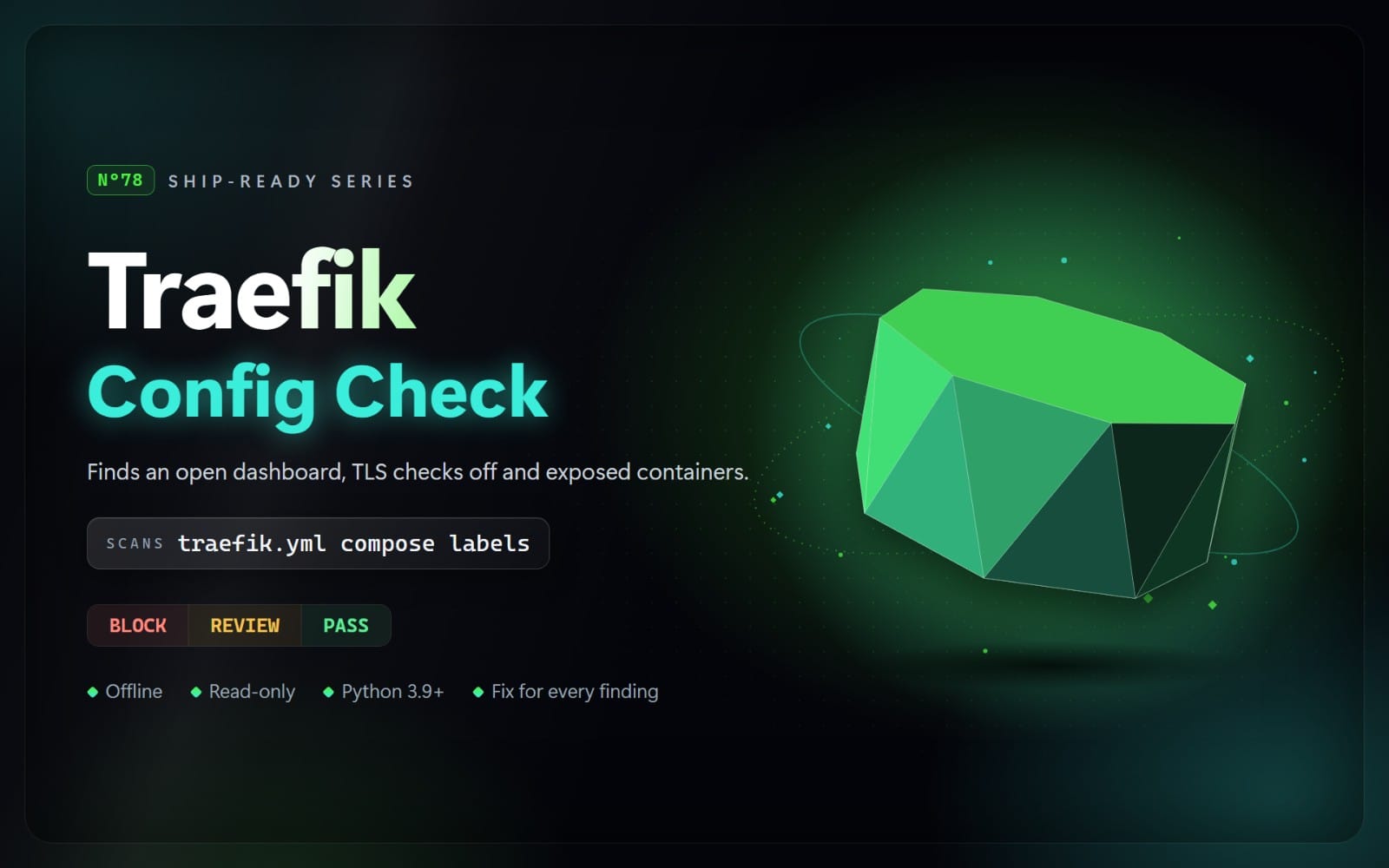
Перевірте застосунки на Capacitor і Cordova перед релізною збіркою: забутий server.url для live-reload, увімкнене налагодження WebView, змішаний вміст, перехід на будь-які сайти, паролі та ключі всередині застосунку, незашифрований трафік і застарілі платформи.
Що ви отримаєте: 1 файл · 58.67 KB · ZIP
Переглянути варіанти купівліОпис товару
server: { url: 'http://192.168.1.68:8100' } left in capacitor.config.ts makes your store build load a laptop's dev server instead of the app, and webContentsDebuggingEnabled: process.env.NODE_ENV !== 'production' is true when npx cap sync runs without NODE_ENV, so release builds ship with WebView debugging on. This skill finds those and fifteen other Capacitor and Cordova config mistakes before you ship, and tells you how to fix each one.
Your agent runs a scanner on capacitor.config.ts, .js and .json, the capacitor.config.json copies Capacitor writes into android/ and ios/, Cordova and Ionic config.xml, package.json and the app's index.html. It reads TypeScript and JavaScript configs as data and never runs them: it follows object literals, shorthand properties, top-level constants and config.server = {...} assignments, and treats settings behind process.env checks, ternaries, if and switch as development-only, except "not production" checks that are true during npx cap sync. A config with an unclosed string, comment or bracket is reported as not checked instead of passing. Generated files (res/xml/config.xml, platforms/, plugins/) are skipped, and a config.xml left over from a Cordova migration is checked for secrets only. It returns BLOCK, REVIEW, or NOT FLAGGED, with the file, line, reason, and a safer approach. Secrets are never printed.
What it checks
BLOCK (fix before shipping)
- C01: server.url pointing at a development server (plain http, localhost, a private or emulator address, a .local name or a dev-server port) outside a condition (Capacitor's docs: not intended for production)
- C02: android.allowMixedContent: true, so https pages may load http scripts
- C03: navigation to any site: server.allowNavigation with *, https://* or a whole top-level domain (*.com), or Cordova allow-navigation *, http://*/*, https://*/*
- C04: WebView debugging in release builds: android or ios webContentsDebuggingEnabled: true, Cordova InspectableWebview true
- C05: a literal password, client secret or private key in the app config (keystorePassword, keystoreAliasPassword, a plugin's clientSecret, a password in the user-info part of a URL, Cordova preferences and plugin variables)
REVIEW (check before release)
- C11: cleartext traffic allowed: server.cleartext: true, android:usesCleartextTraffic="true" or NSAllowsArbitraryLoads written through config.xml
- C12: server.allowNavigation entries for specific hosts, or a Cordova allow-navigation entry over plain http
- C13: Cordova access origin="*" (any server; on iOS, Cordova writes it as NSAllowsArbitraryLoads)
- C14: Cordova AndroidInsecureFileModeEnabled set to true (the app loads from file://)
- C15: loggingBehavior: 'production'
- C16: android.useLegacyBridge: true
- C17: a literal API key or token in the app config (plugin settings, Cordova plugin variables and preferences); publishable key formats are not reported
- C18: Capacitor 6 or older, cordova-android below 15 without android-targetSdkVersion 36, cordova-ios below 6, or cordova-plugin-whitelist, as exact versions, ranges that stop below the current major (>=5.0.0 <8.0.0) or npm: aliases
- C19: the app's entry index.html has no Content-Security-Policy meta tag
- C20: the generated native copy of capacitor.config.json still holds server.url from a live-reload run
- C21: webContentsDebuggingEnabled, allowMixedContent or server.url switched on by a "not production" check (NODE_ENV !== 'production', or !isProd), which is true when npx cap sync runs without NODE_ENV
- C22: server.url pointing at a hosted https site, so the app wraps a website whose pages and scripts all get the native bridge
What's included
- The scanner (Python 3.9+, standard library only)
- A rules guide with the reason, safer approach and official Capacitor or Cordova documentation link for each rule
- Risky and safe example projects (a Capacitor app, a Capacitor app with a stale native copy, a hosted-site wrapper, a Cordova app), and the real report the scanner produces on the risky ones
Limits
It reads the config as text and never runs it. Values that come from function calls, other modules or .env files are not followed, and a setting behind a condition is treated as development-only (C21 reports the "not production" form); literal secrets are reported in every branch because they are in the repository either way. C01 also fires on the live-reload example in Capacitor's docs, which is meant for development only. server.androidScheme 'http' is not reported, because Capacitor's 5.0 and 6.0 upgrade guides recommend it for existing apps. C19 does not see a policy added by a bundler plugin at build time (Angular's autoCsp is recognized). Versions are read from package.json and config.xml, not lock files. Native project files (AndroidManifest.xml, Info.plist, Gradle files) are not read. NOT FLAGGED is not a guarantee.
Contents
One ZIP file with 35 files: SKILL.md, the scanner in scripts/ (6 Python files), references/rules.md (every rule with its reason and safer approach), and examples/ (26 example files plus report.md, the real scanner output on the risky example).
How to use: This is an agent skill: a folder with a SKILL.md file and Python scripts that an AI coding agent such as Claude Code, Cursor, or Codex CLI can run. Unzip it into your agent's skills folder (for Claude Code: ~/.claude/skills/), then ask your agent to check your project. The scripts also run on their own with Python 3.9 or newer, with nothing to install. They read your files only: no network access, and nothing is sent anywhere.
Що ви отримаєте
1 файл · 58.67 KB
- capacitor-config-check-1.0.0.zipZIP · 58.67 KB
ШІ-інструменти та скрипти
Перевірка конфігурації Capacitor
Перевірте застосунки на Capacitor і Cordova перед релізною збіркою: забутий server.url для live-reload, увімкнене налагодження WebView, змішаний вміст, перехід на будь-які сайти, паролі та ключі всередині застосунку, незашифрований трафік і застарілі платформи.
Getly відкрив завантажені файли й не знайшов нічого, що завадило б їх відкрити. Це не антивірусна перевірка і не оцінка якості.
Теги
Поширені запитання
Чи отримаю я доступ одразу?
Так. Це цифровий товар: ви можете завантажити його одразу після оплати, просто зі своєї бібліотеки.
Чи можна використовувати його в комерційних проєктах?
Так. Комерційне використання дозволено: користуйтеся в особистому бізнесі та в тому, що продаєте. Ви не можете перепродавати чи поширювати сам файл.
Яка у вас політика повернення коштів?
Ви можете запросити повернення коштів протягом 30 дн. Якщо щось не так, подайте запит зі свого замовлення, і команда Getly його розгляне.
Які формати та розміри файлів я отримаю?
Ви завантажите 1 файл - ZIP - загалом 58.67 KB.
Чи отримую я безкоштовні оновлення?
Так: коли продавець випускає нову версію, ви можете повторно завантажити свіжі файли зі своєї бібліотеки безкоштовно. Останні оновлення дивіться в журналі змін.
Ціна
$5.00