Getly
GetlyBlender Add-ons
Готов к мобильному просмотру
Product Description
MOBILEREADY — COMPLETE MOBILE GAME ASSET OPTIMIZATION TOOLKIT FOR BLENDER
Размещайте активы, которые действительно запускаются на телефонах. Бюджеты полигонов, создание LOD, оценка количества отрисовок, профилирование VRAM, очистка костей и оптимизация текстур — все внутри Blender.
------------------------------------------------------------
ПРОБЛЕМА
Графические процессоры мобильных устройств не являются десктопными. Каждый треугольник, каждая отрисовка, каждый мегабайт VRAM важны. Однако большинство 3D-художников работают вслепую — моделируют в Blender, экспортируют в движок, нажимают воспроизведение и обнаруживают, что частота кадров на среднем Android-устройстве составляет 12 FPS.
- Слишком много полигонов — персонажи с 50K триангов, которые должны быть 5K
- Слишком много отрисовок — десятки материалов, тогда как достаточно было бы 3
- VRAM переполнен — не сжатые 4K-текстуры на устройстве с 2 ГБ общей памяти
- Проблемы со скелетом — вершины с 8 влияниями костей на оборудовании, поддерживающем 4
- Нет LOD — меши с полной детализацией отображаются на любом расстоянии
Вы узнаёте об этом только после того, как построили всю сцену. Затем следует часы болезненной переработки.
РЕШЕНИЕ
MobileReady предоставляет полный контроль оптимизации прямо в 3D-вьюпорте Blender. Контролируйте бюджеты, генерируйте LOD, оценивайте отрисовки, профилируйте память текстур, исправляйте веса костей, упаковывайте каналы и атласы текстур — все до экспорта.
------------------------------------------------------------
ОСОБЕННОСТИ
БЮДЖЕТЫ ПОЛИГОНОВ С ВИЗУАЛЬНОЙ КАРТОЙ ТЕПЛОВОГО ИНДЕКСА
Устанавливайте бюджеты треугольников на каждый объект и наблюдайте соответствие взглядом. MobileReady прямо в окне просмотра кодирует цветом каждый объект:
- Зеленый — в рамках бюджета (0–75%)
- Желтый — приближается к лимиту (75–100%)
- Красный — превышение бюджета (>100%)
Больше никаких домыслов. Проблемные объекты видны с момента их появления.
ГЕНЕРАЦИЯ LOD С МОБИЛЬНЫМИ ПРЕСЕТАМИ
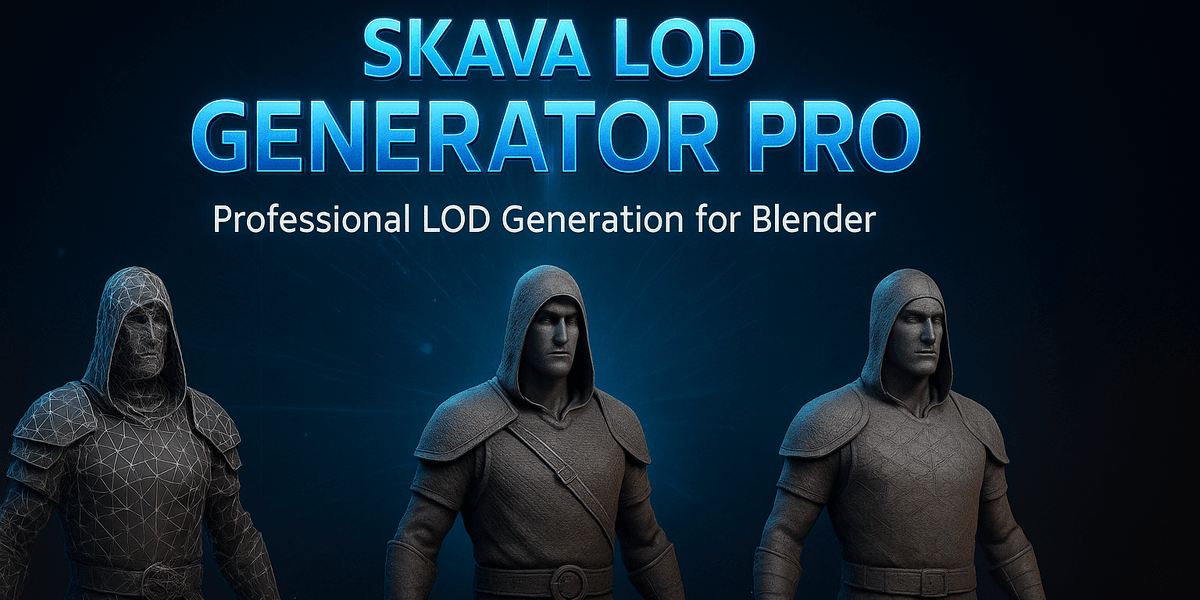
Однокликновая цепочка LOD, настроенная под реальные мобильные бюджеты:
Пресет LOD0 LOD1 LOD2 LOD3
----------- ------ ----- ----- -----
Character 5 000 2 500 1 000 500
Prop 2 000 1 000 500 200
Environment 10 000 5 000 2 000 1 000
Каждый LOD создаётся с помощью модификатора Decimate Blender с оптимизированными настройками, автоматически получает имя (_LOD0, _LOD1 и т. д.), и привязан к пустышке для чистой иерархии. Поддерживаются пользовательские целевые количества.
ОЦЕНКА ОТРИСОВОК
Узнавайте точно, сколько отрисовок даст ваша сцена во время выполнения:
- Разделение по материалам, показывающее, какие материалы самые дорогие
- Анализ потенциала батчинга — сколько отрисовок можно сэкономить, объединив материалы
- Область выделения или вся сцена
КАЛЬКУЛЯТОР ПАМЯТИ ТЕКСТУР
Знайте объём VRAM до экспорта. MobileReady рассчитывает размеры сжатых текстур для всех основных мобильных форматов:
- ASTC 4×4 / 6×6 / 8×8 — современные Android & iOS
- ETC2 RGB / RGBA — стандарт OpenGL ES 3.0
- PVRTC 4bpp / 2bpp — устаревший iOS
What you get
1 file · 94.3 KB
- mobile_ready.zipZIP · 94.3 KB
Blender Add-ons
Готов к мобильному просмотру
Tags
Frequently asked questions
Do I get access instantly?
Yes. This is a digital product — you can download it right after checkout, straight from your library.
Can I use it for commercial projects?
Licence terms are set by the seller. Check the product description before you buy — it states any limits on personal, commercial or client use.
What's your refund policy?
You're covered by a 30-day money-back guarantee. If something isn't right, request a refund from your order and the Getly team reviews it.
What file formats and sizes will I get?
You'll download the files exactly as the seller packaged them (about 94.3 KB). See the product details and description for the included formats.
Do I get free updates?
Yes — when the seller ships a new version, you can re-download the latest files from your library at no extra cost. Check the changelog for recent updates.
Цена
$9.99