Getly
Getly
Хотите быстрее собрать инди-RPG без бесконечной охоты за графикой? В 2026 на рынке достаточно качественных RPG game assets free download и game UI kit free материалов, но важно уметь отличать «бесплатно» от «пригодно для релиза». Ниже - практичный гид: какие именно ассеты искать, как проверить совместимость, и как собрать цельный набор из 2D спрайтов, pixel art tileset RPG и анимаций.
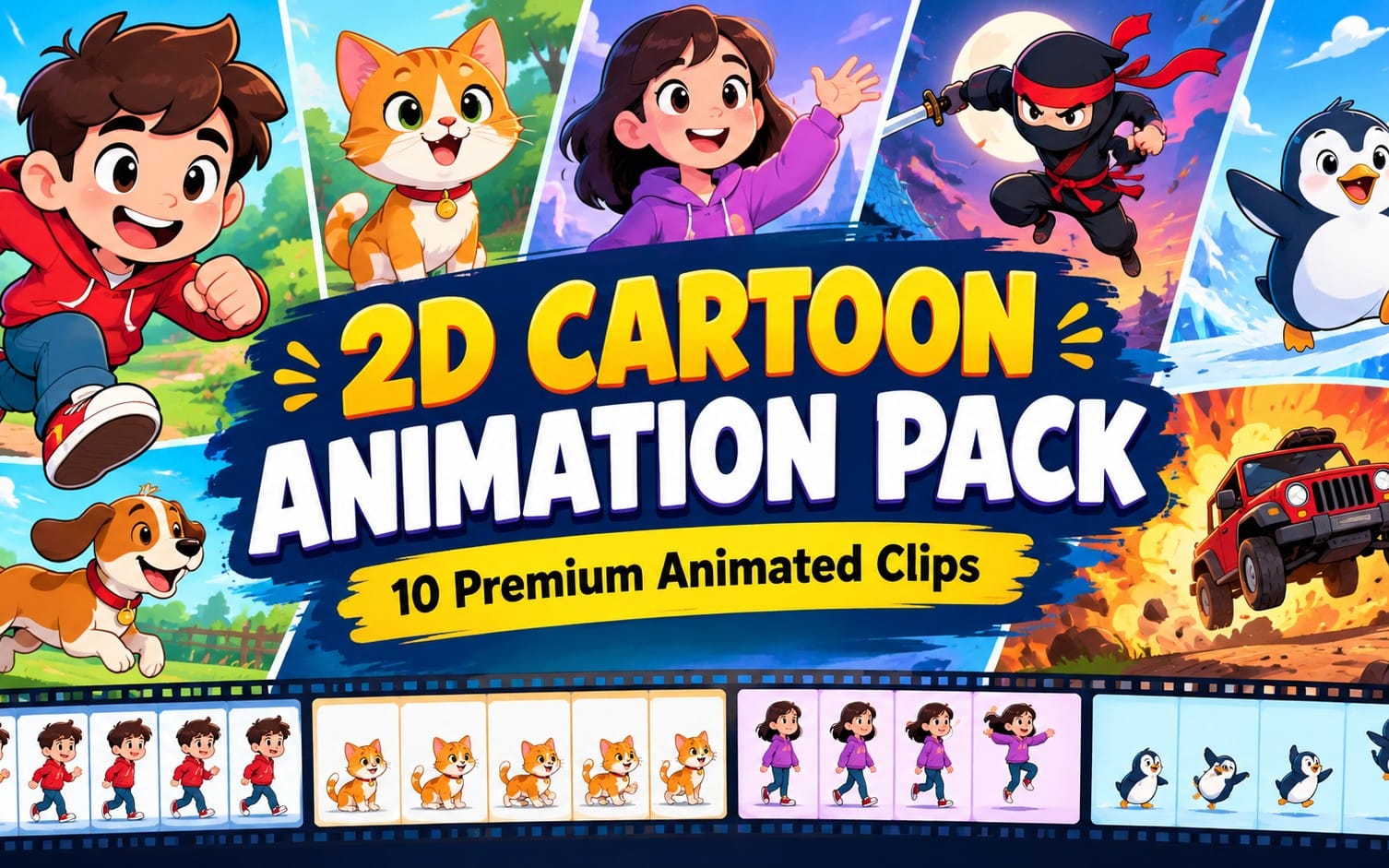
- Лучшие free 2D game sprites - с продуманными наборами: idle/attack/walk + единый стиль и палитра.
- Для indie RPG assets критичны тайлсеты: стены/пол/двери/варианты края, чтобы мир выглядел связно.
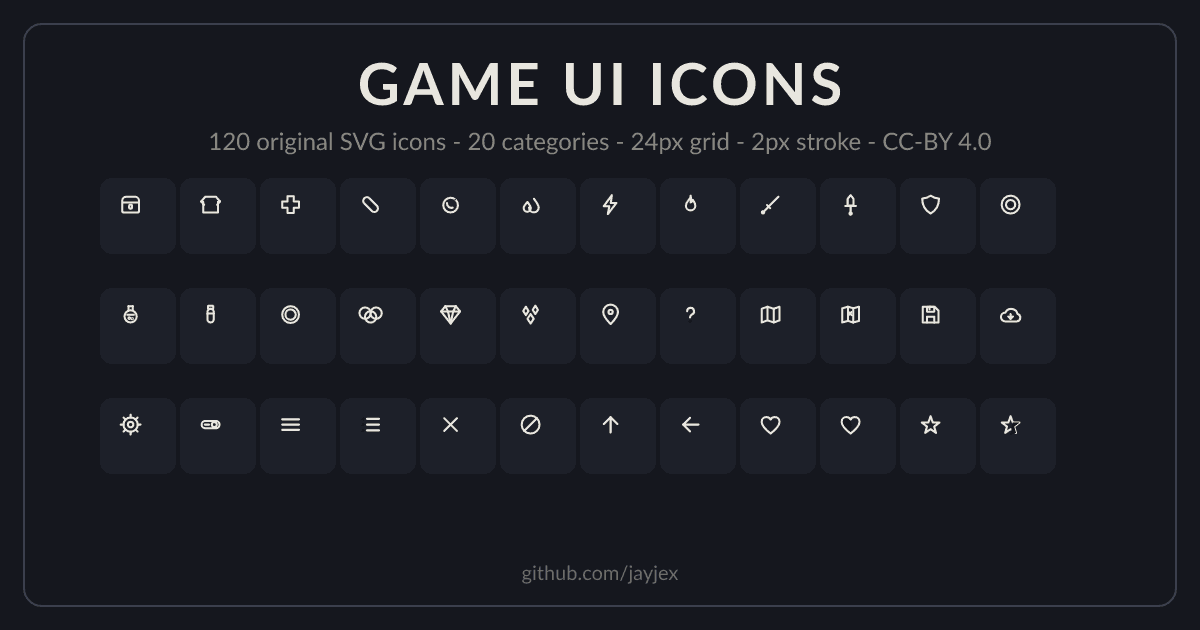
- Китовыми UI наборами выигрывают проекты, где заранее задана сетка, состояния кнопок и масштабирование под разные разрешения.
- Считайте «стоимость интеграции»: формат, pivot/origin, слои, прозрачность и лицензия важнее “картинки”.
- Автоматизация (конвертеры, ретайм, LOD/упаковка) ускоряет пайплайн - особенно в больших наборах контента.
Что включает набор RPG game assets free download в 2026?
Качественный пакет RPG-ассетов в 2026 - это не один файл с «красивыми персонажами», а набор, который можно быстро смонтировать в игру. Если вы целитесь в инди-RPG, вам нужен комплект под контролируемый визуальный стиль и повторяемые механики: движение, атаки, эффекты, интерфейс и тайлы для карты.
Сначала оцените цели: ранний прототип или релизная версия. В прототипе важнее скорость: готовые спрайт-листы и базовые анимации. Для релиза - согласованность стиля, читаемость в разных размерах, и наличие состояний UI (hover/pressed/disabled) иконок/шрифтов.
Какие спрайты реально нужны для инди RPG
Самая частая причина “ассеты есть, а игра не выглядит целостно” - отсутствие нужных циклов и одинаковых параметров экспорта. Минимальный набор для персонажа в 2D выглядит так:
- Idle (1–2 варианта): стоя на месте, дыхание/покачивание.
- Walk/Run по направлениям (обычно 4 или 8 направлений).
- Attack: хотя бы один тип, синхронизированный с кадрами (hit frame).
- Hurt/Knockback: реакция, чтобы бои читались.
- Death: финальный анимационный цикл.
- Sprite sheet с фиксированным pivot/origin.
Если вы берёте “free 2D game sprites”, проверьте, чтобы кадры были одинаковой высоты и не “прыгал” горячий пиксель (точка опоры) при смене анимаций.
Какие эффекты делают RPG “игрой”, а не картинками
В RPG эффекты - это клей между механикой и визуалом. Даже небольшой набор VFX даст ощущение глубины: свечение оружия, урон, статусные эффекты (яд/огонь), простые частицы при шаге/ударе.
Лучше выбирать ассеты, где эффекты отделены по слоям (или хотя бы имеют прозрачный фон) и не конфликтуют с гаммой вашего проекта. Если у вас пиксель-арт, выбирайте VFX в той же шкале и с похожей палитрой (иначе эффект “вылезает” из стиля).
Совет: перед загрузкой оценивайте не «сколько файлов», а «сколько сцен вы можете собрать за час». Ищите наборы, где есть спрайты, тайлсеты и UI в одном стиле - это сокращает итерации.
Как выбрать бесплатные free 2D game sprites, чтобы они работали?
Лучшие free 2D game sprites - те, которые легко импортируются и не ломают вашу анимационную схему. В 2026 главный вопрос: “как быстро я смогу подключить эти спрайты к контроллеру персонажа?”. Ответ - в проверке структуры файлов и параметров кадра.
Если вы делаете прототип на движке, проверьте требования вашего конвейера: Unity/Unreal, Godot, а также формат (PNG, sprite sheet, JSON-информация об атласе). Боль большинства команд - когда спрайты «похожи», но pivot и размеры кадра отличаются, и анимации приходится вручную пересобрать.
Чек-лист качества спрайтов перед скачиванием
Используйте короткий чек-лист - он экономит часы на правках:
- Единый стиль: один набор палитры, толщина контуров, масштаб пикселя.
- Одинаковый размер кадра и стабильный origin/pivot.
- Прозрачность: корректная альфа, нет “серого фона”.
- Направления: walk/idle/attack по всем нужным ориентациям.
- Слои (если есть): тело/тень/оружие/эффект отдельно.
- Лицензия: разрешено ли коммерческое использование и модификации.
Для pixel art tileset RPG важна ещё одна вещь: светотень и контраст должны совпадать с тайлами карты. Иначе персонаж будет выглядеть «вставленным поверх фона».
Скриншот-проверка: как понять, что спрайты “живые”
Быстрый тест: импортируйте один спрайт-лист в сцену, добавьте простую камеру и запустите цикл idle + walk. Затем проверьте 3 вещи: читаемость в движении, одинаковая “высота стопы”, и отсутствие мерцания (flicker) из-за перепаковки PNG/атласа.
Если вы регулярно тестируете ассеты, удобны инструменты для быстрой фиксации результата. Например, Pro Recorder - Professional Screenshot & Video Capture System помогает фиксировать прогресс визуально (особенно когда вы сравниваете варианты UI или разные тайлсеты).
Частая ошибка: скачивать “много спрайтов”, но без тайлсетов и UI. В итоге вы получаете красивую демонстрацию в картинках, но не цельный RPG-пайплайн.
Как собрать pixel art tileset RPG из бесплатных паков?
Ответ: берите тайлсеты так, чтобы они закрывали карту “по смыслу”, а не только по форме. Pixel art tileset RPG должен включать не просто пол/стены, а полный набор элементов: края, углы, вариации, двери/проёмы и (желательно) декоративные слоты.
В 2026 качественные тайл-паки часто поставляются с несколькими вариантами клиппинга/границ, иногда - с отдельными слоями под траву/грязь/пыль. Это критично, потому что RPG-пейзажи почти всегда состоят из “мозаики” и требуют разнообразия.
Минимальная структура тайлсета для RPG карты
Для стандартной изометрической или top-down карты обычно достаточно следующего “скелета”. Если вы ориентируетесь на 16x16 или 32x32 тайлы, подберите масштаб заранее и придерживайтесь его.
- Пол: базовый + 2–4 вариации.
- Стены/ограждения: прямые сегменты + углы + завершения.
- Проёмы: двери/арки + варианты закрытия.
- Тени (если в паке предусмотрены): контактные тени улучшают глубину.
- Декор: трава, кусты, камни, вывески, элементы интерфейса на мире (например, таблички).
- Края тайлов: чтобы соединения не “ломались” при стыковке.
Если у вас уже есть один тайлсет, но он “не дружит” с персонажем по палитре - проще заменить один слой (например, пол/тени), чем рисовать всё заново.
Как проверить бесшовность и масштаб тайлов
Проверьте тайлсет визуально в режиме “быстрой сборки” карты: сложите блок 10×10 из прямых/угловых тайлов и посмотрите на стыки. Хороший тайлсет не должен показывать резкие разрывы контура или заметные скачки яркости.
Ещё один тест: замените камеру (например, зум на 90% и 110%), чтобы проверить, не пропадает ли мелкая детализация. Для пиксель-арта это особенно важно: при неправильной подготовке мелкие детали “плывут” и становятся шумом.
Позитивный результат: команды, которые сначала собирают “проверочную карту” из тайлсетов и только затем добавляют персонажей, обычно тратят в 2–3 раза меньше времени на правку палитры и теней в конце спринта.
Как выбрать game UI kit free для RPG: кнопки, инвентарь, квесты
Рекомендация для поиска game UI kit free проста: берите UI наборы с уже продуманными состояниями и масштабируемой композицией. RPG интерфейс - это не только панели. Это инвентарь, квест-лог, горячие слоты, экран диалогов, уведомления и панели боя.
В 2026 большинство UI проблем решаются заранее: если UI kit использует понятную сетку (grid), единую типографику и consistent padding, вам не придётся “переобучать” интерфейс под каждый новый экран.
Что должно быть в UI kit для RPG
Минимальный набор, который покрывает первые 30–50 минут игры:
- Кнопки с состояниями: normal/hover/pressed/disabled.
- Слайдеры/прогресс-бары для HP/MP/XP.
- Инвентарь: ячейки сеткой, слоты предметов, фон/рамки.
- Панель предмета: иконка + редкость + количество + описание.
- Квесты: список статусов, тайминг/этапы (если есть).
- Текстовые стили: заголовки, body, выделения (подчёркивание/цвет).
- Уведомления: всплывающие сообщения о добыче/квесте/уроне.
Если вы делаете пиксель-арт, UI должен совпадать по “резкости” и толщине контуров с миром. Иначе кнопки будут выглядеть как чужеродные элементы.
Сеточная интеграция: как избежать “UI плавает”
Соберите один базовый экран (инвентарь или бой) и проверьте, как элементы масштабируются под разные разрешения. Хороший UI kit free содержит либо адаптивные отступы, либо понятные размеры (например, grid 8px/4px для пикселя).
Важный момент: если в вашем движке UI - это отдельная система (Canvas/Control nodes), проследите, чтобы слои текста и иконок не рендерились с разными фильтрами масштабирования. Для пиксель-арта обычно нужен nearest neighbor/точечная интерполяция.
Предупреждение: не полагайтесь на UI, где нет описания разрешений (например, 1920×1080) или нет примеров компоновки. На этапе интеграции вы потеряете больше времени, чем получили бы от “бесплатности”.
Как ускорить пайплайн для анимаций и эффектов в 2026?
Скорость - главный конкурент бесплатных ассетов. Ответ: вы не просто скачиваете free 2D game sprites, а ускоряете конвертацию, ретайм и подготовку атласов так, чтобы команда тратила время на дизайн, а не на ручную возню.
В 2026 типичный сценарий: ассеты приходят в разных форматах и с разными настройками импорта. Поэтому полезно заранее продумать “интеграционный слой”: переименование, конвертация материалов/шейдеров (если часть UI/эффектов из 3D или шейдерной графики), упаковка и LOD (для некоторых эффектов/превью).
Инструменты, которые экономят часы (и когда они нужны)
Даже если вы работаете только с 2D, некоторые процессы могут быть быстрее с автоматизацией. Например, когда ассеты смешанные (2D персонажи + 3D предметы для превью, или UI-эффекты на основе шейдеров).
- Ultimate Batch Rename Pro - когда нужно привести имена файлов к шаблону (idle_01, walk_02 и т.д.).
- Studio 3D Import/Export - если у вас предметы/персонажи приходят из DCC и нужно быстро собрать пайплайн.
- LOD Generator Pro - полезно для 3D-предметов и превью, чтобы ассеты меньше грузили сцену.
- Unreal to Unity Material Converter - если часть материалов/визуальных эффектов переносится между движками.
- Twister System и Skava Auto Rigger Pro - актуальны, когда вы хотите автоматизировать покорение формы/риг для анимированных ассетов.
Если в вашем проекте есть шейдерный стиль (например, toon/аниме-лайнинг), автоматизированная система шейдеров может сохранить визуальное единство. В качестве ориентира для подобных задач можно смотреть решения вроде AnimeForge Pro - Ultimate Anime & Toon Shader System, чтобы быстрее добиться “характера” эффектов, если вы используете шейдеры совместно с 2D.
Практика: как построить “быструю сборку” анимаций
Сделайте маленькую последовательность действий, которую вы будете повторять каждый раз, когда добавляете новый бесплатный пакет. Такой процесс выглядит так:
- Стандартизируйте имена (idle, walk, attack) по единому шаблону.
- Проверяйте pivot/origin и фиксируйте “точку стопы”.
- Сверяйте частоту кадров (fps) и длину циклов.
- Запускайте “тест боя”: персонаж + 2–3 эффекта + UI HP/MP.
- Упакуйте атласы и проверьте, нет ли артефактов компрессии.
Эта рутина превращает набор indie RPG assets в воспроизводимый пайплайн, а не в разовую удачу.
- Автоматизация переименования и конвертации сокращает интеграцию ассетов в несколько раз.
- Проверка pivot/origin - самый важный этап для стабильных анимаций.
- Сборка “тест боя” выявляет проблемы, которые не видны на статичных превью.
Какие бесплатные UI и ассеты подойдут для конкретных RPG жанров?
Ответ: подбор ассетов зависит от “кадровки” боя и типа карты - top-down, side-scroller, изометрия. Один и тот же UI kit может выглядеть отлично в menu RPG и плохо в action-сценах, если не совпадает скорость анимаций и визуальная плотность.
Ниже - практичная карта соответствий, чтобы вы могли целиться в стиль сразу и не собирать комплект наугад.
Соответствия: жанр RPG → формат ассетов
| Тип RPG | Что важнее всего в ассетах | Какой UI кит чаще подходит |
|---|---|---|
| Top-down action RPG | Читаемая ходьба по 4 направлениям + эффекты урона | Инвентарь компактный + быстрые уведомления |
| Изометрическая RPG | Тайлсет с углами/краями и согласованными тенями | Квест-лог и панель диалога с крупными шрифтами |
| Turn-based RPG | Анимации атак “позой” + телеметрия HP/статусов | Прогресс-бары/статусы и аккуратные подсветки |
| Roguelite RPG | Оперативная сборка модульных тайлсет-панелей и разнообразие полов | Быстрые экраны лута/выбора перков |
Подбирая pixel art tileset RPG и UI kit, проверяйте “плотность информации”: в action RPG нельзя перегружать интерфейс мелким текстом, а в turn-based допустима более детальная типографика.
Стилизация бесплатно: как сохранить единый визуальный тон
У большинства бесплатных паков разная “температура” и контраст. Для цельности используйте 2–3 правила: единая палитра (ограниченная группа цветов), одинаковая гамма/контраст и одинаковая толщина контуров (если она используется).
Если вы делаете эффектную стилизацию, держите её в одном слое. Например, шейдерный слой или постобработка должна затрагивать и мир, и спрайты на одинаковой глубине. Это особенно заметно в момент удара и при появлении UI подсветок.
Проп-трюк: сделайте “референс-скрин” из вашего будущего боя: персонаж + пол/стена + UI HP. Затем проверяйте каждый новый ассет на совпадение по цвету и контрасту прямо на этом референсе.
FAQ: RPG game assets free download, UI kits и 2D спрайты
Где искать RPG game assets free download без потери качества?
Ищите не по “бесплатно”, а по комплектности: наличие анимаций (idle/walk/attack), тайлсетов с краями и UI с состояниями. Качество проверяется чек-листом pivot/origin, прозрачностью, единым размером кадра и наличием примеров импорта.
Как понять, что free 2D game sprites подойдут именно под мой движок?
Смотрите на формат (sprite sheet vs. отдельные PNG), наличие данных для атласов и совместимость с системой импорта в движке. Если есть только картинки без структуры - закладывайте время на ручную сборку, и это может обнулить экономию “на загрузке”.
Как выбрать game UI kit free для инвентаря RPG?
Нужны сетка ячеек, корректные состояния кнопок, и читаемая типографика. Проверьте, есть ли стили для предметов (редкость/количество/описание) и как UI ведёт себя при масштабировании.
Что важнее: pixel art tileset RPG или стиль персонажей?
Оба важны, но порядок решает задачу быстрее: сначала сделайте мир (пол/стены/тени) и подберите цветовую температуру, затем подгоните персонажа по контрасту и палитре. Так вы избегаете ситуации, когда персонаж “не попадает” в карту и требует переправки.
Можно ли собирать инди RPG ассеты из разных источников и не сломать стиль?
Да, если вы зададите единые правила: палитра, контур/резкость, контраст и слойность (где свет, где тень, где UI-акценты). Создайте референс-скрин боя и проверяйте ассеты по нему перед добавлением в проект.
Заключение: как собрать бесплатный RPG-пакет и довести до релиза
Бесплатные ассеты в 2026 способны ускорить разработку, но только если вы подходите к ним как к системе: спрайты с анимациями, pixel art tileset RPG без швов по краям и game UI kit free с понятной сеткой и состояниями. Тогда ваш инди-RPG выглядит цельно уже на первых тестах.
Если вам хочется действовать ещё быстрее, начните с малого: выберите один тайлсет, один спрайт-набор персонажа и один UI экран (инвентарь или бой), соберите референс-сцены и оцените совместимость стиля. Когда у вас есть этот “скелет”, дальнейшие пакеты подключаются почти без переделок.
Мягкий шаг к действию: соберите свой список нужных циклов (idle/walk/attack), форматов и элементов UI, а затем подбирайте ассеты под эти требования - так вы получите действительно рабочий набор, а не коллекцию файлов.