Getly
Getly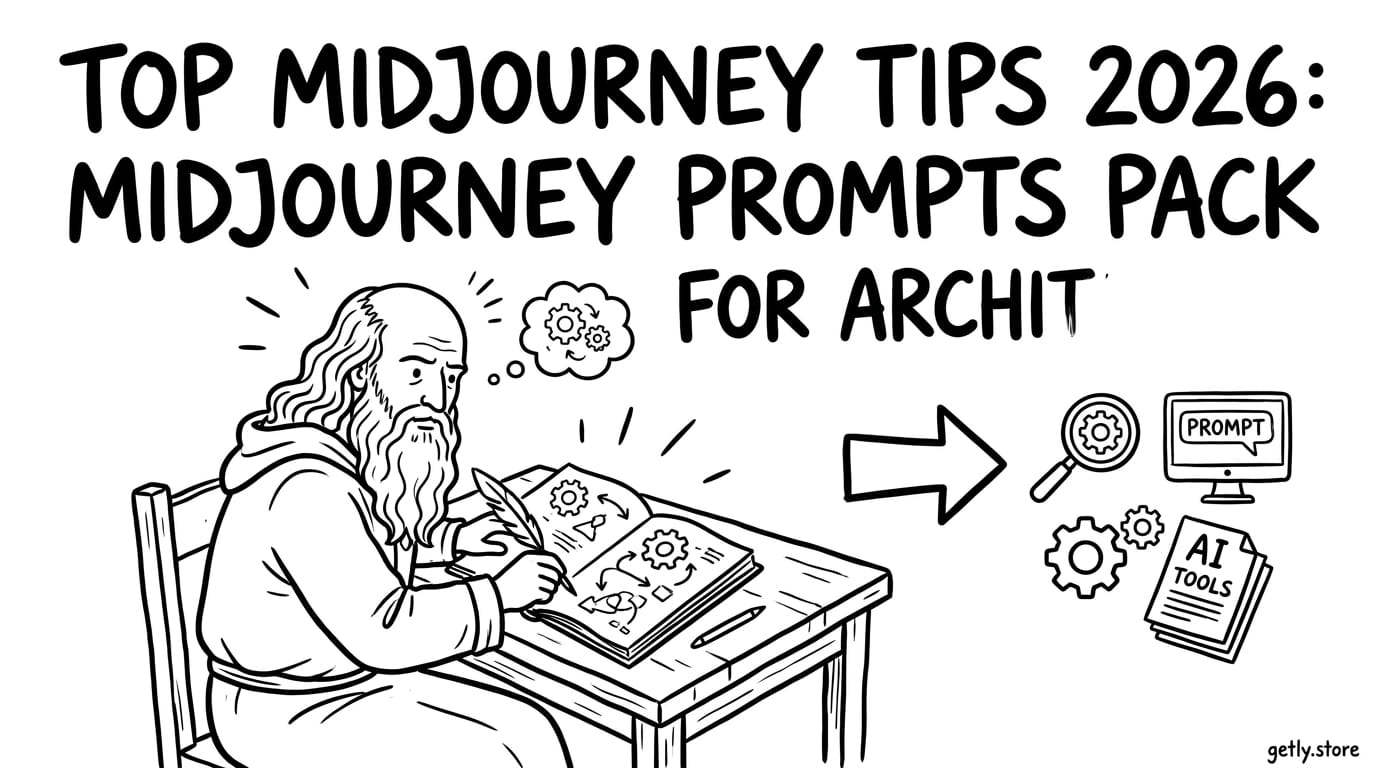
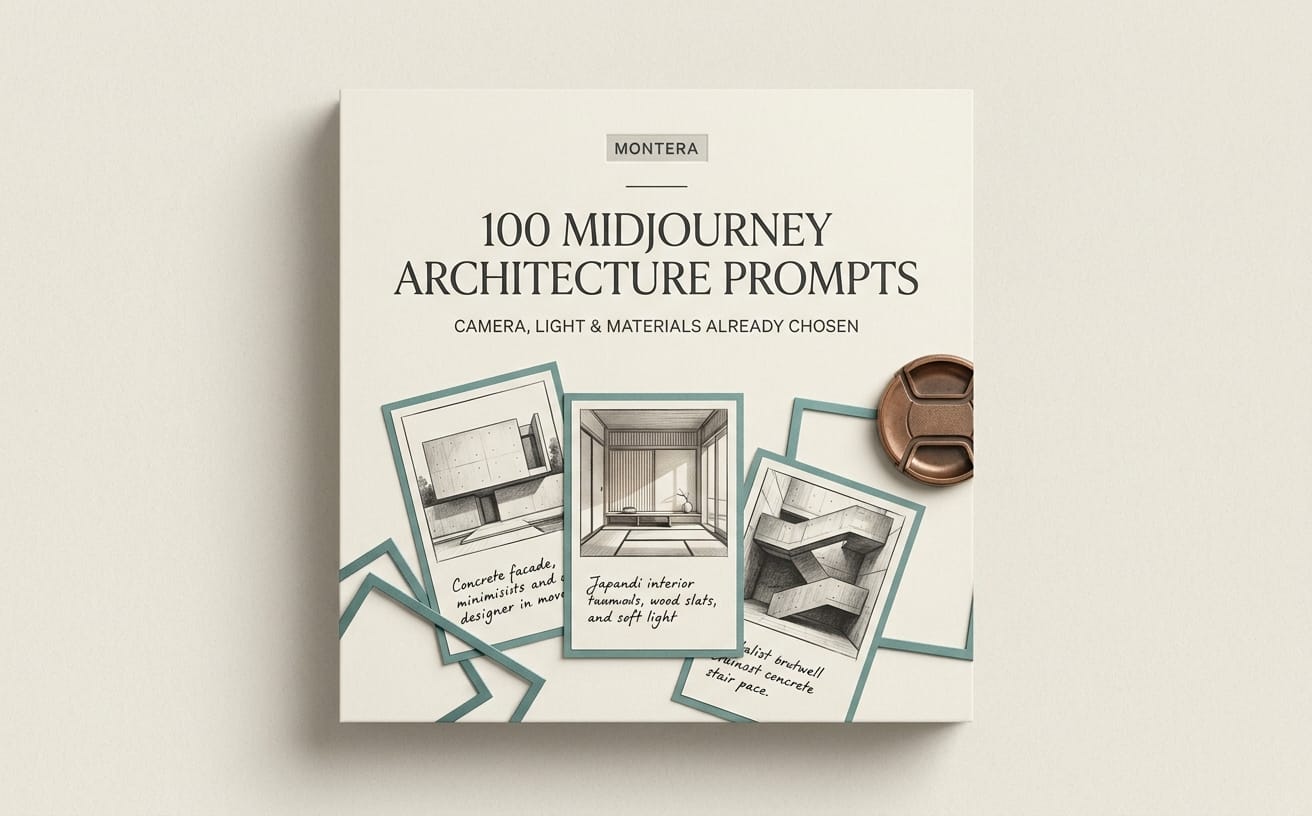
Midjourney в 2026 году стал “быстрее мышления”: вы задаёте идею - и получаете варианты, которые можно доводить до публикации. Но чтобы стабильно получать сильные изображения (особенно в архитектуре, портретах и фэнтези), нужны не только идеи, а точные midjourney tips и готовая структура промптов. В этом руководстве вы соберёте midjourney prompts pack и научитесь превращать AI image prompts в повторяемый результат.
Идея проста: мы покажем, как писать AI art prompts, чтобы Midjourney понимал стиль, композицию, свет, материал и ограничения - и как упаковать это в продаваемые “пакеты” для аудитории, которая хочет AI image prompts без лишних экспериментов.
- Лучшие AI image prompts в Midjourney - это формула: сцена + камера/композиция + свет + материал/стиль + ограничения.
- Для портретов важнее контроль лица и света, чем “мегадетализация”: используйте параметры и аккуратные описания.
- Для архитектуры добавляйте контекст (угол обзора, время суток, материалы) и требуйте геометрическую ясность.
- Для фэнтези выигрывают “мир-правила”: фракции, магические эффекты, дизайн-ограничения и единый визуальный язык.
- Если вы хотите sell AI prompts, упакуйте промпты по сценариям и добавьте инструкции по настройке результата.
Что такое midjourney prompts pack и как он работает в 2026?
midjourney prompts pack - это набор промптов под конкретные задачи (архитектура, портреты, фэнтези), где каждый промпт построен по единой логике: описывает сцену, задаёт стиль и помогает получить результат, который можно масштабировать. В 2026 году ценность таких паков растёт, потому что пользователи хотят не “красивые картинки”, а предсказуемый процесс.
Чтобы AI image prompts приносили стабильность, продюсеры промптов обычно добавляют повторяемые блоки: “герой/объект”, “среда”, “камера”, “освещение”, “материалы”, “стилизация”. В итоге Midjourney не угадывает - он интерпретирует.
Как выглядит хороший пакет промптов
Хороший midjourney prompts pack - это не просто 30 строк текста. Он включает сценарии, варианты и “шаблоны” для персонализации. Например, портретный пакет может содержать 6–10 промптов под разные настроения: студия, уличный свет, закат, драматический контраст.
Практически это означает: вы даёте набор “базовых промптов” и “модификаторов”. Модификаторы - это короткие вставки, которые человек меняет под себя: возраст, цвет одежды, время суток, локацию, формат (квадрат/вертикаль).
Как подбирать промпты под аудиторию “продажа”
Если вы делаете sell AI prompts (и хотите продавать), продумайте путь клиента: он должен быстро понять, что именно получит. Сильный формат - “пакет + инструкция”. Инструкция отвечает на главный вопрос: как получить нужный визуальный результат за 1–3 итерации.
Плюс полезны “карты вариантов”: таблица, какие промпты подходят под какие цели (аватар, обложка, концепт-арт, рекламный мокап). Это повышает конверсию, потому что клиент видит применение, а не абстрактные слова.
Совет: начните с 12 промптов, но доведите их до “повторяемости”. Один удачный пакет с инструкцией продаётся лучше, чем сотня случайных фраз.
Какие midjourney tips дают максимум контроля над стилем?
Главный midjourney tip 2026 - мыслить как дизайнер: стиль вы задаёте структурой, а не “магическими словами”. AI art prompts работают лучше, когда вы явно описываете: композицию, свет, материал, атмосферу и “правила мира”.
Вместо попыток угадать “лучшее слово” используйте принципы: одинаковый “скелет” промпта и вариативные блоки. Так вы экономите итерации и получаете изображения одной серии - это критично для портфолио и продаваемых паков.
Формула AI image prompts, которая стабильно работает
Используйте структуру промпта (шаблон):
- Тема/объект (портрет/здание/персонаж в мире)
- Композиция и камера (ракурс, фокус, расстояние, формат кадра)
- Свет (мягкий студийный, контровой, рассветный, неон)
- Материалы и детали (стекло, бетон, кожа, ткань, металл)
- Стилизация (фотореализм/иллюстрация/концепт-арт/аниме-рендер)
- Ограничения (без лишних объектов, единый стиль серии, без текста)
Эта логика превращает хаос в контролируемую систему. Даже если вы не идеально используете параметры, Midjourney будет “держаться” за ваш скелет.
Как добиваться “серийности” (а не разрозненных картинок)
Серийность = единый визуальный язык. Для неё важны одинаковые: линза/ракурс (на уровне описания), качество света, палитра и степень стилизации. В пакетах для архитектуры это особенно заметно: серия рендеров выглядит профессионально, когда день/ночь и материалы согласованы.
Практика: сделайте 3 “режима” для каждого направления. Например, портреты: “студия”, “кибер-ночь”, “закат”. Каждый режим использует одинаковые описания света и фона, меняется только герой и одежда.
Успешная практика: 15 одинаково структурированных промптов под один стиль дают набор, который легко оформить в галерею/лидинг. Клиент покупает не “картинку”, а “систему для серии”.
Как писать AI art prompts для архитектуры и интерьеров?
Архитектура - это дисциплина про геометрию, свет и материалы, поэтому AI image prompts здесь должны быть максимально конкретными. Лучшие midjourney tips для архитектуры 2026 - это добавление контекста локации, времени суток и требований к перспективе.
Чем чётче вы описываете “как снято”, тем меньше сюрпризов. Вы хотите не просто “красивое здание”, а воспроизводимый концепт: фасад/интерьер, камера, атмосфера и детализация.
Промпт-шаблоны для архитектурных сцен
Используйте один и тот же шаблон и меняйте только переменные: стиль здания, материалы, время суток, назначение.
- Экстерьер: ракурс + широта улицы + время суток + материалы (стекло/камень) + “чистая геометрия”
- Интерьер: высота потолка + тип мебели + режим света (окна/лампы) + фактуры
- Деталь: фрагмент фасада/узла + крупный план + требование “без лишних элементов”
Вставляйте “ограничитель” вроде: “no clutter, minimal objects, correct architectural proportions” (или его русские аналоги). Это помогает получать аккуратные сцены для дизайна, а не случайные композиции.
Портфельные примеры архитектуры (что именно описывать)
Чтобы пакет продавался, делайте промпты под сценарии. Например: “лофт-офис”, “современный дом у воды”, “музейный зал на рассвете”. Клиенту проще купить пакет под задачу, чем абстрактный набор “архитектура в стиле”.
Ниже - готовые формулировки (адаптируйте под свой стиль):
- Экстерьер, дневной свет: современный дом, улица/район, широкоугольная камера, мягкий дневной свет через облака, стекло и светлый камень, чистые линии
- Интерьер, вечер: интерьер гостиной, вид под углом 30–45 градусов, тёплый свет торшеров, отражения на стекле, древесные и текстильные фактуры
- Музей, рассвет: просторный зал, высокий потолок, лучи света через окна, минимализм, архитектурная симметрия
Частая ошибка: пытаться описать архитектуру “в общем” (типа “современно и красиво”). Midjourney лучше реагирует на конкретику: материалы, свет, ракурс и ограничения.
Как создавать AI image prompts для портретов разного типа?
Портреты - это баланс эмоции, света и правдоподобия (или намеренной стилизации). Лучшие midjourney tips для портретов в 2026 - это контроль “лицевых” факторов через описания: взгляд, настроение, освещение, одежду и фон.
Если вы делаете midjourney prompts pack для продажи, сегментируйте портреты: “деловые аватары”, “кино-постеры”, “арт-портреты в аниме-стилистике”, “ретро-фотография”. Тогда покупатель быстрее находит релевантный промпт.
Портретные формулы: студия, улица, фэнтези-герой
Под каждый сценарий держите отдельный “скелет”. Пример:
- Студия: нейтральный фон, мягкий ключевой свет, аккуратные тени, высокая детализация кожи (или “портретная иллюстрация”)
- Улица/город: вечерний контровой свет, отражения в глазах, размытие фона, атмосферная дымка
- Фэнтези: магический свет, декоративные элементы костюма, единый стиль (концепт-арт или иллюстрация)
Важно: не перегружайте промпт десятками прилагательных. Лучше 5–8 точных блоков и одно сильное требование (например, “резкий фокус на лице” или “мягкое боке”).
Как избегать “неузнаваемого лица” и артефактов
Если задача - получить портрет конкретного персонажа или узнаваемые черты, добавьте “уточнения” по композиции и свету: “three-quarter view”, “direct eye contact”, “soft rim light”. Это снижает вероятность того, что Midjourney изменит лицо радикально.
А если вы продаёте sell AI prompts, предложите покупателю 2 режима: “максимальный контроль лица” и “свободная стилизация”. Клиенты ценят выбор, потому что иногда они хотят узнаваемость, а иногда - сюр.
Совет: сделайте для каждого портретного промпта 1 строку “как улучшить результат” (например, “усильте свет со стороны окна” или “сократите фоновые объекты”). Это почти всегда повышает ценность пакета.
Как создавать midjourney prompts pack для фэнтези и миров?
Фэнтези выигрывает, когда вы задаёте “правила мира”: визуальные мотивы, тип магии, архитектуру и костюмы, а не только “волшебный лес”. midjourney tips здесь - в единстве дизайна и повторяемых атрибутах.
Вместо абстрактных “эпично и магически” используйте конкретные элементы: руны, типы доспехов, цветовые схемы, тип света (лунный, огненный, неоновый), атмосферу (туман, пыльца, искры).
Сценарии фэнтези, которые любят покупатели
Сегментируйте пакет не только по “красивости”, а по применению: обложки книг, карточки персонажей, визуальные референсы для игры, концепт-арты. Вот типовые сценарии:
- Персонажи: королевский страж, некромант, лесная ведьма, наёмник
- Локации: разрушенный храм, магический мост, башня над облаками
- События: ритуал, дуэль, прибытие армии, заклинание в полёте
- Детали: оружие с рунами, артефакт, эмблема фракции
Как сделать стиль “единым” в серии фэнтези
Единый стиль = одинаковая палитра и “материальная правдоподобность”. Если вы делаете серию для гейм-дизайна, добавьте ограничения по стилю материалов: “leather + metal + carved stone”, “volumetric fog”, “cinematic lighting”.
А если вы делаете визуал для сторителлинга, добавьте “кинематографическую рамку”: ракурс, динамика, “motion blur” (если нужно) и фокус на ключевом объекте сцены.
Удачный ход: добавьте “код фракции” в каждый промпт (например, один и тот же символ, цвет мантии и форма брони). Это превращает хаотичный результат в визуальную вселенную.
Как упаковать sell AI prompts: от промптов к готовому продукту
sell AI prompts - это не только написание хороших текстов, это упаковка, которая помогает клиенту получить результат. В 2026 покупатели цифровых товаров ожидают: инструкции, примеры и способ быстро адаптировать промпты под свою задачу.
Давайте разложим процесс. Вы хотите, чтобы покупатель купил пакет не “на удачу”, а потому что понимает, что из него получится.
Чеклист упаковки для midjourney prompts pack
Используйте такой порядок:
- Название пакета под конкретный сценарий (“Портреты для аватаров + киношный свет”)
- Содержание: список промптов + что меняется (переменные)
- Инструкция: 5 шагов “как получить результат”
- Скриншоты/примеры доработки (минимум 6–10)
- Таблица “промпт → цель”
- FAQ: как исправлять типичные ошибки и что писать вместо неудачных фраз
Таблица: какие пакеты делают чаще всего “своё дело”
| Направление | Для чего покупают | Что обязательно включить | Типичный формат |
|---|---|---|---|
| Архитектура | рендеры для презентаций/лендингов | дневной/вечерний сценарии, материалы, ракурсы | экстерьер + интерьер |
| Портреты | аватары, обложки, постеры | студия/улица/кино-лайт, фоновые варианты | серии по настроению |
| Фэнтези | книги, игры, концепт-арт | правила мира, фракции, тип магии | персонаж + локация + артефакт |
Важно: если вы делаете пакеты для продажи, избегайте “общих” обещаний вроде “любая картинка”. Пишите, что именно получает клиент: количество промптов, сценарии, примеры и как их адаптировать.
Как повысить ценность пакета за счёт рабочего процесса
Покупатели любят, когда вы не просто даёте промпты, а показываете pipeline. Например, для подготовки материала под дизайн часто нужен контроль ассетов и визуальных референсов. Если вы работаете с 3D-пайплайном, связка с инструментами импорта/экспорта ассетов ускоряет переход от AI-черновика к визуальным комплектам.
В этом контексте логично иметь отдельные “опоры” под ваш продакшн: импорт/экспорт ассетов (как идея), запись демо-процесса (скринкасты) и шейдерный контроль. Это не обязательно напрямую относится к Midjourney, но влияет на то, как вы оформляете ваш продукт и как быстро создаёте примеры для карточек.
Например, вы можете опционально ссылаться на ваш рабочий набор инструментов в описании (без перегруза). Из практичных категорий инструментов (по смыслу) - Studio 3D Import/Export - Complete Asset Pipeline для ускорения сборки сцен и Pro Recorder - Professional Screenshot & Video Capture System для записи “как получилось”.
FAQ: midjourney prompts pack для архитектуры, портретов и фэнтези
Сколько промптов должно быть в midjourney prompts pack?
Оптимальный диапазон для старта в 2026 - 12–25 промптов, если они реально различаются по сценарию и имеют инструкцию. Пакеты на 40–60 обычно покупают, когда есть чёткая структура: режимы, переменные и примеры результата.
Как сделать AI art prompts более “точными”, если результат не совпадает?
Уточняйте 2–3 элемента за раз: свет, ракурс/камера и материалы. Если меняете всё сразу, вы не узнаете, что именно повлияло. Для портретов начните с света и угла лица; для архитектуры - с времени суток и материалов.
Можно ли продавать sell AI prompts без демонстрации “до/после”?
Можно, но продаваемость ниже. Лучше показать хотя бы 6–10 примеров, где видно, как промпт превращается в серию. Добавьте короткие подсказки “что исправить”, чтобы клиент почувствовал управляемость процесса.
Чем AI image prompts отличаются от обычного описания “в стиле…”?
AI image prompts включают структурные элементы: композицию, свет, материал и ограничения. Обычное описание часто слишком общее и оставляет Midjourney свободу менять ключевые характеристики.
Какие направления лучше всего заходят аудитории в 2026?
Самые стабильно покупаемые - архитектурные сцены для визуализации и рекламных материалов, портретные серии для контента и фэнтези для сторителлинга. Причина проста: у этих ниш понятные “сценарии использования”.
- Соберите 3 режима для каждой ниши: архитектура (день/вечер/деталь), портрет (студия/улица/кино), фэнтези (персонаж/локация/артефакт).
- Дайте каждому промпту переменные: герой/материал/свет/фон - чтобы клиент мог адаптировать быстро.
- Добавьте “правила мира” для фэнтези и “требование геометрии” для архитектуры.
- Упакуйте sell AI prompts через инструкцию, примеры и таблицу “промпт → цель”.
Midjourney - это конструктор, а не гадалка. Когда ваши AI image prompts становятся системой (а не набором фраз), вы быстрее получаете нужный стиль и легко расширяете линейку работ - хоть для себя, хоть в формате продукта.
Если хотите, начните с одного мини-набора: 12 промптов по вашему направлению (архитектура, портреты или фэнтези) и доведите их до повторяемого результата - дальше масштабировать будет намного легче.