Getly
Getly
Когда автор говорит «мне нужна обложка, чтобы продавать», он на самом деле говорит про конверсию: чтобы читатель за 2–3 секунды понял жанр, стиль и ценность. В 2026 рынок самопубликаций стал быстрее, а это значит - обложка должна быть не просто красивой, а удобной для разных форматов и платформ.
Ниже разберём, какой ebook cover template лучше выбрать в Canva, Photoshop и Figma, как избежать типичных ошибок и как собрать дизайн-пайплайн, чтобы sell ebooks online с более предсказуемым результатом.
TL;DR: Как выбрать ebook cover template в 2026
Если хотите быстро принять решение: выбирайте инструмент по тому, где вы проводите больше времени - в шаблонах и быстрых правках (Canva), в глубокой ретуши и типографике (Photoshop) или в системном интерфейсе и повторяемости макетов (Figma).
Ниже - краткий план, который сэкономит недели проб и ошибок.
- Лучший шаблон - тот, который легко адаптируется под Amazon, Apple Books, Google Play и соцсети.
- Canva выигрывает скоростью и готовыми стилями; Photoshop - точностью ретуши; Figma - системностью и единым компонентным дизайном.
- Сильная обложка строится на контрасте, читаемости названия и «жанровом сигнале» в первых 200 пикселях.
- Для self-publishing cover делайте версии: лицевую, заднюю, обложку для ридера и квадрат/вертикаль для рекламы.
Что такое ebook cover template и зачем он нужен
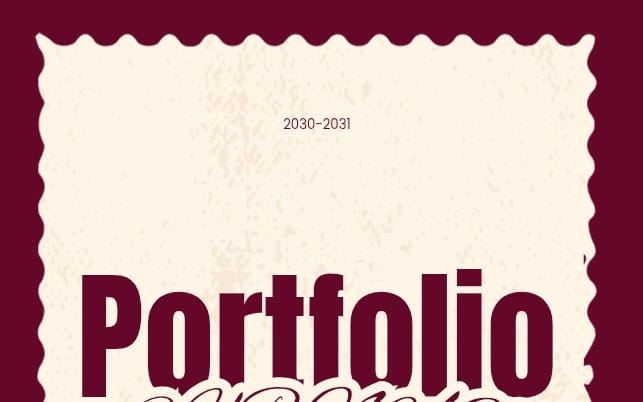
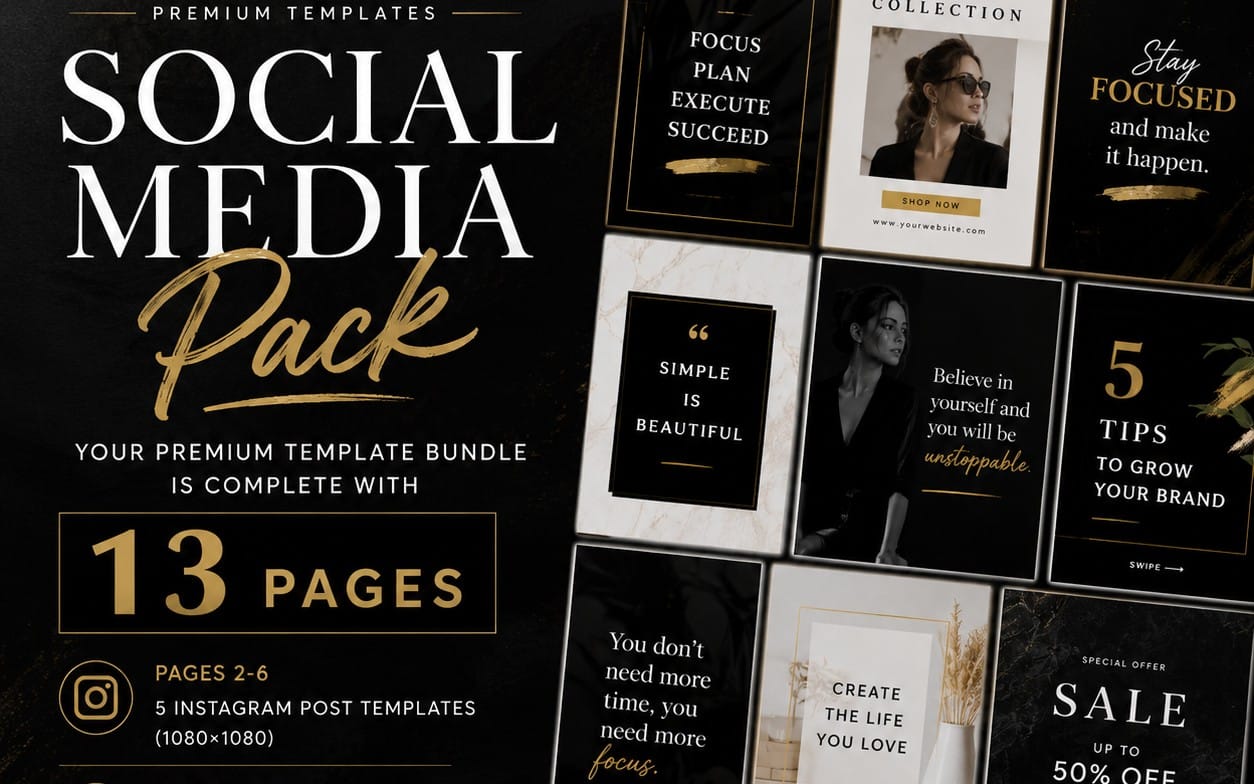
ebook cover template - это готовый макет обложки с настроенной композицией, безопасными зонами, типографикой и слоями, чтобы вы могли быстро менять текст/изображения без поломки верстки.
В самопубликации 2026 важнее всего не «первый вариант», а темп: чем быстрее вы делаете 3–5 итераций и проверяете, тем быстрее находите стиль, который продаёт.
Где шаблон реально экономит время
Профессиональный результат редко рождается в одной сессии. Шаблон позволяет повторно использовать:
- сетку и пропорции (например, правильные поля под разные платформы);
- правила типографики (межстрочный интервал, трекинг, выравнивание);
- слои для света/текста/рамок/бликов - чтобы визуальный стиль оставался единым.
Это особенно важно, когда вы делаете серию книг в одном стиле - читатели узнают вас глазами.
Какие форматы обложки нужно учитывать
Одна и та же картинка «не подходит всем». Вам почти всегда нужны несколько размеров/версий:
- Основная обложка (обложка книги для магазинов).
- Версия под рекламу (квадрат/вертикаль для постов и сторис).
- Версия для чтения (уменьшенная - проверка читаемости на маленьком размере).
- Адаптация под “другое кроп-соотношение” (если обложка строится на лице/объекте, который нельзя срезать).
С шаблоном проще держать единый стиль при всех этих вариациях.
Pro tip: Перед любыми правками экспортируйте мини-версию обложки шириной 300–400 px и смотрите на неё как на превью в магазине. Если название «тонет» или автор выглядит как декоративный элемент - проблема в читаемости, а не в «красоте».
Canva vs Photoshop vs Figma: best choice для ebook cover design
Лучший выбор зависит от того, какой именно результат вы хотите получить: скорость и готовые стили (Canva), максимум контроля над изображениями и типографикой (Photoshop), или дизайн-система и повторяемые компоненты (Figma).
Сравним по практическим критериям, а не по абстрактным «круче/хуже».
Сравнительная таблица: что важнее для self-publishing cover
| Критерий | Canva | Photoshop | Figma |
|---|---|---|---|
| Скорость старта | Высокая (готовые шаблоны) | Средняя (нужна подготовка файлов) | Средняя (нужно настроить фреймы/компоненты) |
| Точность ретуши | Ограниченная | Максимальная | Средняя (чаще для компоновки) |
| Типографика и кернинг | Хорошо, но не «глубоко» | Лучше всего | Очень удобно для контроля и сетки |
| Повторяемость серии книг | Хорошая (стили/элементы) | Зависит от дисциплины слоёв | Отличная (компоненты) |
| Работа с шаблоном как системой | Шаблон ≈ готовый макет | Файл ≈ проект | Система ≈ компоненты + варианты |
| Сложность для новичка | Низкая | Высокая | Средняя |
Если вам нужно быстро запускать книги сериями, Figma часто оказывается самым «инженерным» вариантом. Если вы хотите художественную обложку с глубокой обработкой фото/3D, Photoshop даёт максимум свободы.
Когда Canva - лучший инструмент
Canva - отличный выбор, если вы:
- планируете выпускать книгу за книгой и хотите быстро менять обложку под новую тему;
- делаете обложку без сложной 3D/съёмки, опираетесь на иллюстрации, градиенты, текстуры;
- хотите протестировать 2–3 варианта дизайна за один вечер.
Её сила - готовые структуры, где вы меньше думаете о сетке и больше - о смысле композиции.
Когда Photoshop - лучший инструмент
Photoshop выигрывает, если ваша обложка строится на:
- ретуши лица/объекта, точной цветокоррекции, масках и композиционном свете;
- сложной типографике (например, кастомные эффекты, тени/контуры/обводки на разных слоях);
- интеграции нескольких источников (фото + текстуры + элементы) так, чтобы это выглядело едино.
Это идеальный вариант, когда вы хотите, чтобы обложка выглядела как «продукт издательства», а не как быстро собранный макет.
Когда Figma - лучший инструмент
Figma - выбор тех, кто мыслит системой. Она особенно полезна, если вы делаете:
- серию книг с одинаковым «каркасом» и меняющимся контентом;
- несколько вариантов обложки (A/B) с контролем компонентов;
- единый дизайн-набор для издательского пакета (обложка, оформление внутри, карточки для маркетинга).
Компоненты и авто-пересчёт помогают не «плыть» верстке, когда вы меняете заголовки разной длины.
Успех на практике: Многие авторы, которые выпускают серии, собирают один «мастер» макет в Figma или Photoshop и затем делают десятки вариаций. В 2026 это даёт преимущество: быстрее обновляете дизайн, если тесты показывают слабую читаемость или низкий CTR.
ebook design tips: как сделать обложку читаемой на превью
Самый частый провал обложек - не в стиле, а в читаемости: заголовок не читается в миниатюре, а жанр считывается слишком поздно. В 2026 это критично, потому что решения принимаются быстрее.
Ниже - конкретные правила, которые работают для большинства жанров и платформ.
Правило “первые 200 пикселей”
Сделайте простую проверку: уменьшите обложку до ширины примерно 200–240 px (как превью в витрине) и ответьте:
- Можно ли прочитать название?
- Сразу ли понятно настроение/жанр (романтика, триллер, фантастика, нон-фикшн)?
- Вижу ли я автора или хотя бы узнаю бренд серии?
Если хотя бы на один пункт ответ «нет», исправляйте композицию и контраст, а не «детали ради деталей».
Контраст, контур и “воздух” вокруг текста
Эффект №1 для обложки - это контраст между фоном и типографикой. Не бойтесь:
- контуров/обводок текста;
- подложек (полупрозрачные плашки);
- локального затемнения фона за названием;
- большого «воздуха» вокруг ключевых блоков (название - главный элемент).
Помните: если вы делаете обложку «в стиле премиум», это не означает минимализм любой ценой. Часто премиальность - это ясность.
Иерархия: название > подзаголовок > автор
Ориентир для self-publishing cover: заголовок должен доминировать, автор - поддерживать, подзаголовок - объяснять. Типографическая иерархия помогает алгоритмам и людям.
Практически: используйте 2–3 шрифта максимум и держите устойчивую логику веса (Bold для названия, Regular/Medium для остального).
Частая ошибка: пытаться уместить слишком много текста на обложке. В магазине вы увидите только крупные элементы; остальное станет «шумом». Оставьте один смысловой крючок (например, обещание на 3–6 слов) и не перегружайте.
Как собрать book cover design из шаблона: пошаговый процесс
Чтобы шаблон действительно превращался в продающую обложку, нужен процесс. Ниже - пошаговая схема, которую удобно повторять для каждой книги, даже если вы меняете жанр.
Цель - пройти путь от “идея” до “готово к публикации” без хаоса в слоях и экспортов.
Шаг 1: бриф на 10 минут (до запуска дизайна)
Перед тем как открывать редактор, ответьте коротко:
- Жанр и поджанр (и 2–3 примера, где вам нравится обложка).
- Кто герой/событие (одной фразой).
- Тон: мрачно/светло/иронично/интеллектуально.
- Обещание читателю: что он получает после прочтения?
- Название и длина (короткое/среднее/длинное).
Этот мини-бриф помогает выбрать правильный шаблон вместо «рандомных макетов».
Шаг 2: выбираем каркас и безопасные зоны
Возьмите готовый ebook cover template и проверьте:
- Где расположена зона названия при разных кропах.
- Не перекрывается ли авторский блок при масштабировании.
- Сохраняется ли баланс на вертикальных превью.
Если ваш редактор позволяет - включите сетки и направляющие. Если нет - создайте их сами и закрепите слои с текстом.
Шаг 3: финальная доводка под “маленький размер”
Сделайте финальную итерацию так, как её видят в магазинах:
- уменьшите до превью;
- проверьте читаемость названия в 1–2 строках;
- посмотрите на контраст и цветовую слепоту (сильно ли «съедает» краснота/зелень);
- уберите элементы, которые не считываются сразу.
После этого остаётся лишь экспорт в нужном качестве и формате для публикации.
Pro tip: Делайте 3 версии названия: одна для самой крупной читабельности, вторая - для баланса, третья - для длинных заголовков. В 2026 это ускоряет A/B-эксперименты без переразметки всего макета.
Как выбрать визуальный стиль: от жанра к палитре и шрифту
Лучший book cover design - тот, где стиль напрямую отражает жанр и ожидания аудитории. В 2026 читатель не «рассматривает», он сравнивает: вашу обложку с десятками похожих.
Поэтому решение про шрифт и цвет - не вкусовщина, а часть маркетинга книги.
Подход “жанровый сигнал”
Думайте как редактор полки: что вы хотите, чтобы человек узнал за секунду?
- Романтика: мягкий свет, округлые формы, пастельные градиенты.
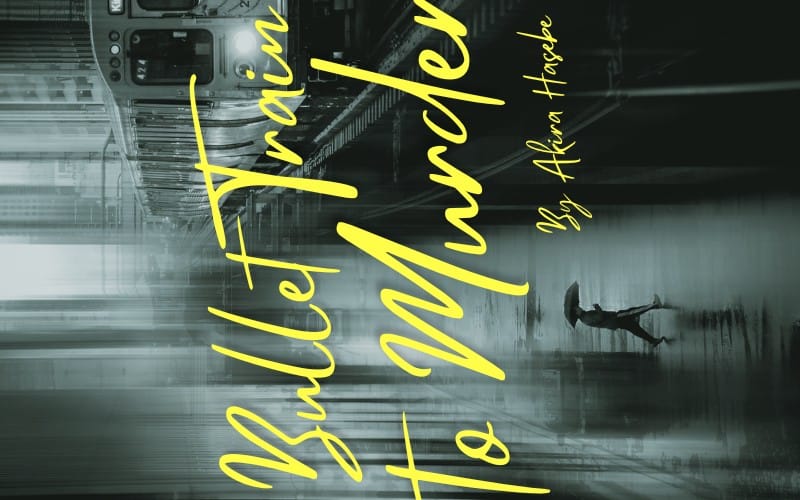
- Триллер/детектив: контраст, холодные оттенки, геометрия/тени, напряжение в композиции.
- Фэнтези/мистика: текстуры, орнаменты, светящиеся элементы, глубина кадра.
- Нон-фикшн/бизнес: чистая типографика, аккуратные композиции, визуальные метафоры пользы.
- Self-help/привычки: акцент на обещании, “доброжелательный” контраст и ясная иерархия.
Если вы сомневаетесь - берите 2 референса из топ-сегмента жанра и анализируйте: где у них стоит название и как используется фон.
Палитра: ограничьте себя до 3–4 цветов
Палитра должна поддерживать читаемость. Практическое правило: один основной фон, один акцент для названия, один цвет для деталей и нейтральный (белый/чёрный) для текста.
Старайтесь, чтобы название контрастировало с фоном, а не «сливалось» с текстурами.
Шрифты: как не сделать обложку “шаблонной”
В 2026 шаблонность ловится не по тому, что дизайн сделан в шаблоне, а по тому, что шрифт и эффекты одинаково «кричат». Чтобы выделиться:
- Выберите один фирменный шрифт под настроение.
- Ограничьте эффекты (тень, обводка, градиент) одним смысловым использованием.
- Соблюдайте интервалы: даже красивый шрифт “падает”, если кернинг и высота строки хаотичны.
Если вы видите, что шрифт «конфликтует» с фоном - решайте не заменой стиля, а усилением контрастной подложки.
Успех: Авторы, которые фиксируют «шаблон каркаса» (сетку, позиции названия и автора) и меняют только контент, обычно быстрее находят стабильный визуальный стиль серии. Это особенно заметно в self-publishing: читатели узнают вас по структуре.
Как подготовить обложку к продаже: экспорт, версии и тесты
Чтобы sell ebooks online шло без лишних проблем, обложка должна быть подготовлена к публикации: правильные размеры, качество, и минимум сюрпризов после загрузки.
Ниже - практичный чеклист, который подходит для большинства платформ и рекламных размещений.
Экспорт: качество важнее «вау-эффекта»
Сделайте экспорт так, чтобы обложка не теряла текст при масштабировании:
- Используйте PNG для проверок читаемости.
- Для финальной загрузки - ориентируйтесь на требования платформы (обычно PNG/JPG, высокий DPI/качество).
- Проверьте, что текст не “плавает”: шрифты должны быть корректно встроены/рендерены в вашем формате экспорта.
Если вы работаете в Figma, следите за тем, как экспортируются шрифты и эффекты.
Делайте 4 версии: магазин + реклама + соцсети + превью
Минимальный набор версий для маркетинга 2026:
- Полная обложка для загрузки в магазин.
- Квадрат для постов/объявлений.
- Вертикаль для сторис/коротких видео-баннеров.
- Уменьшенная превью-версия для проверки читабельности.
Если вы делаете A/B тесты, храните нейминг файлов по шаблону (например, Title_A_2026-04).
Тесты перед запуском: что измерять
Даже без сложной аналитики вы можете оценить вероятность клика:
- Покажите 10 людям превью и попросите назвать жанр за 2 секунды.
- Смотрите, какая версия быстрее вызывает «понимание».
- Проверьте, что название читается без увеличения.
В итоге вы оптимизируете не “вкус”, а реакцию аудитории.
Важно: не пытайтесь компенсировать слабую читаемость перегрузкой эффектами. Если название тонкое или мелкое, никакая текстура не спасёт - лучше усиливайте контраст и иерархию.
Дополнение: как ускорить создание обложек с ассетами и 3D
Если вы часто делаете обложки с персонажами, фонами или стилизацией, ассеты могут сильно сократить время. В 2026 лучший подход - собрать “конструктор”: фон + свет + персонаж/объект + типографика.
Это не отменяет дизайнерскую работу, но уменьшает рутинную часть и помогает держать темп релизов.
Когда ассеты дают максимум эффекта
Ассеты особенно полезны, если вы:
- делаете серию из нескольких книг в одном мире;
- хотите единый визуальный стиль персонажей;
- используете 3D или иллюстрации как основу фона.
Например, наличие шейдеров и пайплайна экспорта ускоряет подготовку фона под обложку, а вы тратите больше времени на типографику и композицию.
Конкретные примеры “что подготовить” для обложки
Вот практический список того, что стоит подготовить заранее в своём рабочем процессе:
- Набор материалов/рендер-пассов для повторяемого стиля фона (свет, туман, glow).
- Экспортируемые слои: фон отдельно, персонаж отдельно, эффекты отдельно.
- Текстуры (бумажные шумы, гранж, градиентные карты) для унификации визуала.
- Шаблон типографики (название/автор/подзаголовок с безопасными зонами).
Если вы используете 3D-ассеты, технологическая часть может быть заметно быстрее благодаря готовым системам. Например, шейдеры и пайплайн для визуальных эффектов упрощают повторяемость стиля. В каталоге цифровых товаров есть решения в этом направлении, например AnimeForge Pro - Ultimate Anime & Toon Shader System, которые помогают ускорять стилизацию под “аниме/тоон” визуал.
А если вам нужны интерактивные фоны/материалы и вы работаете с ассетами между движками, полезным может стать конвертация материалов, например Unreal to Unity Material Converter.
Такая подготовка делает вашу обложку более цельной - потому что вы контролируете свет и текстуры, а типографика уже “садится” поверх.
- Ассеты ускоряют работу, но дизайн-ядро всё равно - читаемость, иерархия и жанровый сигнал.
- Лучший шаблон - каркас, который сохраняет пропорции и безопасные зоны при разных длинах текста.
- В 2026 выигрывают авторы, которые делают несколько версий и тестируют их на превью.
FAQ: ebook cover template, Canva, Photoshop, Figma
Какой ebook cover template лучше: Canva, Photoshop или Figma?
Лучший выбор - тот, который ускоряет ваш повторяемый процесс. Canva - для быстрых итераций и готовых стилей, Photoshop - для глубокой ретуши и контроля над изображениями, Figma - для системного подхода к серии и компонентам.
Что важнее всего в book cover design для продажи?
Читаемость названия и жанровый сигнал. Люди решают за секунды: если заголовок не читается на превью или настроение не считывается сразу, продажи будут слабее даже при «красивом» дизайне.
Сколько версий обложки нужно делать перед релизом?
Минимум - 3: основная для магазина и 2 адаптации для рекламы (квадрат/вертикаль). Если планируете A/B тест, готовьте 4–5 вариантов, но меняйте только один-два ключевых параметра (например, контраст или расположение названия).
Как проверить ebook design tips на практике без сложных инструментов?
Проведите быстрый тест “2 секунды”: показывайте обложку в миниатюре и просите назвать жанр и что это за книга по обещанию. Пара таких сессий с друзьями часто выявляет ошибки читаемости.
Нужно ли использовать 3D или можно обойтись плоским дизайном?
Можно обойтись полностью плоским дизайном - главное, чтобы визуал был цельным и хорошо работал на превью. 3D полезен, когда он даёт уникальный свет/объём и вы можете повторять стиль в серии.
В 2026 обложка - это не разовая “картинка”, а часть конвейера продаж: быстрые итерации, тесты на превью и аккуратная типографика. Если хотите, начните с одного каркаса-шаблона и соберите 2 версии за вечер - так вы быстрее поймёте свой стиль и точнее выйдете на self-publishing cover, который кликают.
Мягкий шаг дальше: попробуйте взять один подходящий шаблон (в вашем инструменте) и сделать мини-проект “обложка + превью для магазина + квадрат для рекламы”, чтобы увидеть результат уже на следующем релизе.